

Key Takeaways
Why Coupon Stacking Goes Wrong More Often Than It Should
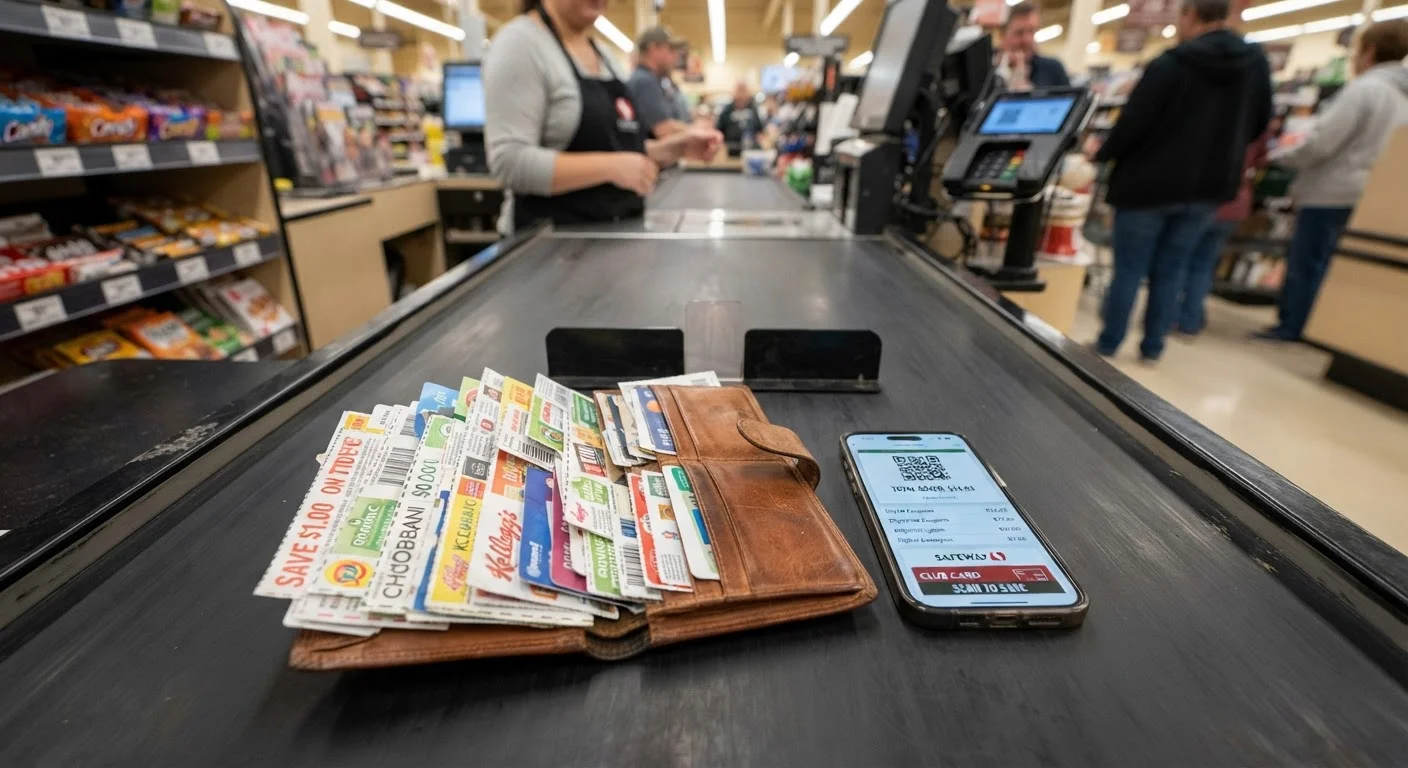
Coupon stacking - layering a store coupon, a manufacturer coupon, a digital offer, and a cashback portal on the same item - is one of the highest-leverage moves in a deal-hunter's toolkit. When it works, you can slash a product's price by 50% or more without waiting for a sale. When it fails, you're holding up the checkout line, arguing with a cashier over fine print you didn't read closely enough.
The gap between those two outcomes is almost always information, not luck. Most stacking failures are predictable and preventable. They stem from a handful of recurring mistakes that intermediate shoppers make once they graduate from basic clipping but haven't yet internalized the system's rules.
This article is about those specific mistakes - what they are, why they happen, and exactly what to do differently. If you want the foundational mechanics first, start with how coupon stacking actually works before diving in here. If you're ready to audit your current approach, keep reading.
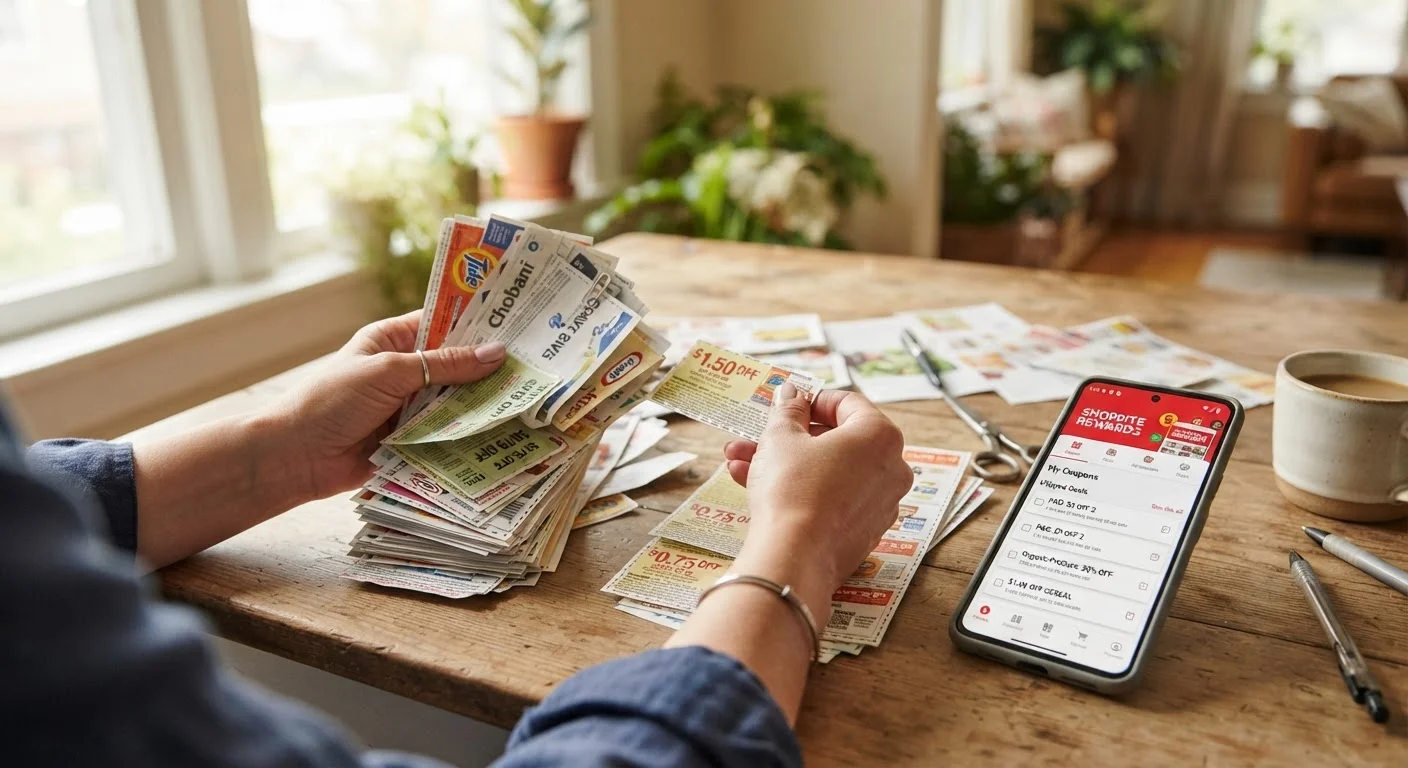
The mistakes below aren't ranked by severity - they're ordered by how early in the stacking process they occur. Working through them in sequence gives you the cleanest mental model for building a stack that survives contact with the register.
The Most Costly Coupon Stacking Mistakes
These eight mistakes are responsible for the vast majority of failed stacks, rejected coupons, and missed savings. Each one has a specific fix you can implement before your next trip.
Assuming all coupons in a stack apply to the same item without cross-checking each one against the specific product variant, size, or SKU.
Why it happens: Shoppers match by brand name and general product category rather than reading the full product description on each coupon. A coupon for "Tide detergent" may explicitly exclude the Tide PODS format you planned to buy.
Confusing "one coupon per transaction" with "one coupon per purchase," leading to either wasted savings or an unexpected rejection.
Why it happens: The language sounds interchangeable but it isn't. "Per transaction" means one coupon across the entire checkout, while "per purchase" typically means one coupon per qualifying item - allowing multiples if you're buying several of the same product.
Stacking a digital store coupon with a paper manufacturer coupon on an item that's already on sale, without checking whether the store coupon excludes sale-priced items.
Why it happens: Shoppers prioritize finding the sale first, then look for coupons to add on top - without checking whether those coupons explicitly exclude sale items. This sequence feels logical but skips the exclusion verification step.
Activating a cashback offer after completing the purchase, assuming it can be applied retroactively.
Why it happens: Shoppers discover a cashback portal offer partway through a shopping session and assume retroactive application works like a price adjustment. Most portals don't work this way - the tracking cookie must be set before the purchase is initiated.
Applying a promo code that voids existing cart discounts, resulting in a lower total savings than before the code was entered.
Why it happens: Many retailer systems treat a promo code entry as a cart reset trigger, replacing existing automatic discounts rather than adding to them. Shoppers enter codes without reading whether they're stackable with current promotions.
Using an expired coupon and not discovering the error until it's scanned at the register, stalling checkout.
Why it happens: Shoppers clip coupons during a planning session and use them days or weeks later without rechecking expiration dates. Paper coupons in a binder are especially vulnerable - they're easy to forget about until they're already expired.
Splitting a transaction incorrectly, triggering a "one per transaction" limit violation rather than bypassing it.
Why it happens: Transaction splitting is a legitimate tactic but requires the cashier to process each split as a completely separate checkout with a new transaction number. Some shoppers assume splitting the items into two bags is sufficient, while the register still treats it as one transaction.
Ignoring the loyalty account requirement for digital coupons to apply, resulting in clipped offers that never deduct at checkout.
Why it happens: Many shoppers clip digital coupons through a retailer's website while logged out, or don't realize their app account is different from their in-store loyalty card number. The coupon is technically clipped but isn't linked to any scannable account.
Running through this list before every major purchase takes about two minutes. That habit alone will eliminate the majority of register surprises. For a structured pre-checkout process, the coupon stacking audit checklist walks you through every verification step in sequence.
Reading Exclusions Before You Build Your Stack
Exclusion clauses deserve their own section because they're the single most common point of failure - and they're almost always avoidable with five minutes of upfront reading.
Manufacturer coupons typically exclude sale items, trial sizes, multipacks, and certain product variants (unscented versions, "free from" formulations, store-brand equivalents). Store digital coupons often exclude the same items but express those exclusions differently. When you layer both without checking, you're betting that neither set of exclusions applies. That's a losing bet more often than not.

The practical fix is to read the exclusion language on every coupon in your stack before you finalize the item selection - not after you're in the store. Here's what to look for:
- "Excludes trial/travel sizes" - if the item is under a certain ounce count, it's out
- "Not valid on sale items" - check whether the item is already discounted on the store's app before clipping
- "One coupon per transaction" vs. "one coupon per purchase" - these mean very different things, and the distinction determines whether splitting transactions is viable
- "Valid on select varieties" - this almost always excludes the flavor, scent, or size you planned to buy
When in doubt, screenshot the exclusion language and keep it accessible during checkout. If a coupon is rejected, you'll want to reference exact wording rather than memory.
The broader picture on which coupon combinations are actually allowed - and which ones look legal but aren't - is covered in detail in how store, manufacturer, and digital coupons legally combine.
"One Per Transaction" Language Is Not Uniform
Different retailers and manufacturers define "transaction" differently in their coupon terms. At some chains, a transaction ends when the receipt prints; at others, it ends when the loyalty account session closes. Never assume your working definition matches the store's system definition. When in doubt, ask a customer service manager - not the front-line cashier - before you reach the register.
Sale-Item Exclusions Can Void Your Entire Stack
A store digital coupon that excludes sale items won't just fail on its own - at some retailers, presenting an ineligible coupon on a sale item flags the entire transaction for review. This can cause all coupons in the transaction to be voided pending supervisor approval. Always verify sale-item exclusions before you're in line.
Cashback Portals Don't Always Track Automatically
Even when you navigate through a cashback portal correctly, tracking failures happen - particularly if you use ad blockers, switch tabs mid-session, or your browser clears cookies before checkout completes. Always screenshot or save confirmation of your cashback activation, and follow up through the portal's claims process within 24 hours if the transaction doesn't appear in your account.
Digital Coupons and Cashback Apps: Where Timing Breaks the Stack
The shift to digital coupons has added an entirely new category of timing mistakes that didn't exist when everything was paper. Digital offers on store apps must typically be clipped before scanning items at the register - not after. Cashback portals require that you activate the offer and navigate to the retailer through the portal in the same session. Miss either step and the savings don't apply, regardless of what you intended.
31%
Digital coupons not activated before purchase
A 2023 consumer survey by Inmar Intelligence found that nearly a third of digital coupon failures occur because shoppers don't activate offers prior to shopping.
$1,700+
Average annual savings for consistent coupon stackers
RetailMeNot's consumer savings report estimates that shoppers who regularly layer multiple discount types save over $1,700 annually compared to those using single coupons alone.
47%
Stacking failures caused by exclusion clause violations
According to coupon processing data from Valassis, nearly half of all rejected stacked coupons cite an unread or misapplied exclusion clause as the root cause.
3.2x
More savings with layered vs. single coupons
Shoppers who combine a store offer, manufacturer coupon, and cashback activation on a single item save an average of 3.2 times more than those redeeming just one discount type, per GroceryTV's 2024 savings study.
The activation sequencing for a well-built digital stack looks like this:
- Open your cashback portal (Rakuten, TopCashBack, etc.) and verify the offer is active for the retailer
- Navigate to the retailer's site or app directly through the portal link
- Clip all store digital coupons inside the retailer's app before adding items to your cart
- Apply any promo codes or site-specific discount codes at checkout
- Confirm cashback tracked before closing the session
For online purchases, the full layering sequence - including which portal and code combinations are compatible - is covered in how to stack promo codes, coupons, and cashback on the same order.
In-store digital stacking has its own sequencing requirements. Loyalty card linking, app-clipped offers, and paper coupons must all apply to the same loyalty account to stack correctly at most grocery chains. If your paper manufacturer coupon and your digital store coupon are linked to different accounts - or one isn't linked at all - the system typically rejects one of them automatically.
Digital Coupons Must Be Clipped Before Scanning Begins
At most major grocery chains, digital coupons that are clipped after the cashier begins scanning your order will not apply to items already rung up - even if those items are still in the transaction. The system applies digital offers at the moment each eligible item is scanned, not at the end of the transaction. If you realize mid-checkout that you forgot to clip an offer, ask the cashier to pause and void the last item, then clip the coupon and re-scan.
Account Bans from Coupon Misuse Are Permanent at Most Retailers
Retailers and manufacturers who detect systematic coupon misuse - including duplicate account usage or barcode sharing - typically issue permanent bans without warning. These bans apply to your loyalty account, email address, payment method, and sometimes your home address. Losing access to a loyalty account also means losing accrued points, cashback balances, and digital coupon history. The financial risk of misuse far exceeds any short-term savings.
The fastest way to verify your digital stack before checkout: open the retailer app, navigate to your clipped offers, and confirm each one shows as "ready to use" against the specific items in your cart. Don't assume clipping earlier in the week means the offer is still valid - many digital coupons have weekly resets or per-account redemption caps.
For a deeper breakdown of which app combinations consistently pay off without triggering conflicts, stacking digital coupons across multiple savings tools is the right next read.
Fraud Flags and Account Bans: The Consequence Nobody Talks About
Aggressive stacking - particularly using multiple accounts, reselling purchased goods, or repeatedly combining offers in ways that exceed a retailer's tolerance threshold - can trigger automated fraud detection. This is increasingly common at both online retailers and grocery chains that have invested in coupon analytics.
The consequences range from having specific coupons voided at the register to having your loyalty account suspended permanently. In some cases, manufacturers have pursued legal action against extreme misuse of their coupons. Most intermediate shoppers won't hit these walls unless they're operating at a scale or pattern that looks algorithmic.
The behaviors that typically trigger flags include:
- Using multiple email addresses or loyalty accounts to claim the same offer repeatedly
- Purchasing quantities that significantly exceed normal household consumption
- Consistently achieving near-100% discounts through stacking across many transactions
- Sharing coupon barcodes digitally for others to redeem at different locations
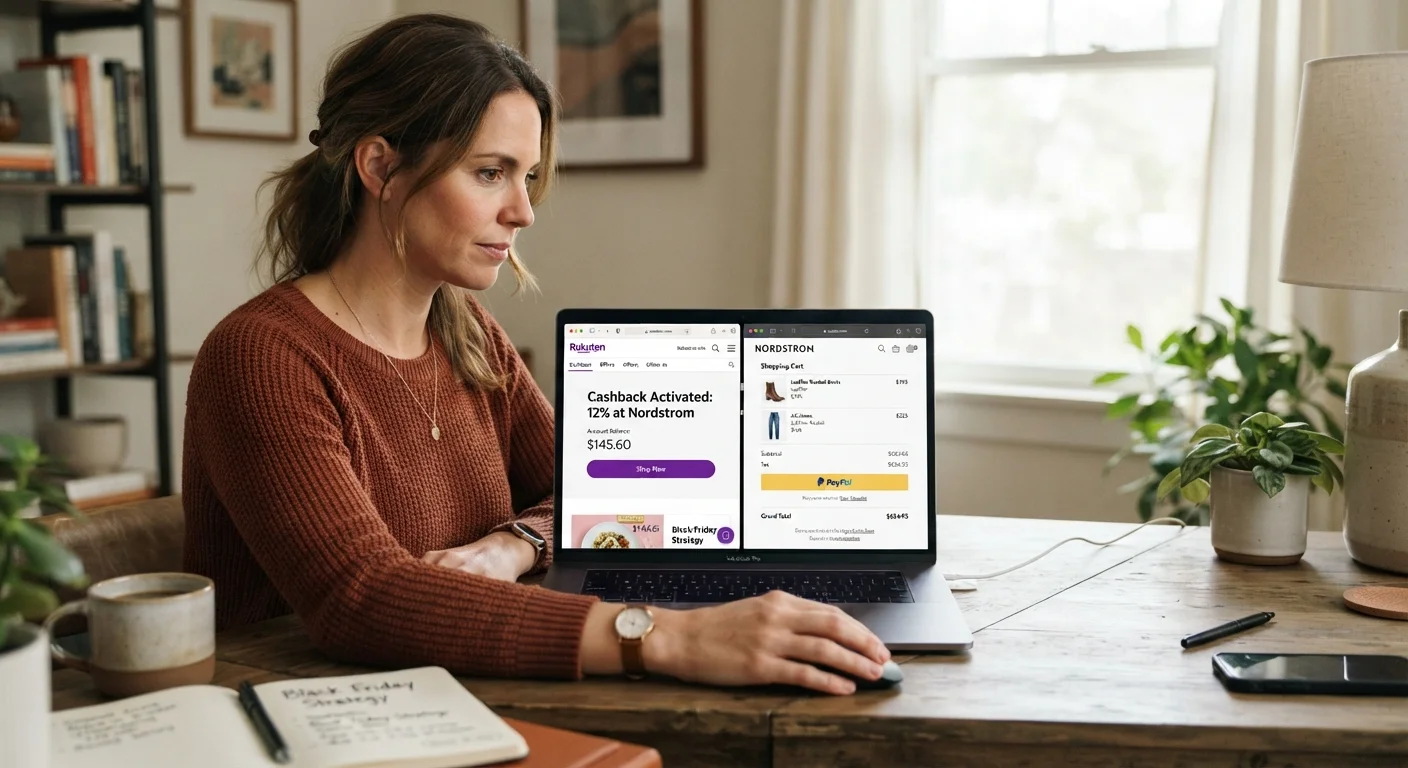
The practical distinction here is between aggressive-but-legitimate stacking and policy exploitation. Legitimate stacking works entirely within stated terms - one manufacturer coupon, one store coupon, one digital offer, one cashback activation, all applied to a single qualifying purchase. That combination is designed to work. Retailers publish these offers knowing some shoppers will layer them.
If you're seeing consistent friction at the register or getting flagged online, why your coupon stack keeps getting rejected breaks down the difference between cashier error, policy gaps, and actual violations - and what to do in each case.
Building a Stack That Survives the Register Every Time
The shoppers who stack successfully and consistently aren't lucky - they're systematic. They build stacks before entering the store (or before opening a browser tab), verify each component against the item they plan to buy, and confirm sequencing before any money changes hands.
The core discipline is this: treat each layer of your stack as a contract with specific conditions, not a discount you're owed. A manufacturer coupon is a contract with the brand. A store coupon is a contract with the retailer. A cashback offer is a contract with the portal. When all three contracts are honored simultaneously, the savings compound. When one condition isn't met, that contract voids - and it usually takes the others with it.
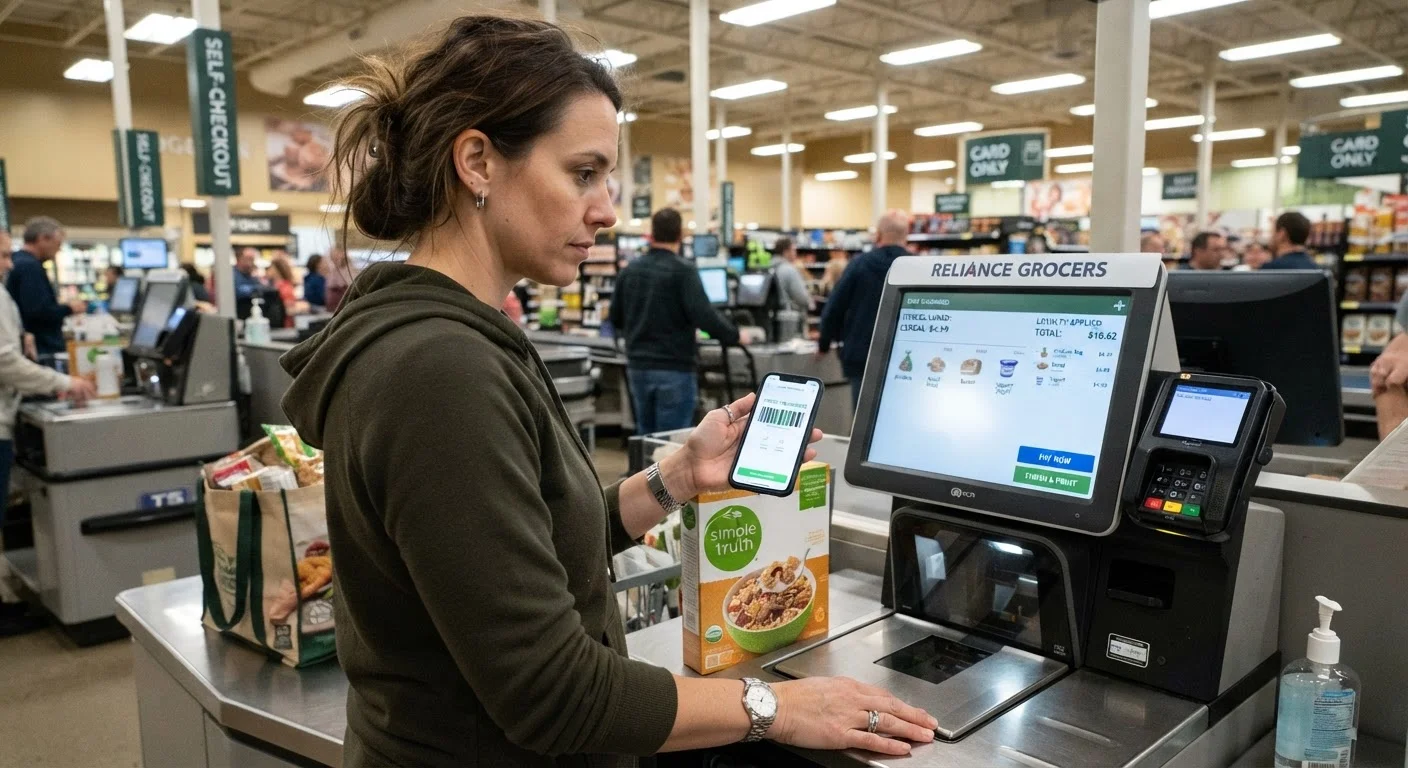
Three habits separate the shoppers who rarely get burned from those who frequently do:
- Pre-build your stack offline
- List every coupon you plan to use, the item it applies to, and the specific exclusions you've verified don't apply. This takes five minutes and eliminates most register surprises.
- Watch the register screen item by item
- Don't wait for the total. Watch each item ring up and confirm each discount applies before the cashier moves to the next item. Errors caught mid-transaction are trivial to fix. Errors caught after payment are a much longer conversation.
- Know the store's coupon policy by name
- Most major retailers publish their coupon stacking policies online. Download or bookmark the PDF for stores you shop regularly. When a cashier is uncertain, you can reference the policy document directly - calmly, not combatively.
The couponing basics hub is a useful reference point if you want to revisit foundational techniques alongside these more advanced tactics. And if you're building toward a consistent weekly system, the stacking coupons strategy hub covers the full range of combination approaches.
One final note: coupon stacking is a skill with a real ceiling on its returns. Once you've eliminated the mistakes above, the next lever is timing - and that's a different optimization entirely. Buying at the wrong time of year can cost more than bad couponing ever will is worth reading once your stacking system is dialed in.