


Key Takeaways
The Real Reason Stacks Fail (It's Not Always Fraud Detection)
Most coupon rejections at the register aren't triggered by anything shady. They happen because coupon stacking sits at the intersection of three different rule systems - store policy, manufacturer terms, and digital platform conditions - and most shoppers (and cashiers) only understand one of them well. When those systems conflict or when any single element is misapplied, the whole stack falls apart.
If you're new to layering discounts, the fundamentals of coupon stacking are worth reviewing first. But if you've already got the basics and your stacks keep dying at checkout, the problem is almost certainly one of the specific mistakes below - not bad luck.
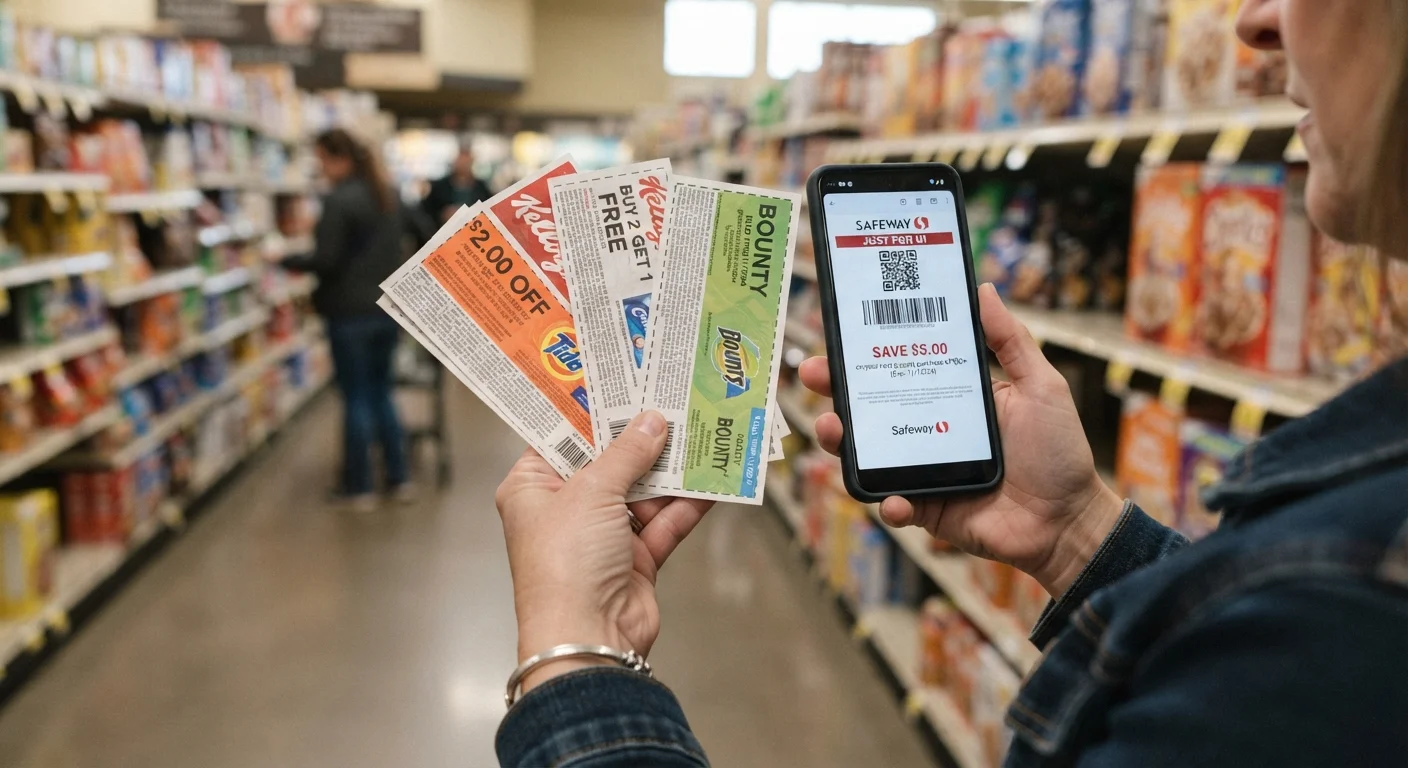
The fix in most cases is procedural: build your stack correctly before you get to the register, carry documentation, and understand exactly where each coupon's authority ends. What follows is a breakdown of the most common structural errors, why they happen, and what to do about each one.
Common Stacking Mistakes That Kill Your Discount
These aren't fringe edge cases. These are the errors that show up repeatedly across coupon communities, customer service forums, and firsthand checkout experiences. Work through each one and check your own habits honestly.
Using two manufacturer coupons on the same item.
Why it happens: Shoppers find two different manufacturer coupons for the same product - one from a mailer, one from an app - and assume they can combine them since they came from different sources.
Applying a coupon to an excluded product SKU or sale item.
Why it happens: Exclusion language is buried in small print and often uses vague phrasing like "excludes trial sizes" or "not valid on promotional pricing" - easy to miss when you're scanning a coupon quickly.
Assuming a digital store coupon and a paper store coupon can be combined on the same item.
Why it happens: Both are store coupons, and shoppers logically assume that since they're from the same retailer, stacking them should be fine. Most store policies, however, treat these as the same coupon category and allow only one per item.
Using a coupon on a product the barcode doesn't match.
Why it happens: Many coupons are written for a product line (e.g., "any Tide product") but carry a specific UPC that only matches certain sizes or varieties. Shoppers pick a product that seems to qualify based on the brand name but miss the size or variety restriction.
Clipping a digital coupon but not confirming it's linked to your loyalty account.
Why it happens: Most store apps show coupon offers in a browsable gallery. Shoppers see the offer, assume viewing it is enough, and don't complete the clip or link step required to actually activate it.
Building a stack that technically works on paper but triggers the store's fraud-detection threshold.
Why it happens: Large stacks - especially those that reduce the final price to near zero - can trigger automated fraud flags even when every individual coupon is legitimate. Shoppers aren't aware that a pattern of high-discount transactions can flag their loyalty account.
53%
Coupon rejections caused by cashier error
A Coupon Information Corporation study found that over half of coupon rejections at retail involve some degree of cashier misapplication rather than policy violation by the shopper.
40%+
Average weekly grocery savings with stacking
Experienced coupon stackers who combine store, manufacturer, and digital offers consistently report grocery savings of 40% or more per trip, according to coupon community tracking data.
1 in 3
Shoppers who read full coupon exclusions
RetailMeNot consumer research indicated that fewer than one in three coupon users read the full terms and exclusions before attempting to redeem an offer.
$2.9B
Value of coupons misredeemed annually in the US
The Coupon Information Corporation estimates approximately $2.9 billion in coupons are misredeemed each year - a figure that drives increasingly strict POS validation systems.
Fixing these mistakes doesn't require luck or a particularly accommodating cashier. It requires building the right stack before you arrive. The pre-checkout coupon audit is one of the most practical ways to systematize this - run through it before every significant purchase and you'll catch most of these errors at home instead of at the register.
How Store Policy Documents Change the Conversation
The single biggest leverage point in a register dispute is the store's own written coupon policy. Most major retailers - Walmart, Target, Kroger, CVS, Walgreens - publish their coupon acceptance policies online, and those documents spell out exactly which combinations are permitted. A cashier saying "we don't do that" is not the same as policy saying it.
Store Policy Printouts Carry Real Weight
Cashiers are often trained on internal summaries of coupon policy rather than the full published document. That summary can be outdated or simply wrong. Always reference the store's publicly available coupon policy - not the cashier's verbal interpretation - when disputing a rejection. A polite, policy-backed request for a manager resolves most legitimate disputes within minutes.
Expired Coupons Can Get Your Account Flagged
Attempting to redeem expired coupons - even accidentally - can flag your loyalty account in some retailers' systems. If you're building stacks from printed inserts or older mailers, verify expiration dates against the current calendar date, not just the printed date. Some systems invalidate coupons on the morning of the expiration date, not at end of day.
Print the relevant section of the store's coupon policy and keep it in your wallet or in your phone's notes app. When a stack gets rejected, you can calmly ask whether the rejection is based on store policy or a system error, and reference the document directly. In most cases, a supervisor will override a cashier's incorrect refusal when shown the store's own language.
This approach works especially well for stacking a store coupon with a manufacturer coupon - a combination that's almost universally permitted but frequently rejected by cashiers who assume one coupon per transaction is the rule. It isn't. The standard rule is one manufacturer coupon per item, which is a very different constraint.

For digital stacking specifically - combining an app-based offer with a paper or store coupon - the rules get more variable. Some stores allow it freely; others prohibit it in writing. The guide to stacking digital coupons maps out which platform combinations tend to work and which ones routinely fail.
When the Register System Itself Is the Problem
POS (point-of-sale) systems don't always reflect current coupon policy. A store might update its acceptance policy in print while its register software still rejects the combination automatically. This is more common than retailers admit, and it puts the burden of proof on the shopper.
Manual Override Is a Legitimate Tool
If a register rejects a valid coupon due to a system error, you are entitled to ask for a manager-level override. This isn't a special favor - it's a standard function in every major retail POS system. Come prepared with the store's written policy and the specific coupon terms, and most managers will resolve the issue in your favor. Document overrides on your receipt and check that all adjustments applied correctly before you leave the store.
Don't Abandon the Stack - Diagnose It
When a cashier says your coupon "didn't go through," that's the beginning of a diagnostic process, not a final answer. Ask specifically: Was it rejected by the system or flagged by policy? Which coupon failed? What was the error message? Each piece of information tells you whether the problem is fixable on the spot, requires a manager, or reveals a genuine stack-building error you need to correct for next time.
If a coupon is being rejected by the system but you've verified it's valid and compliant with policy, ask the cashier to manually override it or call a manager. Manual overrides exist precisely for system errors - they're not exceptional accommodations, they're a built-in part of how these systems operate.
Keep a few practical tools in your stack-building process to reduce system-level failures:
- Barcode check: Scan manufacturer coupons with a barcode app before shopping. If the UPC doesn't match your product's UPC, the register will reject it automatically - and correctly.
- Expiration timing: Coupons that expire "on" a date are often invalid at the register starting that morning. Don't assume the last day is a safe day.
- Digital clip confirmation: Most store apps require you to actively clip a digital coupon before checkout. Browsing an offer isn't the same as activating it - verify the clip is registered to your loyalty account.
- Receipt auditing: After checkout, confirm each discount applied correctly. Catching an error at the service desk the same day is much easier than disputing it later.
For promo code failures specifically - which share many of the same root causes - the breakdown of why promo codes fail covers the overlap in useful detail.
Recovering from a Rejection Without Losing the Deal
A rejection at the register doesn't automatically mean you've lost the discount. Your options depend on why the stack failed and what documentation you have on hand.

If the rejection was a cashier error or a system glitch, ask for a manager override before you leave the lane. Most stores would rather honor a legitimate coupon than lose a sale - especially on a large cart. Stay calm, be specific about what you're asking for, and reference policy rather than arguing about fairness.
If the rejection was legitimate - a genuine policy violation you missed - don't push for an override. Instead, identify which coupon in the stack is the problem and remove it. Saving 40% on a legitimate stack is better than holding out for 55% and walking away empty-handed.
Manual Override Is a Legitimate Tool
If a register rejects a valid coupon due to a system error, you are entitled to ask for a manager-level override. This isn't a special favor - it's a standard function in every major retail POS system. Come prepared with the store's written policy and the specific coupon terms, and most managers will resolve the issue in your favor. Document overrides on your receipt and check that all adjustments applied correctly before you leave the store.
Don't Abandon the Stack - Diagnose It
When a cashier says your coupon "didn't go through," that's the beginning of a diagnostic process, not a final answer. Ask specifically: Was it rejected by the system or flagged by policy? Which coupon failed? What was the error message? Each piece of information tells you whether the problem is fixable on the spot, requires a manager, or reveals a genuine stack-building error you need to correct for next time.
Post-purchase recovery is also an option for cashback offers. If a cashback app offer didn't apply at checkout because the store's system flagged a conflict, many apps (Ibotta, Fetch, Rakuten) allow you to submit receipts manually after purchase. The cashback posts to your account independently of what happened at the register. This is one of the structural advantages of post-purchase cashback versus point-of-sale discounts - they operate on different systems and rarely block each other.
For a comprehensive look at the mistakes that erode savings before you even get to the register, this breakdown of habits that shrink coupon savings is worth your time. And if you want to audit your entire stacking process from scratch, this guide on avoiding register burns covers the full spectrum of stacking errors from exclusion misreads to fraud flags.
The bottom line: rejected stacks are almost always fixable once you know the specific rule that was broken. Build the stack correctly, carry your documentation, and treat a rejection as diagnostic information rather than a dead end.