

Key Takeaways
Why Stacking Works - and Where It Breaks Down
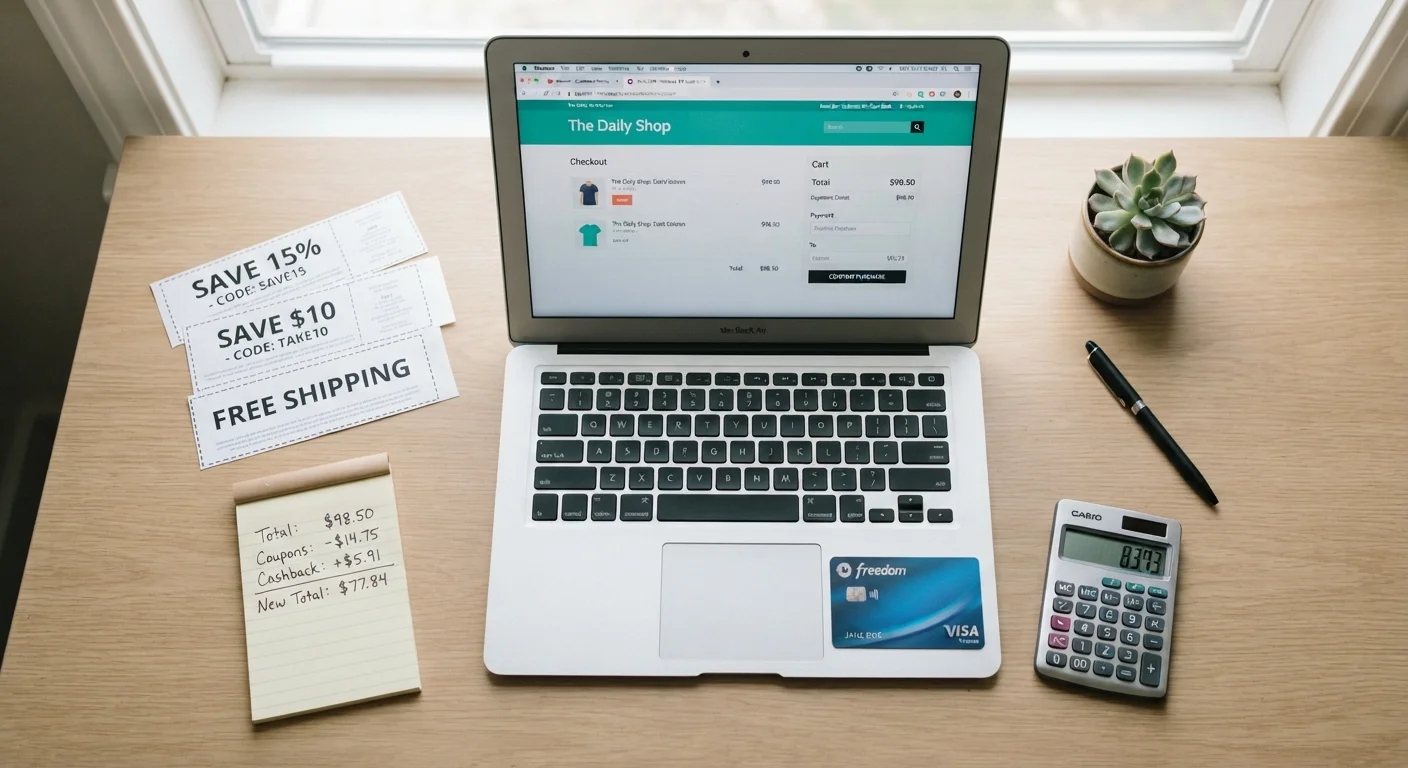
Stacking is the practice of layering multiple independent discount mechanisms on a single transaction. Done correctly, it is one of the highest-leverage moves in consumer shopping - no gimmicks, no surveys, just understanding how different discount systems interact.
The core insight is that promo codes, site-wide coupons, and cashback portals operate at completely different levels of the transaction. A promo code is a merchant-side markdown applied at checkout. A cashback portal is a third-party rebate funded by the retailer's affiliate marketing budget. They don't cancel each other out - unless you misfire on the order of operations.
Where the strategy collapses is predictable: readers apply a promo code first, then open a cashback portal, and wonder why their cash back never tracked. Or they run two promo codes simultaneously on a retailer that only accepts one, voiding both. Understanding the failure modes is as important as understanding the method itself. For a deeper foundation on how coupon types interact mechanically, see our guide to how layering discounts actually works.
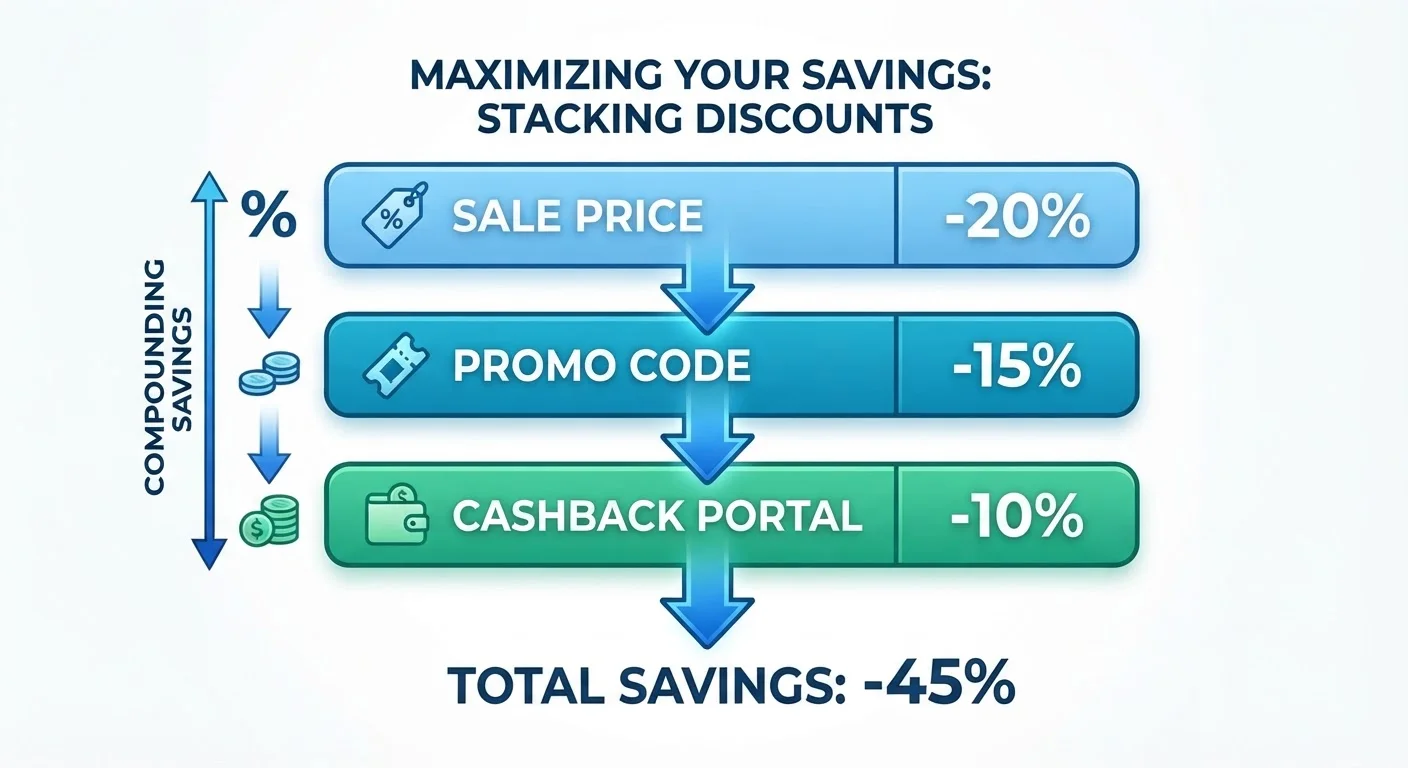
The three layers you're working with in online retail are:
- Layer 1 - Sale price or site promotion: The baseline discounted price the retailer is already running. This is your starting point, not your finish line.
- Layer 2 - Promo code or digital coupon: A code or clipped coupon applied at checkout that reduces the cart total or waives shipping.
- Layer 3 - Cashback portal or credit card rewards: A percentage rebate on the amount you actually pay, tracked through an affiliate link or card-level offer.
Your job is to activate all three in the right sequence on every eligible order.
What You Need Before You Start
Getting your stack right starts with having the right accounts and tools in place. This is a one-time setup cost that pays off on every future order.
What you will need
Once you have these in place, the per-order time investment drops to under five minutes. The tools listed below cover sourcing promo codes, verifying cashback rates, and protecting portal tracking.
Rakuten
Earn cashback by clicking through to retailers via the Rakuten portal before checkout.
TopCashback
Alternative cashback portal that frequently offers higher rates than Rakuten for certain retailer categories.
Cashback Monitor
Comparison tool that aggregates current cashback rates across multiple portals for any given retailer in real time.
BeFrugal
Cashback portal with a price-match guarantee on cashback rates - useful for locking in the highest available rate.
Slickdeals Community Forum
Source human-verified promo codes with timestamps and success confirmations from active shoppers.
A dedicated browser profile for cashback shopping
Isolates cashback session cookies from auto-coupon browser extensions to prevent tracking conflicts.
Rewards credit card with merchant offers
Earn card-level cashback or statement credits on top of portal cashback and promo code discounts.
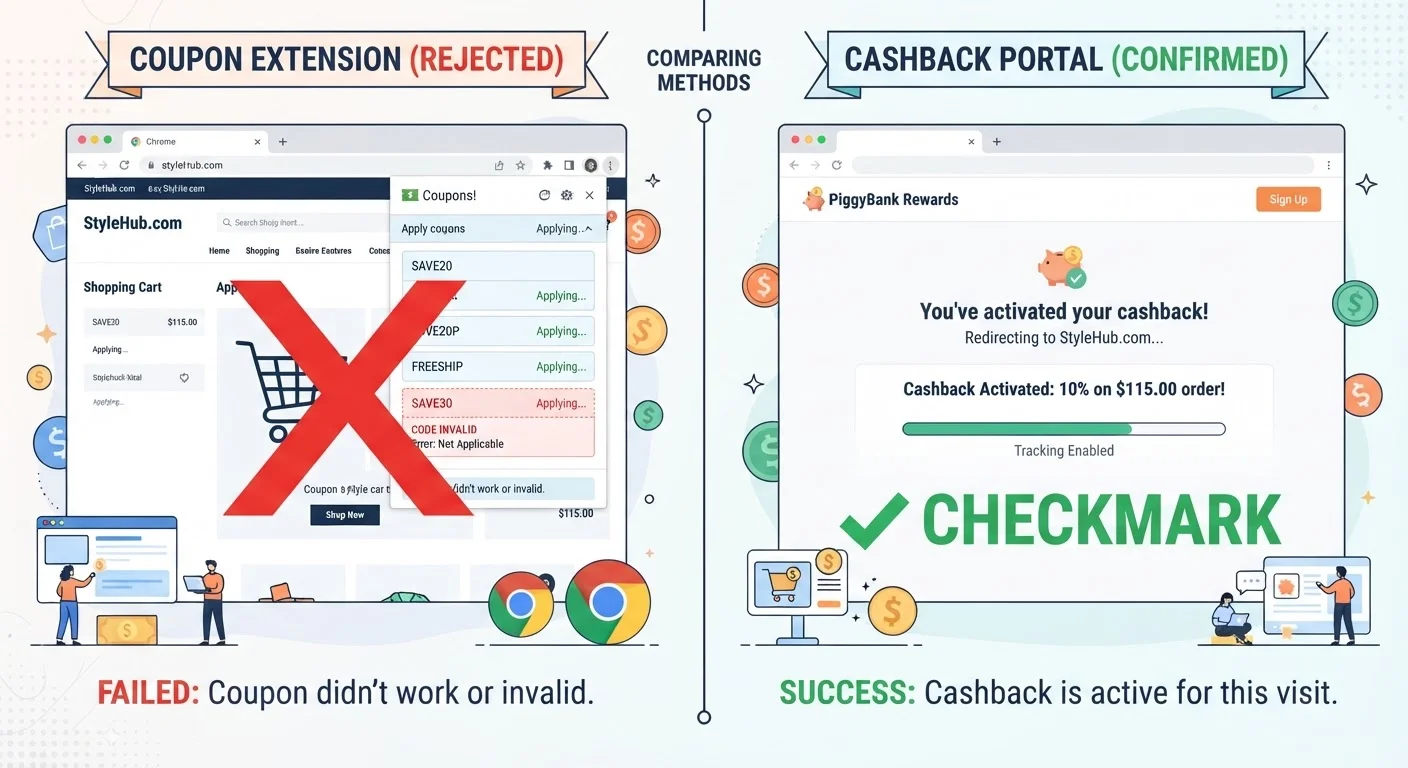
A note on browser extensions: Honey, Capital One Shopping, and similar auto-coupon tools are convenient, but they introduce a meaningful risk - they can overwrite your cashback portal's tracking cookie, causing you to lose the rebate entirely. The safest approach is to disable these extensions during portal-tracked sessions, or use a dedicated browser profile for cashback shopping. See how to layer digital coupon tools without violating terms for a breakdown of which extension and portal combinations consistently work.
Step-by-Step: Stacking a Full Discount on One Order
Follow these steps in sequence. Changing the order - especially steps 1 and 2 - is the single most common reason cashback fails to track.
Research the retailer's coupon stacking policy
Before touching a promo code or opening a cashback portal, spend two minutes confirming what the retailer allows. Search for [Retailer name] coupon policy or check their FAQ page. Key questions to answer:
- Does the retailer allow one promo code or multiple?
- Are sale items or clearance excluded from promo codes?
- Does the retailer's own site list portal exclusions?
Most large retailers explicitly state "one promotional code per order" - plan accordingly. This step prevents the most expensive mistakes, like applying a code that voids a larger sale discount.
Identify and compare cashback portal rates
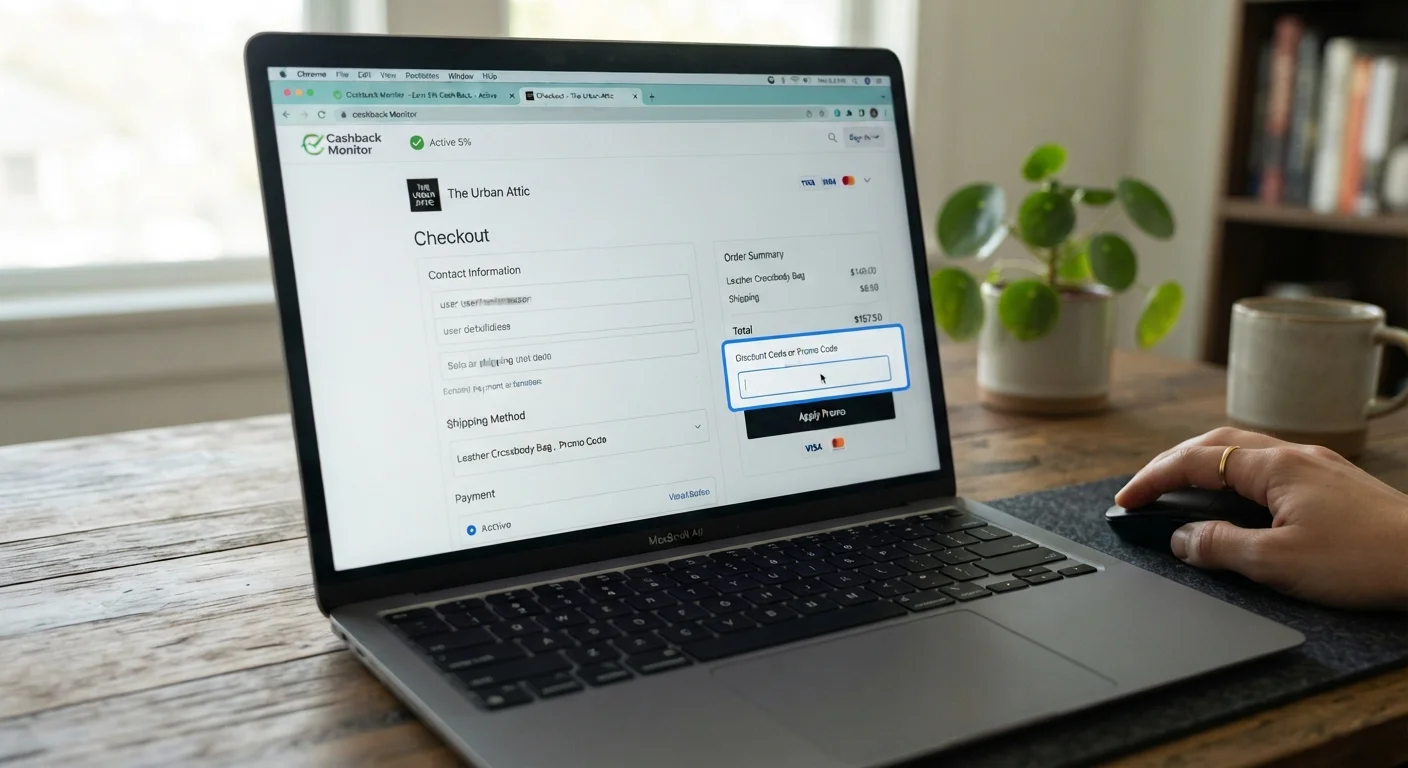
Open Cashback Monitor (cashbackmonitor.com) or Rakuten, TopCashback, and BeFrugal individually to compare current rates for your target retailer. Rates fluctuate - sometimes daily - and can vary by 3-5 percentage points between portals for the same retailer.
Record the top rate and the portal offering it. Also check whether the portal has any elevated rate promotions ("double cashback" events) running. These are worth waiting for on large purchases.
Source your best promo code before opening the portal
Find the strongest promo code available before clicking through the portal. Once you click the portal link, avoid leaving the retailer's site to search for codes - doing so can reset or overwrite your tracking cookie.
Check in this order:
- Your inbox (retailer emails, welcome codes, loyalty program offers)
- The retailer's own app for app-exclusive codes
- The cashback portal's own deal page for that retailer
- Community-verified aggregators (RetailMeNot, Slickdeals) - filter by most recent
Have the code copied to your clipboard before proceeding to the next step.
Activate the cashback portal and navigate to the retailer
Log into your chosen cashback portal and click the "Shop Now" or "Activate Cash Back" button for your target retailer. This click sets the affiliate tracking cookie that attributes your purchase to your account.
You must navigate to the retailer through the portal link - typing the retailer URL directly into your browser address bar after clicking will usually preserve the cookie, but opening a new tab and navigating manually often breaks tracking. Stay in the browser session the portal opened.
Build your cart and verify item eligibility
Add items to your cart as normal. Before proceeding to checkout, verify that each item is eligible for both the promo code and cashback by checking:
- Is any item marked "Marketplace" or sold by a third party? (Usually excluded from both codes and portal cashback.)
- Is any item already on a promotional sale that the code might conflict with?
- Is any item a gift card, digital download, or subscription? (Almost universally excluded from cashback.)
If an item is ineligible, consider whether to remove it and order separately, or accept that only part of your order will earn cashback.
Apply your promo code at checkout
At the checkout screen, enter the promo code you sourced in Step 3 into the discount field. Verify the discount applied correctly - check that the amount deducted matches the code's stated value or percentage.
If the code fails, do not attempt multiple alternative codes in quick succession. Try one backup code; if that also fails, proceed without a code rather than risking session flags or losing the cashback tracking window.
Pay with a rewards credit card loaded with merchant offers
Select the credit card that provides the highest rewards rate for this purchase category - typically 2-5% back on the card itself. If you've pre-loaded a card-level merchant offer (Amex Offer, Chase Offer, or similar) for this retailer, use that card to trigger the statement credit.
This layer operates entirely outside the retailer's discount system, so there is no conflict with the promo code or cashback portal. You're earning on the amount you actually pay after all discounts.
Once you've completed the checkout, save a record of your expected cashback amount and the order confirmation. Most portals take 3-14 days to confirm the transaction; some take up to 90 days for categories like travel. If your cashback doesn't show as pending within 48-72 hours, contact the portal's support with your order number and the timestamp of your click-through.
Set Cashback Alerts for Your Favorite Retailers
Both Rakuten and TopCashback let you set email alerts when a retailer's cashback rate increases or a double-cashback event is activated. Enable these for the five retailers you shop most frequently. A rate spike from 4% to 10% on a $300 electronics order is worth waiting a week for - that's an extra $18 in your pocket for doing nothing differently.
Stack on Sale Events for Maximum Compression
The best stacking opportunities occur when a retailer's major sale (Black Friday, Prime-style events, end-of-season clearance) overlaps with an elevated portal cashback rate and a valid promo code. These windows are predictable - plan larger purchases to land during them. A 30% sale price, a 15% promo code off the sale price, and 8% cashback can bring a $200 item down to around $105 in effective cost.
Track Expected Cashback in a Simple Spreadsheet
Log each stacked order with the retailer, order total, cashback portal used, expected cashback amount, and a confirmation date. This takes 30 seconds per order and creates an audit trail if cashback fails to post. It also shows you your actual annualized savings, which tends to reinforce the habit.
Retailer-Specific Stacking Rules You Need to Know
Not every retailer treats these layers identically. Knowing the rules for the stores you shop most frequently is worth the five minutes it takes to check.
| Retailer | Promo Codes | Site Coupons | Cashback Portal | Notes |
|---|---|---|---|---|
| Amazon | One code per order | Clip coupons on product page | Yes (via most portals) | Subscribe & Save orders often excluded from portals |
| Target | One promo code | Circle app offers stack | Yes | RedCard gives 5% on top; Circle + RedCard + portal = triple layer |
| Walmart | One code | Rollback prices auto-applied | Limited (varies by portal) | Walmart+ membership orders may suppress affiliate tracking |
| Best Buy | One code | My Best Buy member offers | Yes | Open-box items often excluded from portal tracking |
| Nordstrom Rack | One code | Clearance prices stack | Yes | Anniversary Sale items frequently excluded from codes |
The exclusion patterns are consistent: sale or clearance items, marketplace third-party sellers, and subscription fulfillment orders are the three most common cashback blockers. Always check the portal's terms for a specific retailer before assuming your purchase qualifies. For a detailed look at what the fine print usually says across coupon types, refer to which coupon types can actually stack.
Marketplace Sellers Are Almost Always Excluded
On Amazon, Walmart.com, and Target Plus, items sold by third-party marketplace sellers are typically excluded from both portal cashback and retailer promo codes. The product page usually indicates the seller name near the "Add to Cart" button. If it says anything other than "Sold by [Retailer Name]" or "Ships from and sold by [Retailer]," assume the stacking layers don't apply and verify before completing checkout.
Don't Stack if It Triggers Fraud Flags
Retailers and cashback portals both have fraud detection systems. Repeatedly applying multiple codes in a single session, using VPNs during portal-tracked sessions, or placing unusually large orders during cashback promotions can trigger account reviews or cashback denials. Stay within normal purchasing patterns and use stacking as a routine efficiency tool, not an arbitrage scheme.
Where to Source Promo Codes That Actually Work
The biggest time sink in stacking is hunting for promo codes that are valid. Most aggregator sites publish expired codes alongside live ones, with no reliable way to tell the difference until checkout.
A tiered sourcing approach cuts waste significantly:
- Retailer's own email list: Subscribe to the brands you buy regularly. First-order discounts (typically 10-15%) and birthday codes are often the highest-value codes available, and they're always valid.
- Retailer's own app: Brands increasingly publish app-exclusive codes that aren't listed anywhere else. Target Circle and Kohl's app codes are a consistent example of this pattern.
- Verified cashback portal deal pages: Rakuten, TopCashback, and similar portals maintain deal pages alongside their cashback rates. Codes here are vetted and tied to active cashback activations, so sourcing from the same portal you're using for cashback avoids cookie conflicts.
- Aggregators (last resort): RetailMeNot, Coupon Cabin, and Slickdeals surface community-tested codes. Sort by most recent and check the comment thread for confirmation the code still works before wasting a checkout attempt.
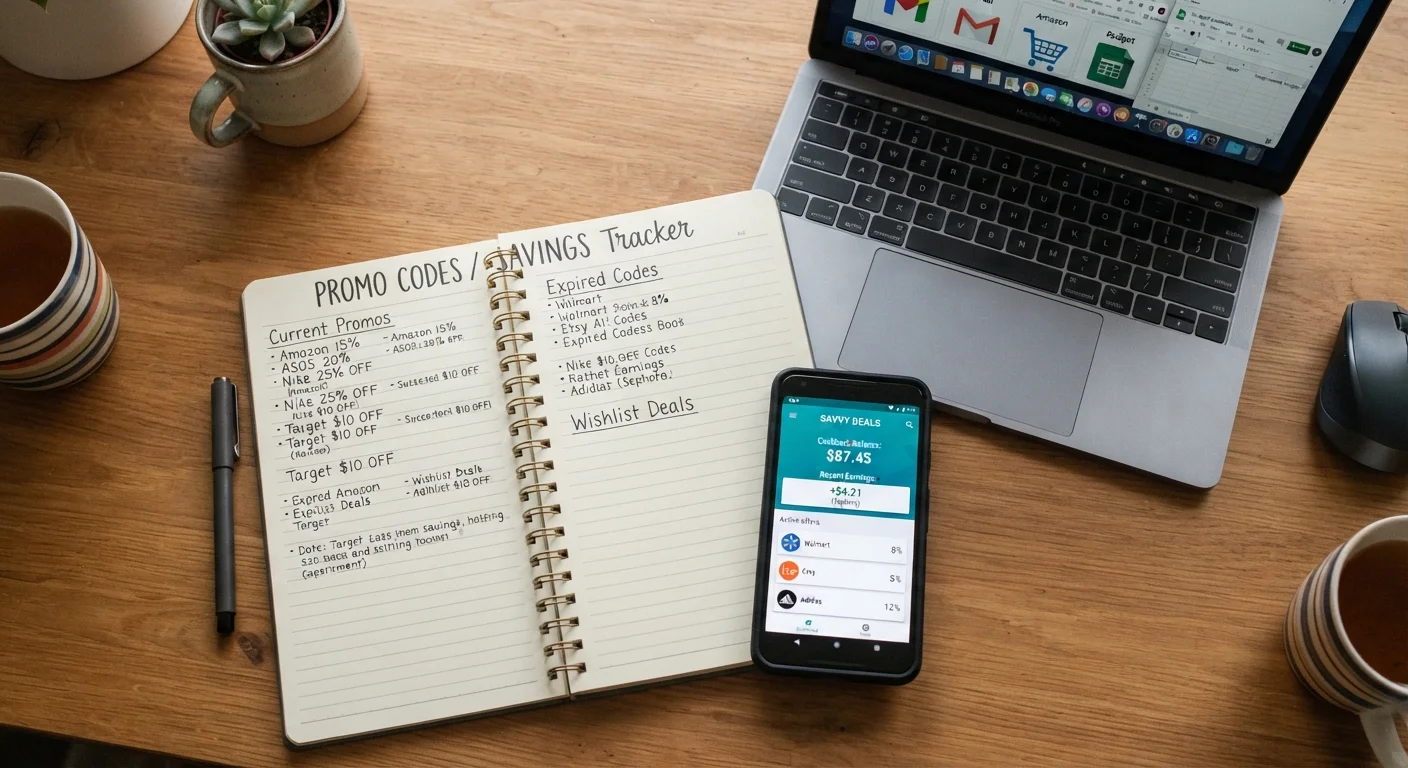
One frequently overlooked source: your credit card's merchant offers portal. Amex Offers, Chase Offers, and similar card-level programs are loaded directly onto your card and don't require a code - they're statement credits applied after purchase. These stack cleanly with both promo codes and cashback portals because they operate at the payment network level, completely outside the retailer's discount logic. Loading an Amex Offer for $10 off a $50+ purchase at a retailer, combining it with a 15% promo code and 6% cashback, is a legitimate three-layer stack that requires no coupon policy gymnastics.
The broader mechanics of stacking these discount types - including what's technically legal and what stores actually permit - are covered in our coupon stacking topic hub.
Portal Tracking Overrides Everything Else
The most expensive mistake in stacking is losing portal cashback because of a cookie conflict. Before clicking through any cashback portal, disable auto-coupon browser extensions, close unrelated shopping tabs, and confirm you're logged into both the portal and your retailer account. A 10% cashback rate on a $200 order is $20 - worth the 60 seconds of setup. Once your tracking cookie is set, complete the entire checkout without navigating away from the retailer's domain.
Some Codes Are Designed to Block Stacking
Certain promo codes - particularly influencer affiliate codes and "exclusive" loyalty codes - are structured to disable cashback tracking when applied. This is not accidental. The retailer is routing the discount through the affiliate channel instead of the cashback portal. Before using an external promo code on a portal-tracked session, test whether the code source is the same portal you're using for cashback. If it's not, calculate which saves more in absolute dollars and choose one.
Common Mistakes and How to Avoid Them
After the sequence error (applying codes before activating the portal), these are the mistakes that cost shoppers the most money:
Applying a coupon that triggers a stacking restriction
Some retailers flag orders that combine a promo code with a portal-sourced cashback click as potential coupon abuse. This is rare but real - particularly on luxury goods retailers. If you see a note in the retailer's terms that reads "not valid with other offers" on the promo code, that code is almost certainly meant to block stacking. Use it alone, or skip it and stack cashback instead - whichever yields more savings in absolute dollars.
Shopping through the portal but using a guest checkout
Some portals track by cookie, which survives a guest checkout fine. Others cross-reference your portal account email with the purchase email for fraud prevention. If they don't match, the cashback may be denied. Use the same email for your retailer account and your portal account where possible, or check the specific portal's tracking method.
Returning part of a stacked order
Partial returns on a stacked order can reverse more cashback than the returned item's value. Portals calculate cashback on the full order total at time of purchase, then claw back a proportional amount on return - sometimes with processing fees. If you're ordering multiple items with stacking intent, confirm everything fits before placing the order. Avoiding the most common stacking errors before checkout is worth reading if this is a recurring concern for your shopping patterns.
Trusting a code site's "verified" badge without a timestamp
"Verified" labels on aggregator sites often mean the code worked at least once, not that it works today. Always look for a human-confirmed comment within the last 7 days for high-value codes. For low-value codes (free shipping, 5% off), just try them - a failed code costs you 10 seconds, not money.
Stacking is ultimately a habit, not a one-time tactic. Once you've wired the sequence into your checkout routine - portal first, code second, card offer loaded in advance - the marginal time cost per order is minimal. The compounding effect of consistent 20-35% reductions on purchases you were already going to make is significant over a year. Build the system once, run it on autopilot.