
Cloud Storage vs. Local Storage: Understanding Where Your Files Actually Live
Cloud and local storage each involve trade-offs in cost, access, and privacy. Here's a clear-eyed look at how they differ and when each makes sense.
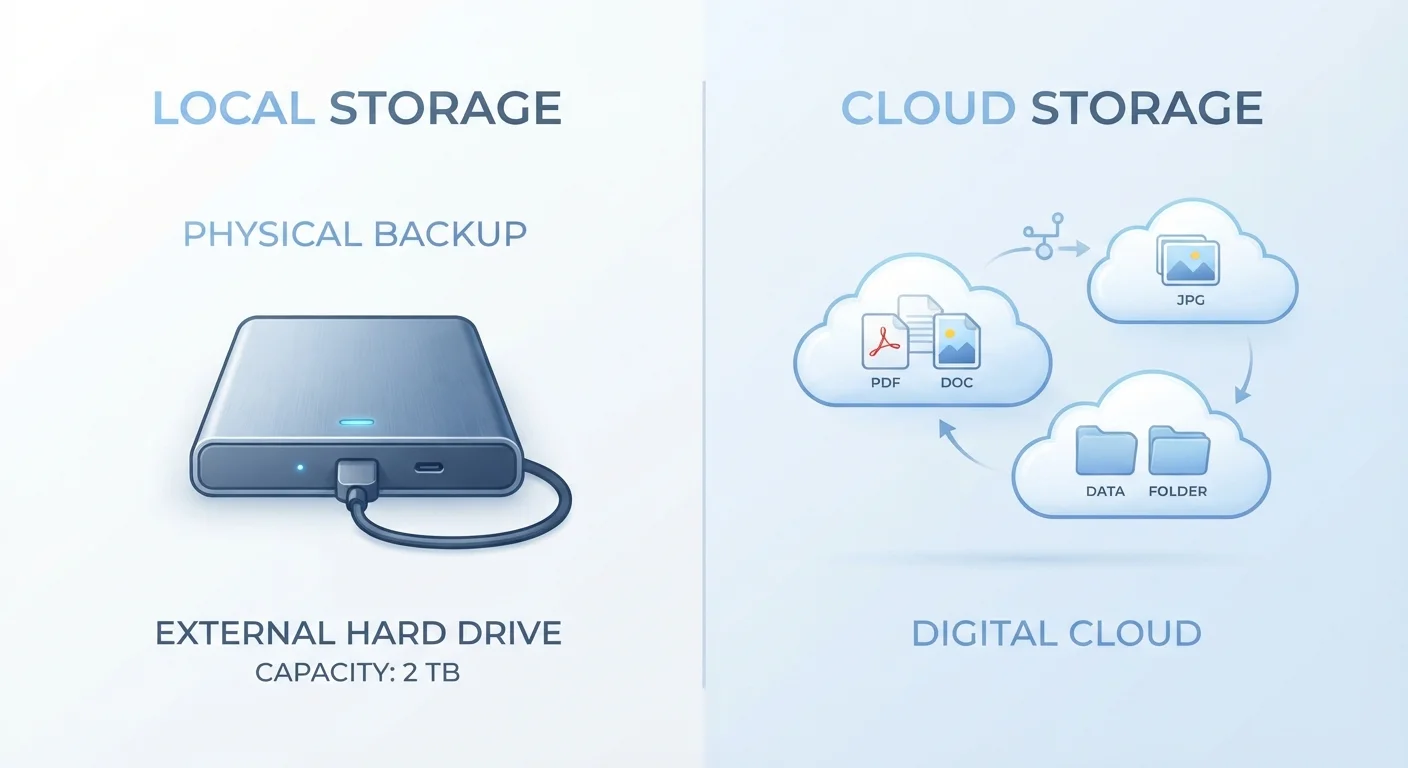
Photo: SaverSteals.com editorial
—— In This Article
Key Takeaways
- Cloud storage keeps files on remote servers; local storage keeps them on physical hardware you own.
- Cloud storage typically involves recurring subscription costs; local storage is usually a one-time purchase.
- Local storage works offline; cloud storage requires an internet connection to access files remotely.
- Privacy trade-offs differ: cloud providers can access your data; local storage keeps it physically in your hands.
- Most users benefit from a hybrid approach that combines both methods for redundancy and flexibility.
What Each Term Actually Means
Local storage refers to any physical device that holds your files directly — the hard drive inside your laptop, an external USB drive, a USB flash drive, or a NAS device on your home network. Your files exist as physical data on hardware you own and control.
Cloud storage means your files are transmitted over the internet and stored on servers owned and operated by a third party — a company running large data centers. When you open a file from the cloud, you're downloading it (or streaming it) from those remote servers in real time.
Neither term describes a magical process. Both involve hard drives at some point — the difference is whose drives they are, where they sit, and who manages them. Understanding this distinction helps cut through marketing language and lets you evaluate trade-offs honestly, much like understanding the difference between owning vs. leasing a car — control versus convenience, upfront cost versus ongoing payments.
Cost Structure: One-Time vs. Ongoing
Local storage has a mostly predictable cost model. You pay once for the device — a few dollars for a flash drive, up to several hundred for a high-capacity external drive or NAS — and that's largely it, aside from eventual replacement if hardware fails.
Cloud storage typically runs on a subscription model. Free tiers exist but are usually capped at modest storage limits. Once you exceed that threshold, you're paying monthly or annually for expanded capacity. Over several years, those recurring fees can significantly exceed what a comparable local device would have cost outright.
That said, cloud subscriptions often bundle extras: automatic versioning (recovering older file versions), collaboration tools, and built-in redundancy across multiple data centers. If you use those features actively, the cost calculus shifts. Thinking about storage costs alongside your broader fixed vs. variable expenses can help you decide which model fits your budget structure better.
| Criterion | Cloud Storage | Local Storage |
|---|---|---|
| Where files live | Remote servers (data centers) | Physical device you own |
| Cost model | Recurring subscription | One-time hardware purchase |
| Internet required | Yes, to access remotely | No, works offline |
| Multi-device access | Built-in and automatic | Requires manual transfer or network setup |
| Data privacy control | Managed by provider | Fully in your hands |
| Disaster resilience | High (off-site redundancy) | Low unless off-site copy exists |
| Capacity scalability | Easily expanded (at extra cost) | Requires new hardware purchase |
Access, Reliability, and Privacy
Access: Cloud storage shines when you need files across devices or locations — your phone, work laptop, and home desktop can all see the same folder. Local storage requires the physical device to be present or connected to a network you manage. If you forget your external drive at home, those files aren't reachable.
Reliability: Local hardware can fail — drives crash, devices get lost or stolen, and floods or fires can destroy them entirely. Cloud providers typically replicate your data across multiple physical locations, which substantially reduces the risk of total data loss. However, cloud services can also go offline, experience outages, or even shut down entirely if a company closes.
Privacy: Files stored in the cloud pass through a provider's infrastructure and are subject to their terms of service, security practices, and — under certain legal conditions — government requests. Local storage keeps data physically in your possession. This doesn't make local storage automatically safer (an unencrypted drive can be read by anyone who finds it), but it does mean you control access rather than delegating it.
Encryption Matters on Both Sides
Neither cloud nor local storage is inherently secure without encryption. Many cloud providers encrypt files in transit and at rest, but the provider holds the encryption keys — meaning they can theoretically access your files. Some services offer end-to-end or zero-knowledge encryption, where only you hold the key. On the local side, an unprotected external drive can be read by anyone who connects it. Enabling device encryption (built into most modern operating systems) is a worthwhile step regardless of which storage method you use.
When a Hybrid Strategy Makes Sense
Many households and individuals use both: local storage for large files, fast access, and primary backups, and cloud storage for an additional off-site copy or for files needed across devices. This layered approach — sometimes called the 3-2-1 backup rule (three copies, two different media types, one off-site) — is a widely referenced framework in data management.
For example, a photographer might store raw image files on a local NAS for speed and capacity, then automatically sync finished work to cloud storage as an off-site backup and for easy client sharing. A student might keep actively edited documents in cloud storage for cross-device access while archiving completed coursework to an external drive to avoid paying for extra cloud capacity.
The right balance depends on your file volumes, budget preferences, internet reliability, and how you actually work day-to-day. Being intentional about that balance — rather than defaulting blindly to whichever option is most convenient in the moment — is part of shopping and planning smarter with your tech setup.
3-2-1
Widely referenced backup rule
The 3-2-1 backup principle — three copies, two media types, one off-site — is a broadly recommended framework in data management and IT practice.
~5 years
Typical consumer hard drive lifespan
Consumer-grade hard drives and SSDs are generally rated for three to five years of regular use; actual lifespan varies by usage and manufacturer.

Shopping Editorial Team
Shopping Editorial Team is the collective byline for our editorial team and contributor network. Articles published under this byline or an editorial pen name are researched, written, and reviewed according to our editorial standards for clarity, consistency, and independence before publication.
View author profile