

Key Takeaways
The Invisible Drain on Every Purchase You Make
Most shoppers who use cashback tools - portals, cards, or apps - believe they're already doing it right. They signed up, they shop online, they occasionally glance at their rewards balance. But the gap between participating in cashback systems and actually optimizing them is where hundreds of dollars disappear each year, silently, with no error message and no warning.
This isn't about chasing fringe deals or obsessing over penny rewards. Cashback is a layered system: credit card rewards sit on top of portal rebates, which sit on top of merchant discounts and sale pricing. When one layer drops out due to a preventable mistake, you lose money that cost you nothing to earn. Understanding how cashback portals generate rebates is the foundation - but knowing where shoppers consistently misfire is what actually closes the gap.
The mistakes below aren't obscure edge cases. They're the habits that play out on millions of transactions every week. Each one is fixable in under five minutes once you know it exists.

The Most Costly Cashback Habits (And How to Break Them)
These aren't ranked by frequency - they're ranked by dollar impact. The first few mistakes will cost the average online shopper significantly more than the later ones, but every item on this list represents real money lost on purchases you were already going to make.
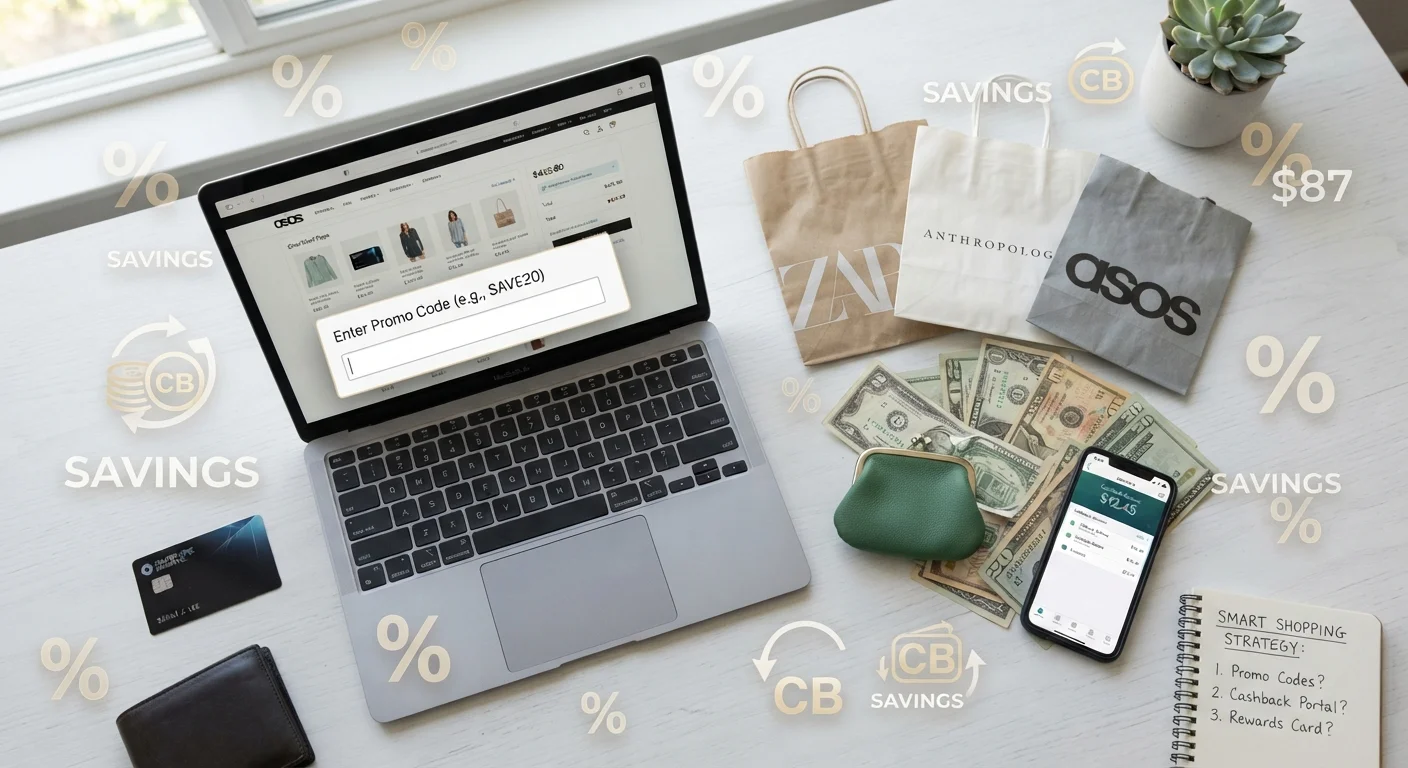
Going directly to a retailer's website instead of clicking through a cashback portal first.
Why it happens: Portal activation feels like an extra step, and shoppers often land on a retailer's page from a Google search, email, or bookmark without thinking to reroute through a portal first.
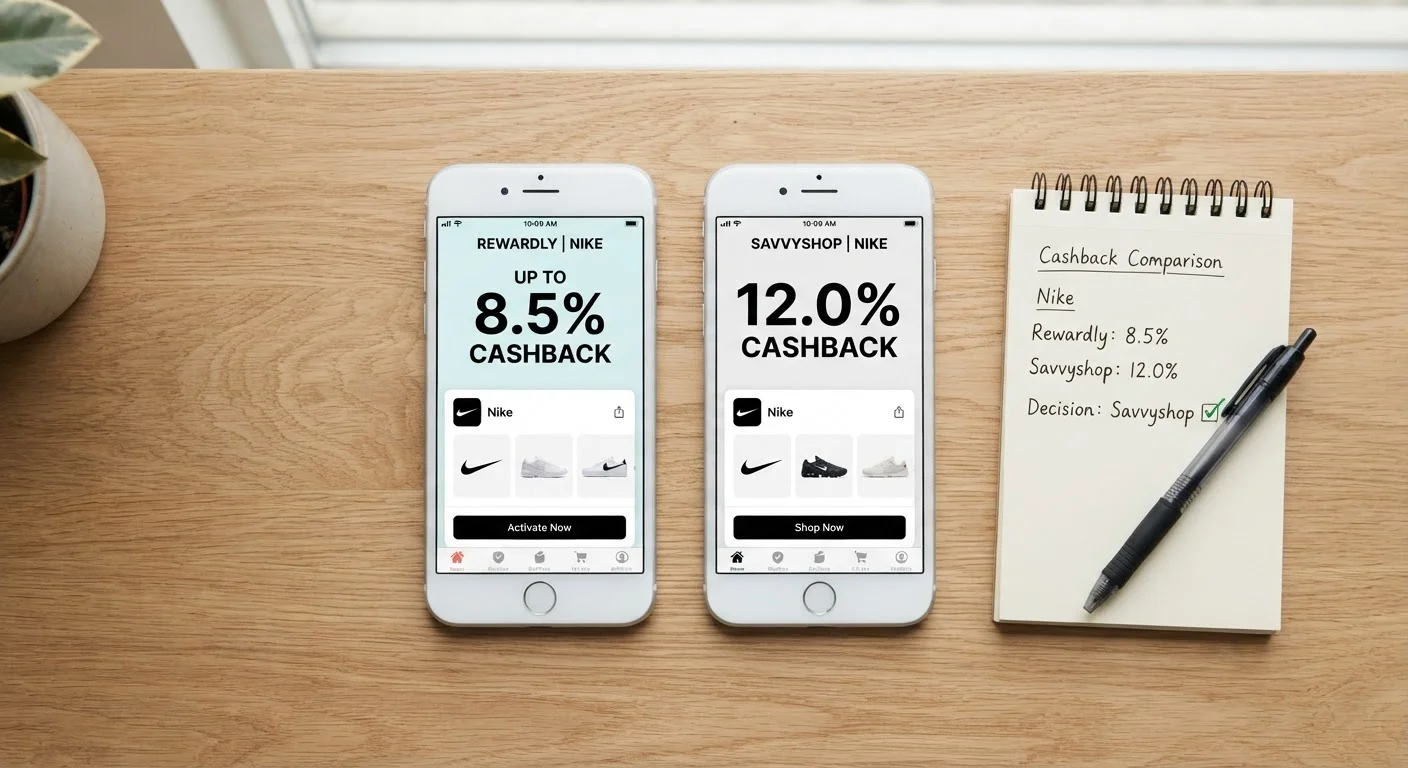
Using a single cashback portal without comparing rates across competing platforms.
Why it happens: Once shoppers sign up for one portal, inertia keeps them there. They assume their platform has competitive rates without verifying.
Misidentifying which spending category a credit card will apply to a purchase.
Why it happens: Card issuers use merchant category codes (MCCs) assigned by the payment network - not the merchant's self-description. A warehouse club doesn't qualify as 'grocery' on most cards. Shoppers assume the product type determines the category.
Ignoring quarterly rotating category cards or forgetting to activate the bonus each quarter.
Why it happens: Cards like Chase Freedom Flex and Discover It require manual opt-in each quarter for 5% categories. Many cardholders forget to activate, defaulting to the 1% base rate for the entire quarter.
Not stacking portal cashback with credit card rewards on the same purchase.
Why it happens: Shoppers assume combining rebates from different sources is either disallowed or too complicated. In reality, portals and card issuers operate entirely separate tracking systems.
Using an unapproved coupon code that voids portal cashback tracking.
Why it happens: Shoppers apply discount codes from third-party sites at checkout without checking whether the portal's terms exclude them. Some portals cancel cashback for any code not sourced through their own platform.
Letting cashback balances sit unredeemed in inactive accounts until they expire or are forfeited.
Why it happens: Shoppers earn rewards across multiple platforms and lose track of balances. Account inactivity policies (typically 12 months) can zero out a balance with minimal warning.
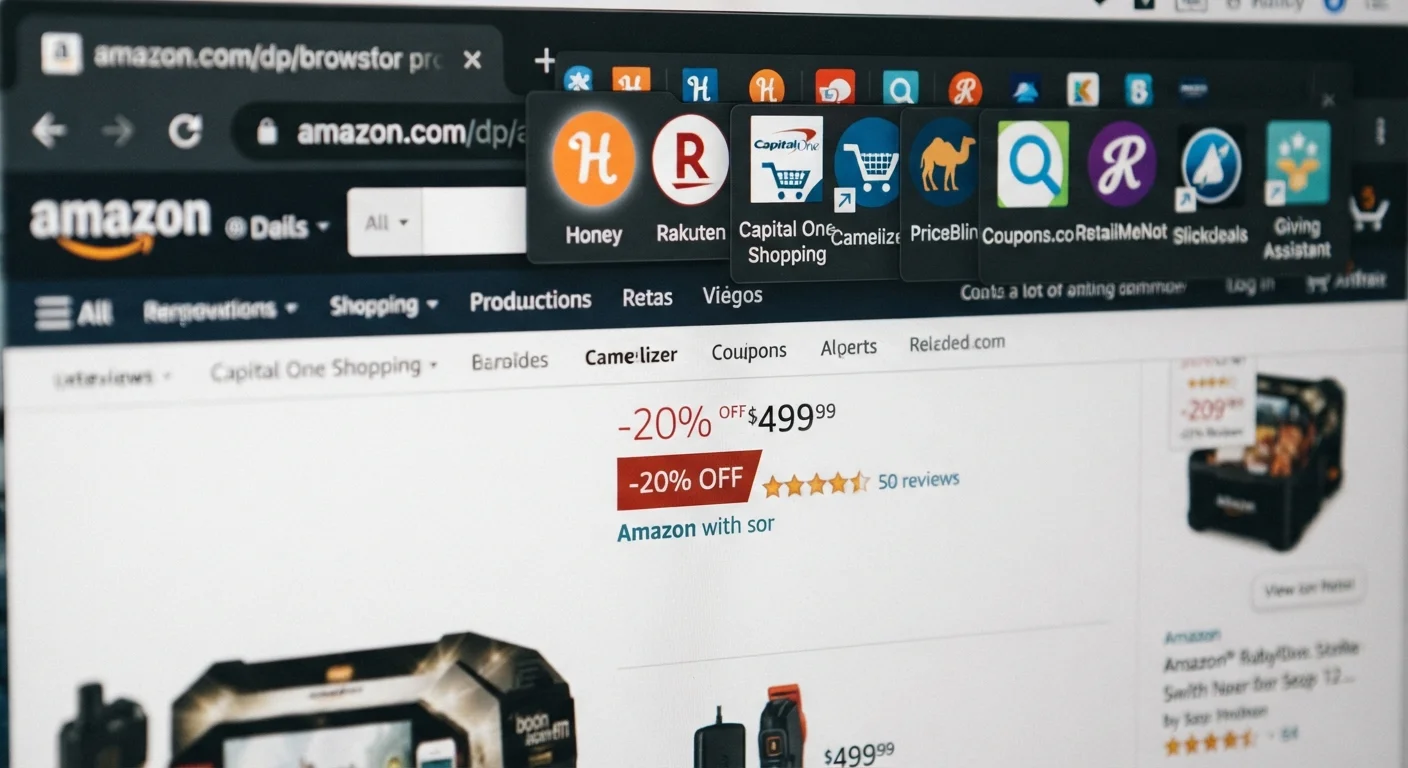
Having multiple browser extensions active simultaneously, causing competing cookies to override portal tracking.
Why it happens: Shoppers install several deal-finding extensions (Rakuten, Honey, Capital One Shopping) and leave them all active. The extensions fire in unpredictable order, overwriting each other's affiliate cookies.
$70B+
Annual affiliate cashback commissions generated
The global affiliate marketing industry, which funds cashback portal rebates, surpassed $70 billion in spend as of 2023, according to Statista.
Up to 40%
Portal rate variance for the same retailer
Cashback Monitor data consistently shows rate differences of up to 40% or more between competing portals for identical retailers and product categories.
1 in 3
Cashback portal transactions go untracked
Industry estimates suggest roughly one-third of portal-initiated purchases fail to track correctly due to browser conflicts, cookie blocking, or user navigation errors.
$150-$600
Estimated annual cashback left unclaimed per household
Consumer finance research from NerdWallet and similar outlets estimates the average rewards-card household leaves $150-$600 per year unclaimed through category errors and missed portal activation.
Portal and Card Stacking: The Strategy Most Shoppers Miss
One of the most underused moves in cashback optimization is stacking: using a cashback portal and a rewards credit card on the same transaction. Many shoppers assume this isn't allowed, or that doing so would void one of the rewards. In practice, portals and card issuers operate independently - portals track through affiliate links, while card rewards are processed by your issuer based on the merchant category code. Neither system knows or cares about the other.
For a practical example: if you're buying electronics through a portal offering 4% cashback and you pay with a card that earns 2% on all purchases, you're collecting 6% total on that transaction. On a $400 purchase, that's $24 back - versus $8 if you'd just used the card alone without activating the portal.
The comparison step matters too. Portal rates for the same retailer vary significantly across platforms. A quick check using a rate comparison tool (Cashback Monitor is the most comprehensive free option) before clicking through can mean the difference between 2% and 8% on the same purchase. For a deeper breakdown of how portals and cards compare across different spending scenarios, see cashback portal vs. credit card rewards.
Coupon Codes Can Void Your Portal Cashback
Applying a coupon code from a third-party site at checkout can cancel your portal cashback entirely, depending on the portal's merchant-specific terms. Before stacking a discount code with a portal rebate, verify whether the code is on the portal's approved list. An unapproved code that saves you $5 may cost you $20 in voided cashback on a large order.
Ad Blockers Are a Silent Tracking Killer
Many popular ad-blocking extensions intercept the affiliate redirect that portals use to establish tracking. Your purchase completes normally, but no cashback is recorded. If you're consistently seeing fewer tracked transactions than expected, your ad blocker is the likely culprit. Whitelist your portal's domain, or switch to a clean browser profile for cashback purchases.
Returns Can Create Negative Portal Balances
If you redeem a cashback balance and then return the purchase that generated it, most portals will claw back the rebate - potentially pushing your balance into negative territory. A negative balance must be resolved before future cashback is paid out. Always wait for returns to settle before initiating a cashback redemption.
The stacking mindset also applies to coupon codes. Some portals will void your cashback if you use a coupon code that isn't in their approved list - but others are entirely code-agnostic. Knowing which platforms allow stacking with external codes is worth checking once in your portal's terms, then noting for future use. If you're losing savings at the coupon stage, why coupon app savings go unclaimed covers the mechanics in detail.
Technical Pitfalls That Silently Kill Your Tracking
Portal cashback depends entirely on affiliate tracking - a cookie or session parameter that tells the retailer's system the sale came through a specific portal. When that tracking breaks, the portal has no record of your purchase and cannot pay you. The frustrating part: the purchase completes normally. You get the item. You get no cashback. No alert, no error, no indication anything went wrong until you check your pending transactions and find nothing there.
Several common browser behaviors break this tracking:
- Ad blockers and privacy extensions - tools like uBlock Origin, Privacy Badger, and some VPNs block the affiliate redirect that establishes tracking. Whitelisting the portal domain usually fixes this.
- Multiple portal extensions active simultaneously - if you have Rakuten, Honey, and Capital One Shopping installed, they compete for the affiliate cookie. The last one to fire wins, which may not be the portal with the highest rate. Disable all but your chosen portal before clicking through.
- Opening a new tab or navigating away before landing on the retailer - the tracking session is tied to the click chain. If you portal-click, then open the retailer in a new tab yourself, the cookie may not transfer.
- Clearing cookies mid-session - some browser privacy settings auto-clear cookies after a set interval. If this fires between your portal click and purchase completion, tracking is lost.
The fix for all of these is the same: establish a dedicated cashback browser profile with minimal extensions, portal tracking enabled, and no aggressive cookie management. Use this profile specifically for portal purchases. It takes ten minutes to set up and eliminates the majority of technical tracking failures. For a more complete look at what goes wrong after the click, cashback portal pitfalls and how to sidestep them walks through the full breakdown.
Never Navigate Away After the Portal Click
The moment you click through a portal to a retailer, a tracking session is initiated. If you open a new tab, use your browser's back button to navigate, or visit the retailer through any other link before completing checkout, that session is typically broken and your cashback will not track. Stay in the same tab, go directly to checkout, and complete the transaction without detours. This single behavior accounts for a significant portion of untracked portal purchases.
Check Category Caps Before Your Quarter Ends
Most bonus-category credit cards impose a quarterly or annual spending cap - often $1,500 per quarter - after which the bonus rate reverts to 1%. If you routinely overspend in already-capped categories while underspending in active ones, you're effectively earning 1% across your heaviest spending. Review your current quarter's category usage through your card's app at least two weeks before the quarter closes and redirect spending accordingly.
Redemption Timing and Account Management Mistakes
Earning cashback is only half the equation. Cashback that sits unredeemed in an inactive account is cashback that can disappear. Most shoppers don't realize that rewards platforms have activity thresholds - if you don't make a qualifying transaction or log in within a defined window (often 12 months), your balance can be zeroed without notice.
Credit card cashback operates under different rules but carries its own risks. Statement credit redemptions are straightforward, but redemption minimums, expiration policies on points-based systems, and category caps all quietly erode what you've earned. Some cards cap the bonus rate on grocery or travel spending at a quarterly maximum - once you hit the cap, every additional purchase in that category earns the base rate, not the bonus. If you're not tracking where you are relative to those caps, you're probably overspending in already-maxed categories and underspending in others.
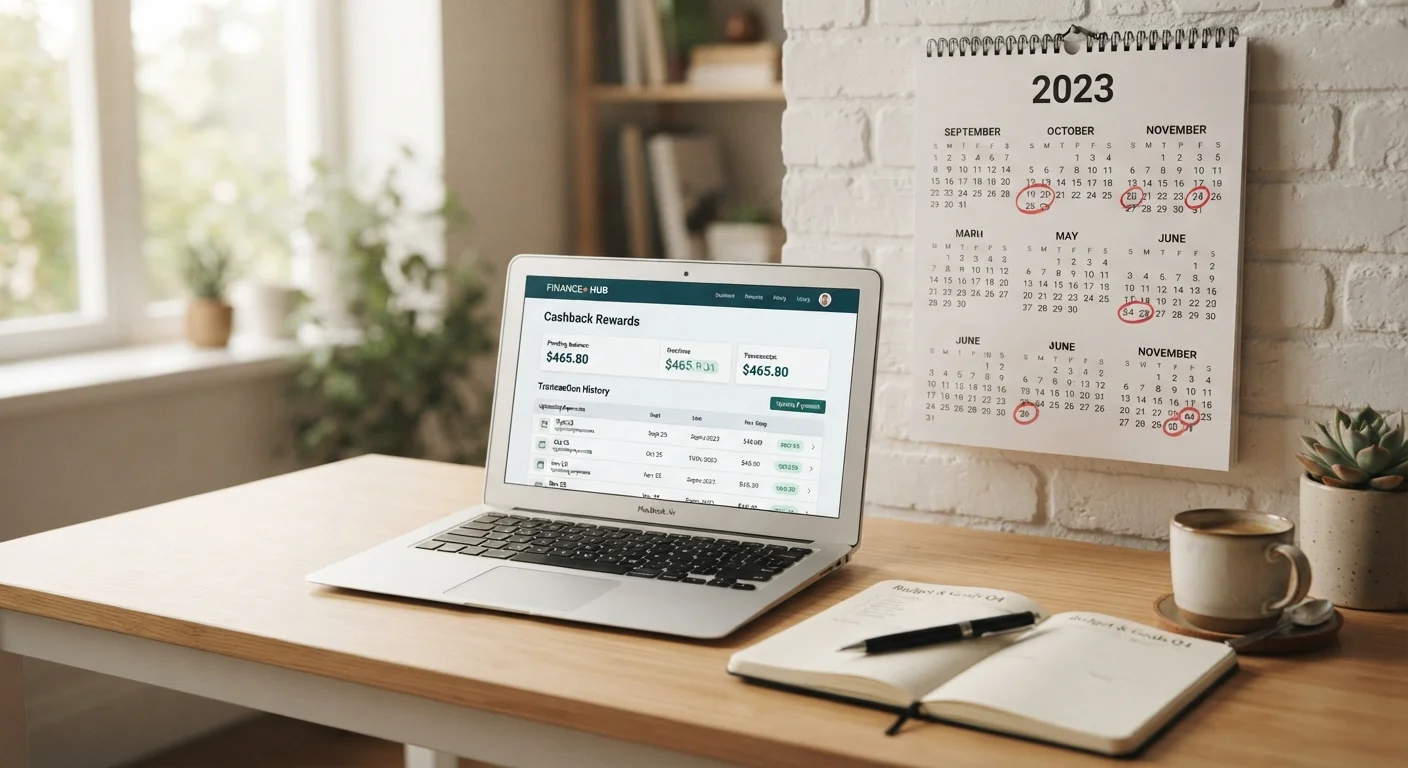
A recurring issue that compounds all of this: shoppers who return an item after the cashback has posted. Most portals claw back the rebate for returned or canceled orders - which is expected. But if you've already redeemed that cashback balance into PayPal or a bank transfer, you can end up with a negative portal balance, which must be resolved before future earnings are paid out. Track your pending cashback against any purchase you might return before initiating a redemption.
For the full picture of why cashback earnings consistently fall short of expectations, why your cashback never adds up the way you expected goes deep on the hidden mechanics. And if you're also leaving loyalty program value untouched, loyalty program rewards you're probably leaving on the table covers that parallel system.
Building a System That Earns Consistently
The difference between shoppers who earn meaningful cashback and those who don't isn't luck - it's process. A few systematic habits, applied consistently, eliminate most of the mistakes above without requiring extra time at checkout.
- Portal-first checkout rule: Before visiting any retailer site directly, check whether a portal offers cashback. Make this the default, not the exception. The cashback portals hub is a good starting point for understanding which platforms cover which retailers.
- Rate comparison takes 60 seconds: Use Cashback Monitor or a similar aggregator to compare rates across portals before clicking through. The highest rate for the same retailer can be 3-4x the lowest.
- Match purchases to card categories intentionally: Know your card's bonus categories cold. Rotate spending deliberately to maximize the bonus rate on every category before the cap resets.
- Keep one clean browser profile for portal shopping: Eliminates 90% of tracking failures caused by extensions and cookie management conflicts.
- Redeem on a schedule: Set a calendar reminder to redeem cashback quarterly. Don't let balances age past six months on any platform.
- Log returns before redeeming: If you have a pending return, wait for it to clear and the cashback to be adjusted before requesting a payout.
Cashback isn't passive income - it's a system with rules, and the rules are learnable. The cashback apps hub covers the major platforms worth incorporating into that system. Apply the process consistently and the compounding effect across dozens of purchases each month becomes genuinely significant.
Never Navigate Away After the Portal Click
The moment you click through a portal to a retailer, a tracking session is initiated. If you open a new tab, use your browser's back button to navigate, or visit the retailer through any other link before completing checkout, that session is typically broken and your cashback will not track. Stay in the same tab, go directly to checkout, and complete the transaction without detours. This single behavior accounts for a significant portion of untracked portal purchases.
Check Category Caps Before Your Quarter Ends
Most bonus-category credit cards impose a quarterly or annual spending cap - often $1,500 per quarter - after which the bonus rate reverts to 1%. If you routinely overspend in already-capped categories while underspending in active ones, you're effectively earning 1% across your heaviest spending. Review your current quarter's category usage through your card's app at least two weeks before the quarter closes and redirect spending accordingly.