

Key Takeaways
Why Cashback Portals Fail More Often Than You Think
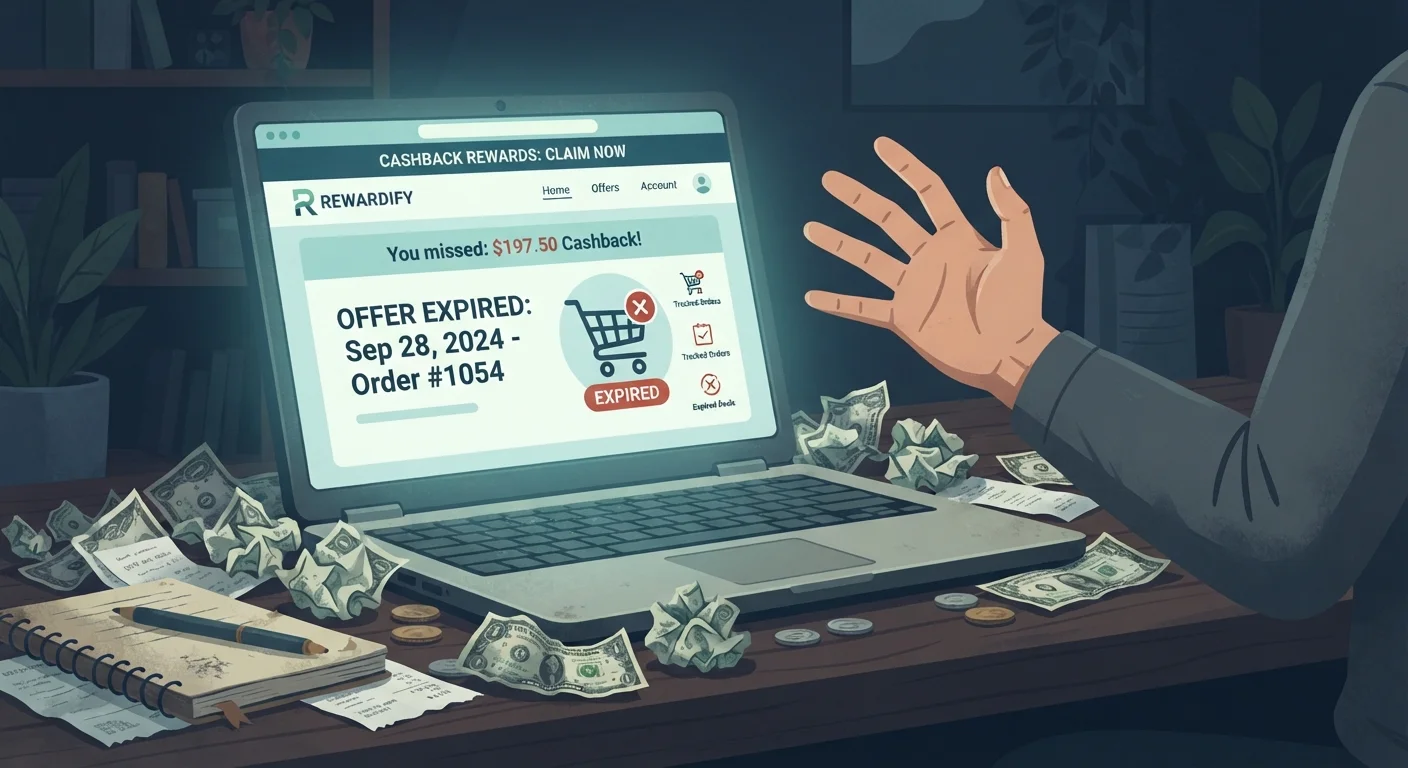
Cashback portals are one of the most straightforward ways to recover a percentage of every online purchase - the concept is simple, the mechanics are mostly invisible, and the money is real. But that invisibility is exactly what gets people burned. Because tracking happens silently in the background, most shoppers don't realize their cashback was never recorded until weeks later, if ever.
If you're new to how these platforms generate revenue and pass it back to you, our full breakdown of how cashback portals work covers the mechanics in plain language. The short version: portals earn affiliate commissions from retailers and split that commission with you. That relationship depends entirely on an unbroken tracking chain from your click to your completed purchase - and there are more ways to break that chain than most shoppers expect.
The mistakes below aren't obscure edge cases. They're the everyday habits that silently drain the cashback you should be accumulating. Knowing them changes how you shop.

The Most Costly Cashback Portal Mistakes
Each of the following mistakes is preventable once you understand why it happens. Work through them systematically and treat portal use as a small discipline - not a lucky extra.
Opening a new tab or navigating away from the retailer site after clicking through the portal, then returning to complete checkout.
Why it happens: Shoppers click through the portal, realize they forgot a coupon code or want to compare prices, and open a new tab - breaking the tracked session without realizing it.
Using a coupon code from a third-party source that is excluded under the portal's terms, voiding the cashback entirely.
Why it happens: Shoppers assume all discounts are compatible, but many portals explicitly exclude purchases made with coupon codes not provided by the portal itself - and bury this rule in the terms and conditions.
Returning a partial order without understanding that the cashback on the entire transaction may be reversed.
Why it happens: Shoppers assume they'll keep cashback on items they kept. In practice, many retailers report the original order amount to the portal and then send a correction, which often wipes out the full transaction's cashback rather than just the proportional share.
Assuming that clicking the portal link once is sufficient, even when shopping across multiple browser sessions over several days.
Why it happens: Some shoppers add items to their cart days in advance, click through the portal on a Monday, and then complete the purchase Thursday - not realizing portal tracking cookies typically expire within 24-48 hours.
Stacking a cashback portal with an in-store purchase pickup (BOPIS) when the retailer excludes in-store fulfillment from portal earnings.
Why it happens: Buy Online, Pick Up In Store orders seem like online purchases, but many retailers classify them differently in their affiliate reporting, and portals often exclude them from cashback eligibility.
Ignoring the payment method exclusion terms - paying with store gift cards or PayPal Credit when the portal excludes those payment types.
Why it happens: Certain payment instruments alter how a transaction is processed at the affiliate reporting level, which can disqualify the purchase from generating cashback even if everything else was done correctly.
Using a cashback portal without being logged into the portal account, resulting in tracked clicks with no account to credit.
Why it happens: Shoppers sometimes bookmark a portal's retailer page and click directly to the store without first logging in, or their session has expired without their noticing.
Coupon Extensions Can Silently Steal Your Cashback
Browser extensions like Honey or Capital One Shopping actively scan for affiliate cookies and may replace your cashback portal's tracking ID with their own. This happens invisibly during checkout - you see no error message, and your purchase completes normally. The only sign is when cashback never appears in your portal account days later. Disable these extensions before starting any portal shopping session.
Gift Card Payments May Void Your Cashback Entirely
Paying with a retailer's own gift cards - even partially - often disqualifies the entire transaction from portal cashback. This exclusion applies even if you clicked through correctly and used a portal-approved coupon. Always read the payment method exclusions in the portal's retailer terms before applying gift card balances to large purchases.
The Browser Extension Conflict Problem
This is the mistake most portal users have never heard of, and it costs them more than any other. When you install a browser extension - especially coupon finders like Honey, Capital One Shopping, or RetailMeNot - those tools may overwrite the affiliate tracking cookie that your cashback portal planted the moment you clicked through.
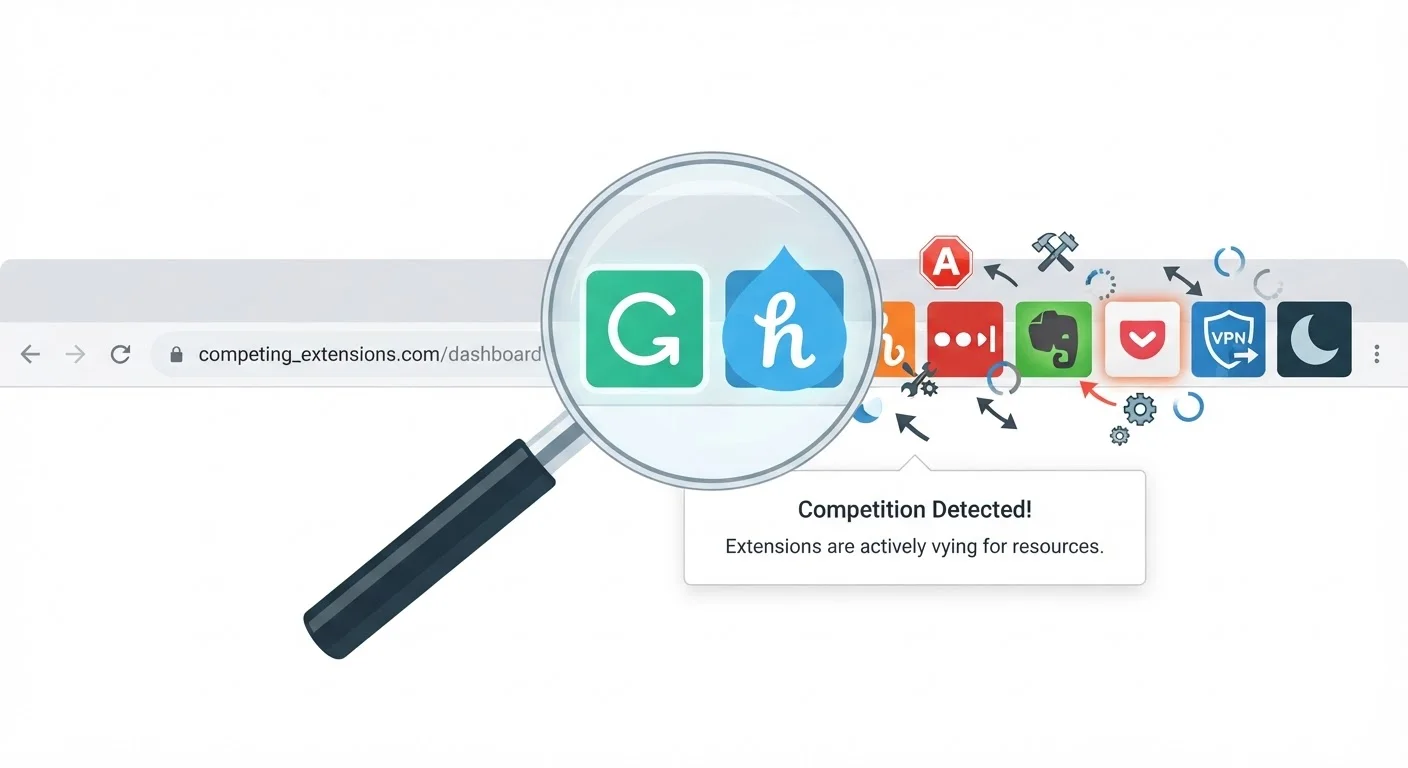
The result: the retailer's system attributes the sale to the coupon extension's affiliate account rather than your cashback portal. You get no cashback. The extension company earns the commission instead. You may not even notice a coupon was applied - the extension works silently in the background just like the portal does.
The fix is straightforward: disable competing extensions before clicking through a cashback portal, or use a dedicated browser profile exclusively for portal shopping. Firefox's Multi-Account Containers or Chrome profiles make this easy to set up once and forget about. If you're comparing what portals offer versus what your credit card rewards program offers, our cashback portal vs. credit card rewards comparison lays out the tradeoffs clearly.
Up to 8%
Rate gap between portals for same retailer
Cashback Monitor data routinely shows portal rate differences of 3-8 percentage points for identical retailers, making comparison a high-ROI habit.
30-90 days
Typical cashback pending period
Most portals hold cashback in 'pending' status for 30-90 days while waiting for the retailer's return window to close before confirming the reward.
7 days
Common missing-cashback claim window
Rakuten and several major portals require missing cashback claims to be filed within 7 days of purchase - far shorter than most users expect.
Never Complete Checkout in a Broken Session
If anything interrupts your portal session - a browser crash, an accidental tab closure, or a pop-up redirect - click through the portal again before proceeding. A broken session means no tracking, and no tracking means no cashback. The thirty seconds it takes to re-click the portal link is the single most reliable way to protect your earnings. There is no exception to this rule.
Cashback Is Not Guaranteed Until Confirmed
Pending cashback can be reversed at any point before it's confirmed - if you return items, if the retailer disputes the transaction, or if the portal finds a terms violation. Never factor unconfirmed cashback into your budget or purchasing decisions. Treat it as real money only after it clears to your withdrawable balance.
Not All Portal Rates Are Created Equal - and Most People Never Check
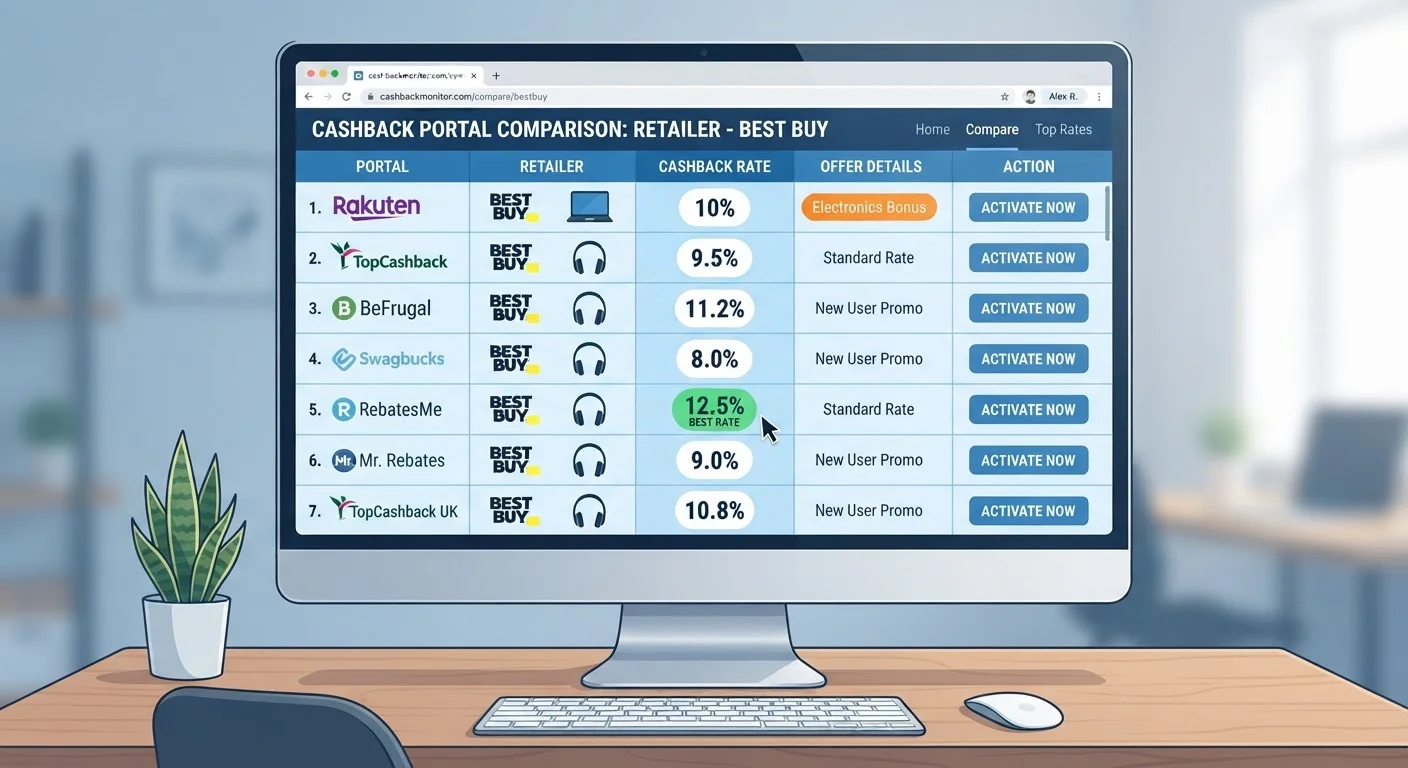
There's no law that says Rakuten, TopCashback, and BeFrugal have to offer the same rate at the same retailer. In practice, rates vary significantly - sometimes by several percentage points for identical purchases at identical stores. On a $400 electronics order, that gap can mean the difference between $8 and $32 back.
Rate comparison takes less than two minutes. Tools like Cashback Monitor aggregate current portal rates across a single retailer so you can identify the best option before clicking through. Make this the last step before any purchase - after you've found your product, after you've applied any eligible promo codes, but before you start your checkout session.
Also watch for elevated rates tied to specific time windows: portal rates frequently spike around major sales events (Black Friday, Prime Day, back-to-school season) and drop back within days. If you're shopping near one of these windows, it can pay to wait 24-48 hours for the boosted rate to activate - or to move quickly if one is already live.
For a broader look at habits that quietly reduce your rewards accumulation, see Leaving Cashback on the Table: Habits That Cost You Without Realizing It.
Filing a Missing Cashback Claim (And Not Waiting Too Long)
Even when you do everything right, cashback sometimes doesn't appear in your account. Tracking glitches happen. Retailer data feeds fail. Sessions time out unexpectedly. This is normal - and most portals have a formal dispute process specifically for these situations.
The critical variable is timing. Every portal sets its own claim window, and most are strict about it. Rakuten typically allows claims within 7 days of purchase. TopCashback and BeFrugal give you longer windows, but the specifics change. Miss the window, and the portal has no contractual obligation to investigate - your cashback is gone permanently.
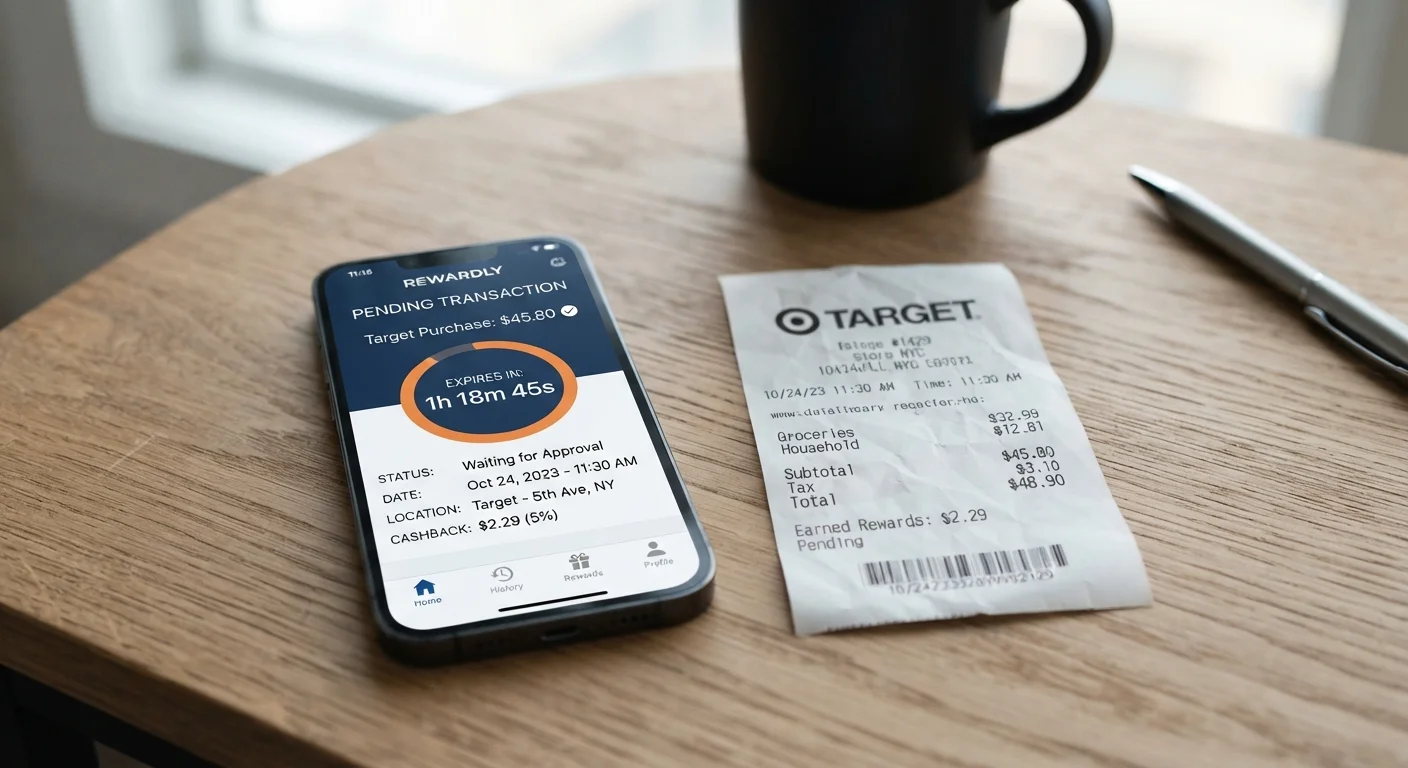
Build a simple habit: screenshot your portal confirmation page or email immediately after purchase, then add a calendar reminder for three days later to check whether the transaction has appeared as pending in your account. If it hasn't, file a claim the same day rather than waiting. Include your order confirmation number, the purchase total, and the exact timestamp of your portal click - the more detail you provide, the faster the portal can verify the transaction against the retailer's affiliate data.
If you've ever wondered why your cashback totals feel smaller than expected even when transactions do appear, Why Your Cashback Never Seems to Add Up the Way You Expected covers the structural reasons behind that gap, from pending delays to category exclusions.
Cashback portals are a system worth optimizing - explore the full range of platforms available at the Cashback Apps hub and Cashback Programs hub to find the combination that fits your spending patterns. The mechanics are learnable, the mistakes are avoidable, and the money is genuinely there for shoppers who pay attention.