


Key Takeaways
Summary
28 items · 30-60 minutes of prep, spread across the week before Cyber Monday
Why Cyber Monday Rewards the Prepared Shopper
Cyber Monday is not a passive event. The gap between a shopper who lands a 40% discount on a laptop they actually wanted and one who pays nearly full price for something they grabbed in a panic comes down almost entirely to preparation done in the days before the sale opens. The deals are real - but so is the noise designed to make mediocre markdowns look spectacular.
Cyber Monday operates differently from Black Friday in some critical ways: the best discounts are concentrated in electronics, software, and direct-to-consumer brands; deals refresh throughout the day rather than at a single midnight drop; and the competition is entirely digital, meaning stock can vanish in minutes without any physical store chaos. That changes how you prepare.
This checklist is organized into phases - what to do a week out, two to three days out, the night before, and on the day itself. Work through each section in order and you'll walk into Cyber Monday with a system, not a wish.

Tools You'll Need Before You Start
The right tools do the heavy lifting of monitoring, alerting, and stacking savings automatically. Install and configure these before you begin working through the checklist - several items in later sections depend on them being active.
CamelCamelCamel
Tracks Amazon price history so you can verify whether a Cyber Monday deal is a genuine low or a recycled regular price.
Honey (browser extension)
Automatically surfaces and tests coupon codes at checkout across hundreds of retailers, reducing manual code hunting.
Rakuten
Activates cashback on purchases at thousands of retailers - click through to the retailer from Rakuten before adding to cart.
TopCashback
Alternative cashback portal that often offers higher rates than Rakuten on specific retailers - compare before committing.
Google Shopping
Cross-references current prices across multiple retailers simultaneously to confirm you're buying from the cheapest source.
Keepa
More granular Amazon price history and stock tracking than CamelCamelCamel, including third-party seller data.
Capital One Shopping
Browser extension that surfaces price comparisons and coupon codes; works independently of Honey if you prefer a single-extension setup.
IFTTT or retailer app notifications
Triggers instant alerts when wishlist items drop to a target price, removing the need to manually monitor throughout the day.
A note on cashback portals: you can only activate one portal per purchase, so compare rates across portals for your highest-ticket items. Rates fluctuate in the days around Cyber Monday, so check again on the day itself.
The Full Cyber Monday Prep Checklist
Work through these groups in sequence. Items marked must are non-negotiable if you want to avoid paying more than necessary or losing out to stock depletion. Should items meaningfully improve your outcome. Nice-to-have items are worth doing if you have time.
One Week Before: Wishlist and Price Baseline
3-5 Days Before: Account and Payment Setup
Night Before: Cart Pre-Loading and Final Checks
On the Day: Checkout Discipline
Beware the Inflated 'Original' Price
A discount is only real if the original price reflects what the item actually sold for recently. Many retailers raise prices in the weeks before Cyber Monday specifically to make the 'sale' look larger than it is. Any item without at least 60 days of price history showing the claimed original price should be treated as suspicious. Cross-reference with Google Shopping and CamelCamelCamel before clicking buy.
Switching Tabs Can Kill Your Cashback
Cashback portals track your session via browser cookies. If you open a competitor comparison tab, click on an ad, or use a coupon code sourced from outside the portal's own interface, the tracking cookie can be overwritten and your cashback will not register. Keep your checkout session in a dedicated browser window and avoid navigating away until the order confirmation page loads.
Flash Deal Pressure Is Engineered - Resist It
Countdown timers and 'only 2 left' labels are standard conversion tools, not reliable indicators of genuine scarcity. If an item wasn't on your pre-built wishlist, a flash deal is not a reason to buy it. Impulse purchases during high-pressure sales events are the most common source of buyer's remorse - and return rates spike the week after Cyber Monday for exactly this reason.
For a deeper look at separating genuine markdowns from manufactured urgency, see how to identify a real Cyber Monday deal before you commit to any purchase.
Timing Your Checkout Sessions
Cyber Monday is a rolling sale, not a single moment. Understanding the rhythm of deal releases lets you prioritize your checkout order and avoid decision fatigue.
Early Morning (midnight-8 a.m. ET)
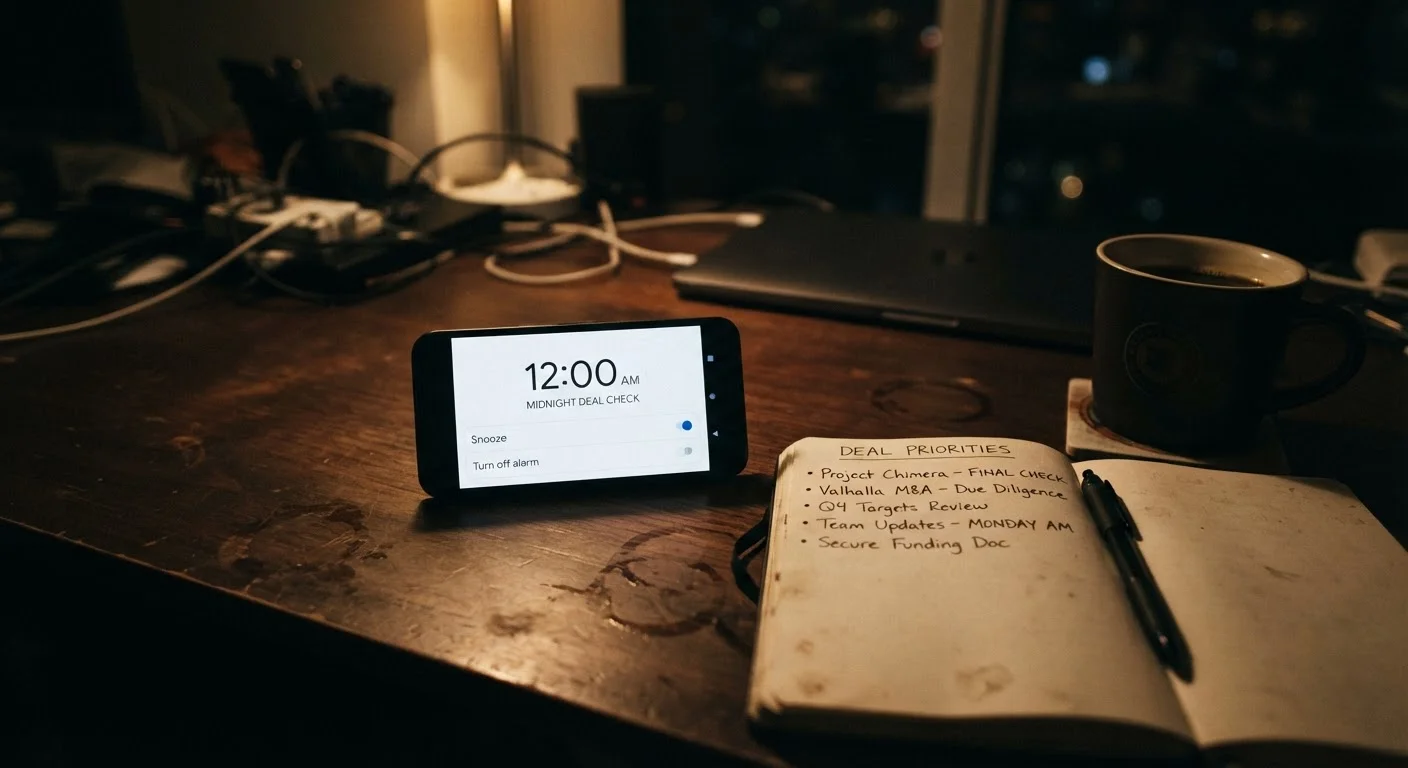
Major retailers like Amazon, Best Buy, and Walmart typically release their headline deals at or just after midnight ET. If you're targeting high-demand electronics - laptops, gaming hardware, noise-canceling headphones - this is the window you cannot sleep through. Set phone alarms and have your cart pre-loaded the night before.
Mid-Morning Flash Sales (9 a.m.-noon ET)
Many retailers run secondary flash drops mid-morning as restocks or new categories open. This is often when apparel, home goods, and beauty deals come online. Check your retailer wishlists and deal alert emails in this window.
Afternoon Lull and Late-Day Surge (noon-midnight ET)
Inventory on popular items thins significantly after noon. The late-evening surge (8 p.m.-midnight ET) often brings a final wave of deals, particularly from direct-to-consumer brands and software providers trying to capture last-minute shoppers. If something sold out in the morning, check back here.
If Cyber Monday strategy is new to you, it's worth noting how it contrasts with Black Friday's physical-first approach. The Black Friday prep checklist covers overlapping tools but a different timing structure - useful context if you're running both in the same week.
Stock on Top Items Disappears Fast
For any item you've classified as 'need-now' on your wishlist - particularly laptops, gaming consoles, and high-demand headphones - checkout within the first 30 minutes of a deal going live is not an exaggeration. These items regularly sell out before 2 a.m. ET on Cyber Monday. If you miss the window, prices typically recover to near-retail within days, and the next realistic buying opportunity is post-holiday clearance in late December or January.
Your Return Window Starts at Purchase, Not Delivery
Most retailers' standard return windows (14-30 days) begin on the purchase date, not the date the item arrives. A laptop ordered on Cyber Monday and received two weeks later may only have two weeks left in its return window. Confirm whether the retailer has an extended holiday return policy - most major retailers do, but the cutoff date and applicable items vary. Check this before you buy, not after a problem arises.
Stacking Savings: Cashback, Coupons, and Card Rewards
The headline discount is just the starting point. Cyber Monday is one of the few times of year when multiple saving layers can be stacked legally and without retailer objection - if you know the order of operations.
The Stacking Order
- Activate your cashback portal first (Rakuten, TopCashback, etc.) by clicking through to the retailer from the portal. This sets the tracking cookie.
- Apply the retailer promo code at checkout. Many retailers have a single sitewide code that stacks with portal cashback - your browser extension will surface candidates automatically.
- Use a credit card with a category bonus (e.g., 3-5% on online purchases, or a portal-linked card that boosts the cashback rate).
- Check for card-linked offers - Amex Offers and Chase Offers can add another flat $10-$25 back on specific retailers.
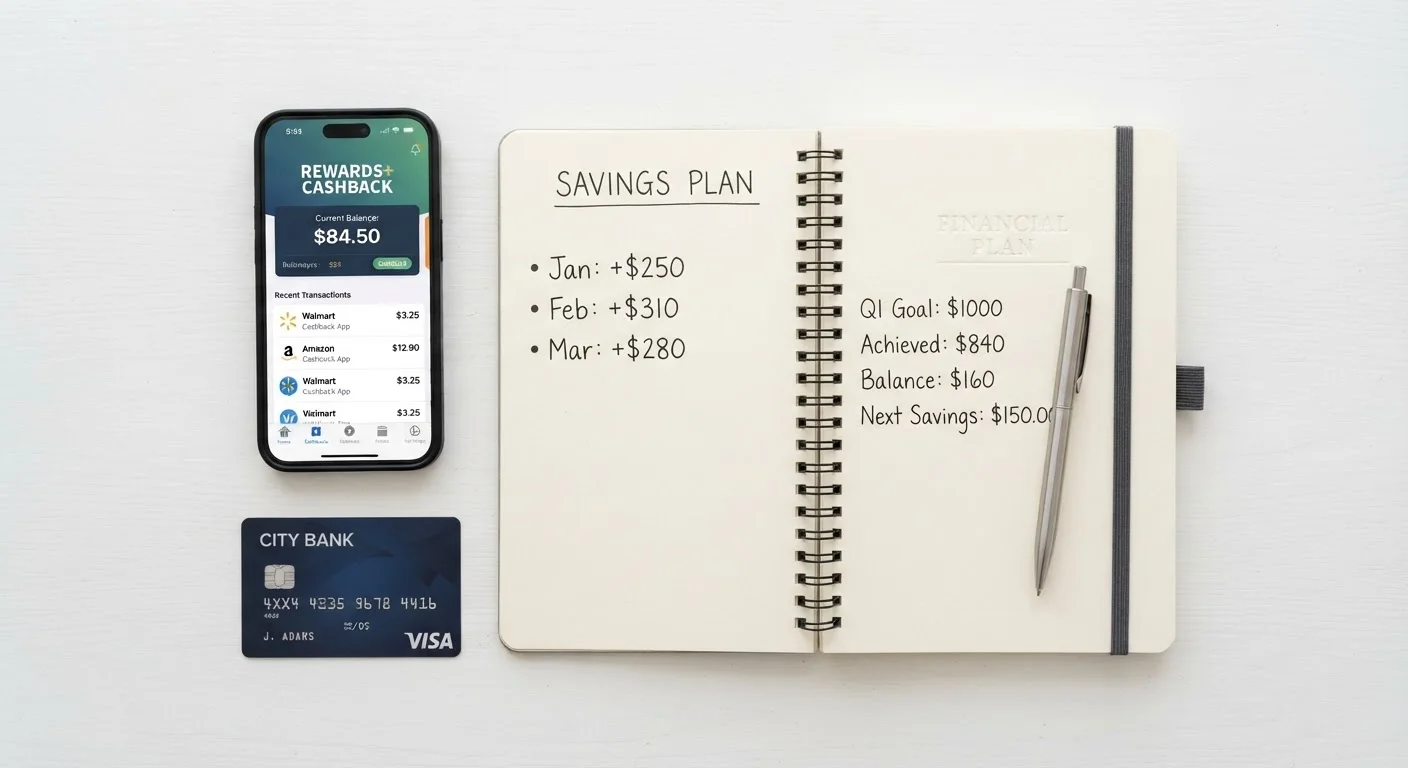
Done correctly, this stack can add 8-15% back on top of the sale price. On a $500 laptop, that's $40-$75 in recovered value - real money that most shoppers leave on the table.
The same stacking logic applies to post-holiday clearance. Once Cyber Monday is behind you, winter clearance shopping follows similar rules with even more flexibility on timing.
Beware the Inflated 'Original' Price
A discount is only real if the original price reflects what the item actually sold for recently. Many retailers raise prices in the weeks before Cyber Monday specifically to make the 'sale' look larger than it is. Any item without at least 60 days of price history showing the claimed original price should be treated as suspicious. Cross-reference with Google Shopping and CamelCamelCamel before clicking buy.
Switching Tabs Can Kill Your Cashback
Cashback portals track your session via browser cookies. If you open a competitor comparison tab, click on an ad, or use a coupon code sourced from outside the portal's own interface, the tracking cookie can be overwritten and your cashback will not register. Keep your checkout session in a dedicated browser window and avoid navigating away until the order confirmation page loads.
Flash Deal Pressure Is Engineered - Resist It
Countdown timers and 'only 2 left' labels are standard conversion tools, not reliable indicators of genuine scarcity. If an item wasn't on your pre-built wishlist, a flash deal is not a reason to buy it. Impulse purchases during high-pressure sales events are the most common source of buyer's remorse - and return rates spike the week after Cyber Monday for exactly this reason.
After Checkout: Protect the Deal You Landed
Placing the order is not the finish line. The period between checkout and delivery is when a surprising number of shoppers lose value they already earned.
Price Drop Protection
Many retailers - including Amazon and Best Buy - offer price adjustment windows of 7-15 days post-purchase. Install a price tracker alert on every order confirmation page. If the price drops further (which happens as retailers clear remaining stock), you can request a refund of the difference. Some credit cards also provide automatic price protection - check your card benefits before assuming this isn't available to you.
Verify Cashback Tracking
Log into your cashback portal 24-48 hours after purchase and confirm that your transactions are showing as pending. Missing cashback is more common than it should be, typically caused by using a coupon code from outside the portal or switching browser tabs mid-session. Document your session with screenshots of the portal activation and your order confirmation as proof if you need to file a claim.
Review Return Policies Before You Need Them
Cyber Monday purchases often ship weeks before the holidays. Confirm that each retailer's extended holiday return window applies to your order - most major retailers extend returns through January for purchases made in November, but this is never guaranteed. Add return deadlines to your calendar now, not in December.

If you're building out your broader sale-season strategy, the Black Friday shopping list framework applies equally to Cyber Monday wishlist construction - particularly the prioritization logic that prevents impulse-buy regret.
Stock on Top Items Disappears Fast
For any item you've classified as 'need-now' on your wishlist - particularly laptops, gaming consoles, and high-demand headphones - checkout within the first 30 minutes of a deal going live is not an exaggeration. These items regularly sell out before 2 a.m. ET on Cyber Monday. If you miss the window, prices typically recover to near-retail within days, and the next realistic buying opportunity is post-holiday clearance in late December or January.
Your Return Window Starts at Purchase, Not Delivery
Most retailers' standard return windows (14-30 days) begin on the purchase date, not the date the item arrives. A laptop ordered on Cyber Monday and received two weeks later may only have two weeks left in its return window. Confirm whether the retailer has an extended holiday return policy - most major retailers do, but the cutoff date and applicable items vary. Check this before you buy, not after a problem arises.