

Key Takeaways
Coupon Stacking
Coupon stacking is the practice of applying more than one discount to a single item or transaction. At its core, it means combining different types of savings - such as a manufacturer coupon, a store coupon, and a digital promo code - so their discounts layer on top of each other. Most retailers allow some form of stacking; the key is knowing which combinations each store permits.
Stacking is governed by individual retailer coupon policies and manufacturer redemption terms, not universal law. The phrase 'one coupon per item' on a manufacturer coupon refers specifically to other manufacturer coupons - it does not prohibit combining with a store coupon.
The Three Coupon Types and What Separates Them
Before you can stack coupons intelligently, you need to understand what you're actually working with. There are three distinct coupon categories, and mixing them up is the most common reason shoppers leave savings on the table - or get turned away at the register.
Manufacturer Coupons
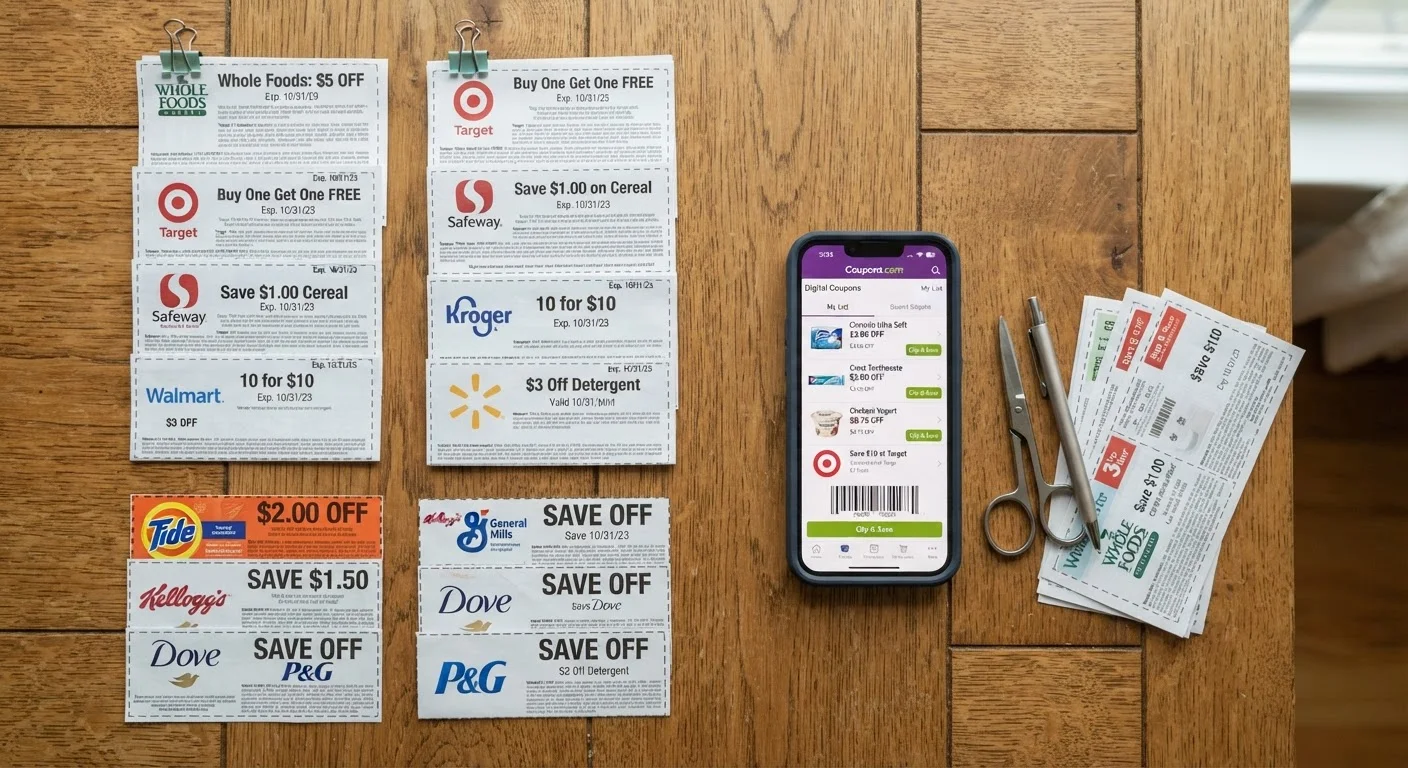
A manufacturer coupon is issued and funded by the brand that makes the product. When you redeem one, the retailer submits it for reimbursement from the manufacturer. These coupons are universally accepted at any store that sells the product, making them the most portable discount type. You'll find them in Sunday inserts, on manufacturer websites, through apps like Coupons.com, and occasionally mailed directly to your home.
The defining restriction: manufacturer coupons almost always say "one coupon per item" or "one coupon per purchase." That language applies only to combining two manufacturer coupons - it does not block you from also using a store coupon. This is the single most misunderstood rule in couponing.
Store Coupons
A store coupon is issued and funded by the retailer itself. These can only be used at the issuing chain - a Walgreens store coupon is worthless at CVS. Store coupons show up in retailer circulars, on store apps, through loyalty programs, and as mailed mailers. Because the store is eating the discount directly, they control their own stacking rules without manufacturer involvement.
Digital Promo Codes and App Offers
This category trips people up because the word "digital" says nothing about who issued the offer. A promo code on a brand's own website is effectively a manufacturer coupon. A code generated by a store's app is a store coupon. A discount from a third-party deal site may be neither - it could be an affiliate discount with its own restrictions. Always trace the code back to its issuer before assuming it stacks.
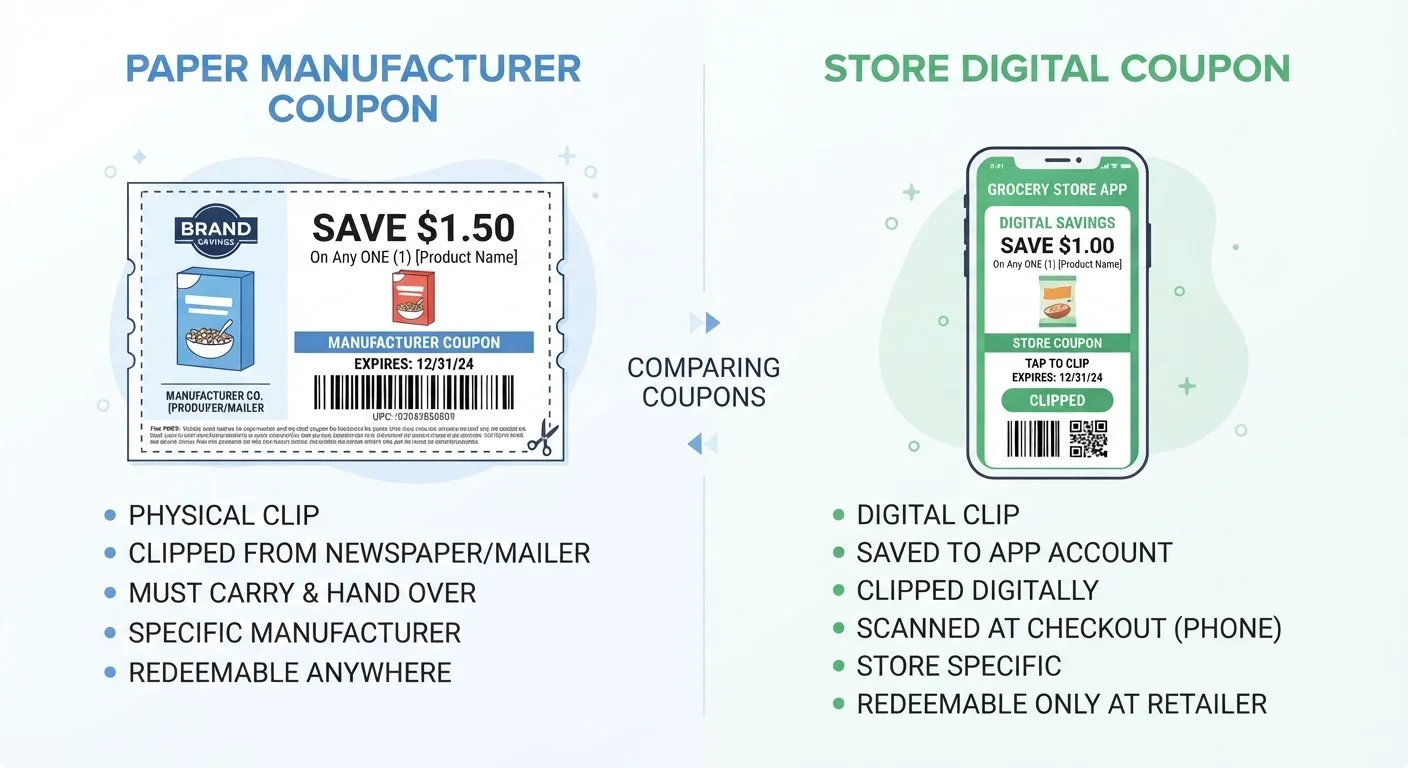
For a deeper look at how these categories interact online, see store coupons vs. manufacturer coupons.
The Golden Rule of Stacking: One Manufacturer, One Store
The foundational stacking rule - accepted at the overwhelming majority of major retailers - is this: one manufacturer coupon plus one store coupon per item. That combination is almost always allowed, and it's where most shoppers generate their biggest savings.
Here's why it works without any policy conflict: the manufacturer coupon is reimbursed to the retailer by the brand, so the store isn't absorbing that cost. The store coupon comes out of the retailer's own margin. Both discounts are being paid by different parties, so there's no financial double-dipping from the store's perspective. That's the structural reason most retailers permit it.
83%
Maximum discount possible with full coupon stacking
Shoppers at pharmacy chains like CVS and Walgreens regularly achieve discounts of 80-90% when combining sale prices, store coupons, manufacturer coupons, and cashback on a single item.
$1,465
Average annual savings for active coupon stackers
According to a 2023 Inmar Intelligence report, households actively combining manufacturer and store coupons save an average of $1,465 per year compared to non-coupon users.
3x
Savings multiplier vs. single coupon use
RetailMeNot research found that shoppers using three or more discount layers per transaction save approximately three times more than those applying a single coupon at checkout.
67%
Shoppers unaware digital coupons can stack with paper
A 2022 consumer survey by Valassis found that 67% of coupon users did not know they could combine a digital store coupon with a paper manufacturer coupon on the same item.
The practical workflow looks like this:
- Identify an item on sale at the store this week.
- Find a matching manufacturer coupon (paper insert, Coupons.com, brand app).
- Find a matching store coupon (store circular, loyalty app, in-store kiosk).
- Apply sale price + manufacturer coupon + store coupon at checkout.
That's three layers before you even touch cashback apps. When the item is already on sale, this combination can push your out-of-pocket cost below the store's wholesale price on certain products.
When a Sale Price Counts as a Coupon
Some retailers' systems treat store sale prices as a form of promotional discount that may interact with certain coupon stacking limits. This is rare but can occur during clearance events or on BOGO sales where the store coupon policy defines a 'BOGO offer' as one of your allowed coupon slots. If you're uncertain, ask the customer service desk before you get to the register.
Overage: When Coupons Exceed the Item Price
At some grocery chains, when the combined value of your coupons exceeds the item's price, the excess can apply to other items in your transaction. This practice - called coupon overage - is store-specific and increasingly rare. Kroger and a handful of regional chains still allow it. Most stores will simply reduce the coupon value to the item's shelf price and give you no more than a $0 out-of-pocket cost on that item.
Coupon Policies Are Living Documents
Major retailers update their coupon acceptance policies multiple times per year, often without consumer-facing announcements. A stacking combination that worked last month may be restricted today. The only reliable source for current policy is the printed policy document available at the customer service desk, or the official policy page on the retailer's website dated within the last 90 days.
Coupon stacking mechanics go deeper than most guides cover - particularly when sale prices interact with coupon values and produce overage at certain grocery chains.
Where Digital Coupons Fit - and Common Misclassifications
Digital coupons have made stacking simultaneously easier and more confusing. Easier because you can load multiple offers instantly. More confusing because the interface rarely tells you whether what you're loading is a store coupon or a manufacturer coupon.
Store App Coupons (Always Store Coupons)
Offers loaded through Kroger's app, Target Circle, CVS ExtraCare, Walgreens Cash Rewards, or Publix's digital wallet are store coupons - full stop. They are funded by the retailer or through co-op deals with brands, but they're issued under the store's umbrella. This means they stack cleanly with paper manufacturer coupons.
Manufacturer Digital Coupons
Coupons loaded from brand-specific apps, manufacturer websites, or platforms like Ibotta's direct-to-store offers are treated as manufacturer coupons. Loading a manufacturer digital coupon to your store card and then handing over a paper manufacturer coupon for the same product will almost always trigger a rejection - the system sees two manufacturer discounts on one item.
Promo Codes at Online Retailers
Online is where this gets more complicated. Most major e-commerce sites allow one promo code per order. If you have a store-issued promo code and a manufacturer-issued promo code, the site's checkout typically only accepts one. Your best move: apply the larger discount and supplement with a cashback portal or browser extension on top.
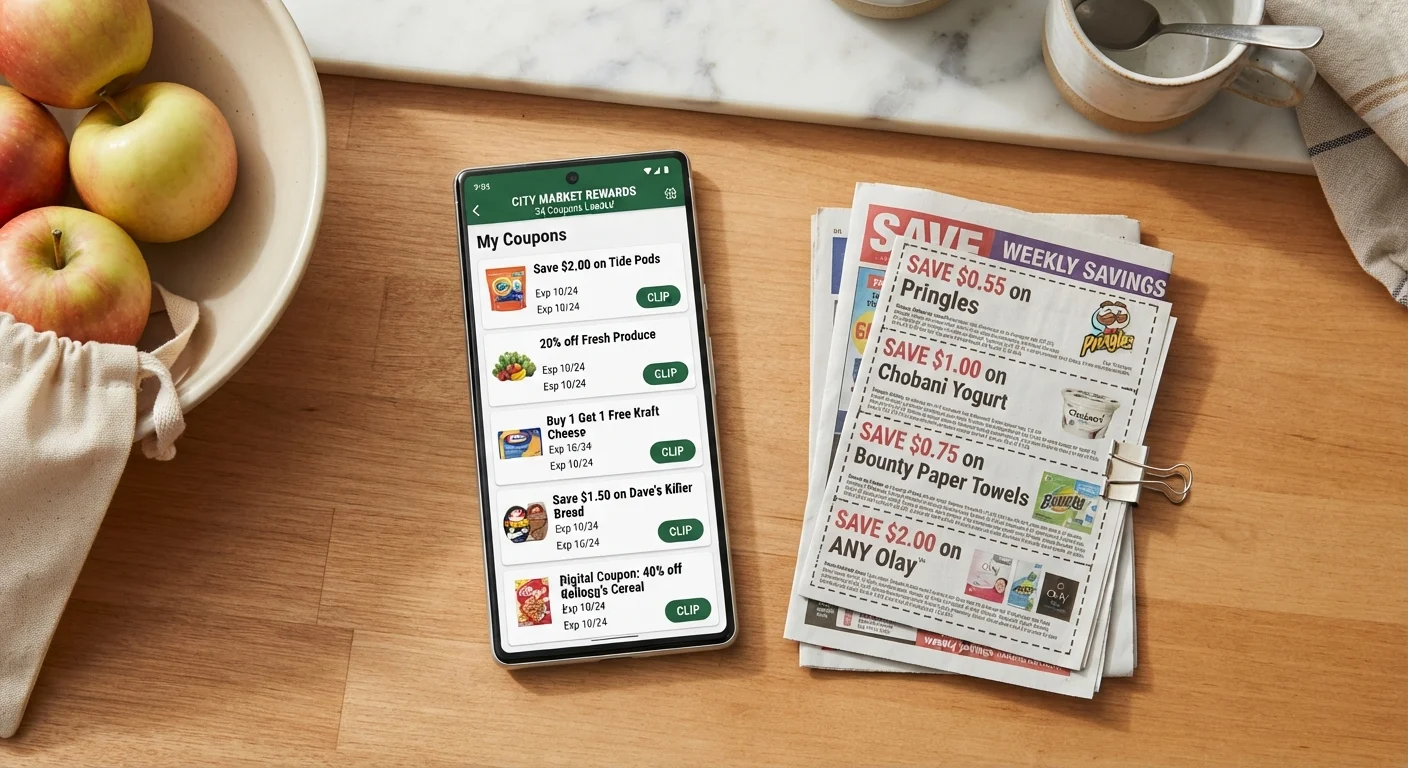
For a practical walkthrough of layering online codes with cashback, see stacking promo codes, coupons, and cashback on the same order.
Load Digital Coupons Before Entering the Store
Store app offers often require activation before the loyalty card is swiped at the register - loading them in the parking lot may not be fast enough for all systems to sync. Load your digital store coupons at home the night before your trip to avoid losing a discount at checkout.
Split Transactions to Maximize Per-Transaction Limits
If a coupon says 'one per transaction' and you're buying multiples, split your cart into separate transactions. This is perfectly within store policy at most retailers and is one of the most reliable ways to multiply your total savings on a single shopping trip.
Screenshot Your Loaded Digital Offers
App glitches and loyalty card syncing failures happen. Before you shop, screenshot any digital offers you've loaded to your account. If the coupon fails to deduct at the register, you have proof of activation to show the cashier or customer service desk for a post-transaction price adjustment.
Cashback Apps: The Layer That Almost Always Stacks
Cashback apps - Ibotta, Fetch, Rakuten, and similar tools - occupy a different position in the stacking hierarchy than coupons. They don't interface with the point-of-sale system at checkout. Instead, they track your purchase after the fact through receipt scanning or affiliate tracking links, then pay you a rebate. That independence is exactly what makes them so stackable.
In practical terms: you can apply a manufacturer coupon, a store coupon, and a sale price at the register, then submit the same receipt to Ibotta for a cashback rebate. The store and manufacturer have no visibility into what Ibotta pays you. This is legal, it's within the terms of service of virtually every cashback app, and it's the most underused layer in consumer savings.
“Cashback is the most frictionless layer in the savings stack because it requires zero negotiation at the register. You've already paid your discounted price - the rebate is just money that shows up in your account a few days later.”
— Jill Cataldo, Nationally syndicated coupon columnist and savings educator
Browser Extensions Are the Online Equivalent
Tools like Rakuten's browser extension or Honey apply discounts or track cashback at the point of purchase in a browser session. These operate as affiliate commissions paid by the retailer - not as coupons - which is why they generally don't conflict with promo codes. The exception: some retailers exclude cashback on orders using third-party coupon codes. When in doubt, check the cashback portal's terms for that specific retailer before applying a code.
For a comprehensive guide to pairing these tools effectively, see stacking digital coupons and multiple savings tools.
Reading the Fine Print: What Exclusion Language Actually Means
Coupon fine print is written by legal teams to protect the issuer - not to confuse you, but the effect is the same if you don't know how to parse it. Here are the most common phrases and what they actually restrict:
- "One coupon per item purchased"
- This is standard manufacturer language. It means you cannot use two manufacturer coupons on the same item. It does not block a store coupon.
- "One coupon per transaction"
- This is a per-transaction limit, not a per-item limit. If you're buying three of the same item, you can only use this coupon once in that transaction, even if you have three copies. To use all three coupons, split into separate transactions.
- "Not valid with any other offer"
- This is the most restrictive language. It typically means the coupon cannot be combined with another coupon of any type. It does not necessarily block sale prices, which are not considered offers in the coupon sense - but check with the customer service desk.
- "Limit 4 identical coupons per household per day"
- A manufacturer-set redemption cap. The coupon works, but you can't use more than four of the same coupon in a single shopping trip or day.
- "Void if altered or transferred"
- Standard fraud prevention. Using a legitimately obtained coupon is fine; photocopied or modified coupons are not.
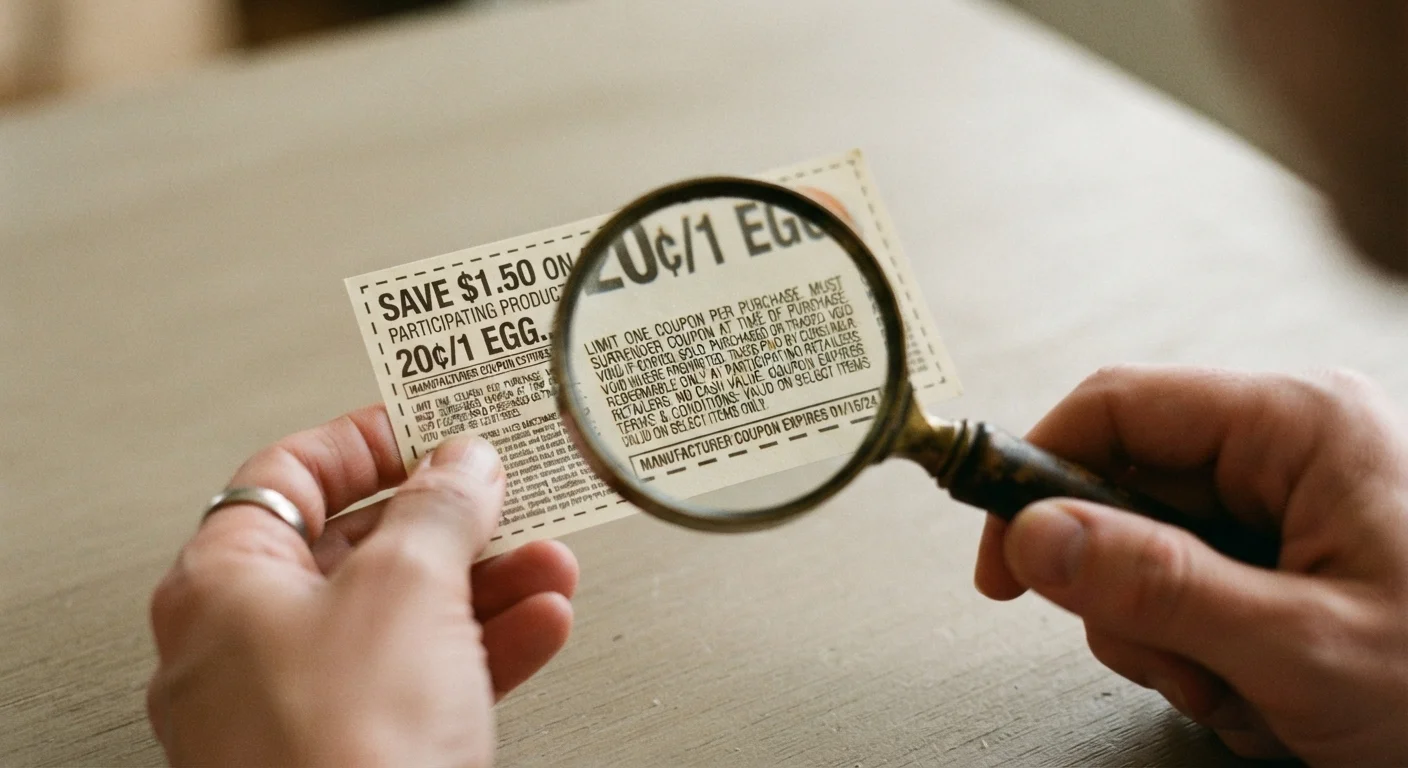
Understanding how coupon stacking works at the grocery level, including which combinations are permitted, gives you the full framework for reading any exclusion language confidently.
When a Sale Price Counts as a Coupon
Some retailers' systems treat store sale prices as a form of promotional discount that may interact with certain coupon stacking limits. This is rare but can occur during clearance events or on BOGO sales where the store coupon policy defines a 'BOGO offer' as one of your allowed coupon slots. If you're uncertain, ask the customer service desk before you get to the register.
Overage: When Coupons Exceed the Item Price
At some grocery chains, when the combined value of your coupons exceeds the item's price, the excess can apply to other items in your transaction. This practice - called coupon overage - is store-specific and increasingly rare. Kroger and a handful of regional chains still allow it. Most stores will simply reduce the coupon value to the item's shelf price and give you no more than a $0 out-of-pocket cost on that item.
Coupon Policies Are Living Documents
Major retailers update their coupon acceptance policies multiple times per year, often without consumer-facing announcements. A stacking combination that worked last month may be restricted today. The only reliable source for current policy is the printed policy document available at the customer service desk, or the official policy page on the retailer's website dated within the last 90 days.
Retailer-by-Retailer Stacking Flexibility
Policies vary significantly by retailer. Here's how the major players break down:
| Retailer | Manufacturer + Store Coupon? | Digital + Paper Stack? | Cashback Compatible? |
|---|---|---|---|
| Target | Yes | Yes (Target Circle + MFR coupon) | Yes |
| CVS | Yes | Yes | Yes |
| Walgreens | Yes | Yes | Yes |
| Kroger | Yes | Yes (digital + paper MFR) | Yes |
| Publix | Yes | Yes (BOGO stacking allowed) | Yes |
| Walmart | Yes | Yes (Walmart+ offers + MFR) | Yes |
| Amazon | Varies | One promo code per order | Check portal terms |
Target is particularly stacking-friendly: you can apply a manufacturer coupon, a Target Circle percentage-off offer, and a Target gift card promotion on the same item simultaneously. That's three layers before cashback. CVS and Walgreens also shine because their loyalty systems generate store coupons (ExtraBucks, Walgreens Cash) that combine freely with manufacturer offers.
Load Digital Coupons Before Entering the Store
Store app offers often require activation before the loyalty card is swiped at the register - loading them in the parking lot may not be fast enough for all systems to sync. Load your digital store coupons at home the night before your trip to avoid losing a discount at checkout.
Split Transactions to Maximize Per-Transaction Limits
If a coupon says 'one per transaction' and you're buying multiples, split your cart into separate transactions. This is perfectly within store policy at most retailers and is one of the most reliable ways to multiply your total savings on a single shopping trip.
Screenshot Your Loaded Digital Offers
App glitches and loyalty card syncing failures happen. Before you shop, screenshot any digital offers you've loaded to your account. If the coupon fails to deduct at the register, you have proof of activation to show the cashier or customer service desk for a post-transaction price adjustment.
Always confirm current policy in-store, as retailer coupon policies are updated frequently and without public notice. The customer service desk is your authoritative source - not the retailer's website, which often lags behind actual policy changes.
For a broader framework on building a repeatable stacking system, visit the Coupon Stacking hub or the Couponing Basics hub for foundational strategies.
Building a Repeatable Stacking System
Ad hoc deal-hunting produces inconsistent results. A systematic approach turns stacking from a lucky coincidence into a reliable process. Here's a framework that works across grocery, pharmacy, and general retail:
Step 1: Start With the Sale Cycle
Most retailers run weekly or bi-weekly sale cycles. Track the sale circular first - not the coupon database. Discounted items are your anchor; coupons amplify them. Trying to find a coupon and then hunt for a sale usually produces weaker combinations.
Step 2: Match Manufacturer Coupons
Once you have a target item on sale, search for a matching manufacturer coupon. Check the brand's website, Coupons.com, your Sunday inserts, and the brand's own app. Manufacturer coupons are portable, so even a coupon clipped for use at another store can be applied here.
Step 3: Load Store Coupons
Open the retailer's app and check for matching offers on the same item. Load any relevant digital store coupons to your loyalty card before you enter the store. In-store kiosks at pharmacies sometimes generate additional store coupons - worth 30 seconds to check.
Step 4: Activate Cashback
Before leaving home, activate any matching Ibotta or Fetch offers for the target product. If shopping online, navigate to the retailer through a cashback portal like Rakuten before placing your order.
Step 5: Verify at Checkout
Watch the register display as each coupon scans. If a coupon fails to deduct, address it before the transaction completes - not after. Bring the physical coupon policy printout from the retailer's website for any stores where you anticipate pushback.
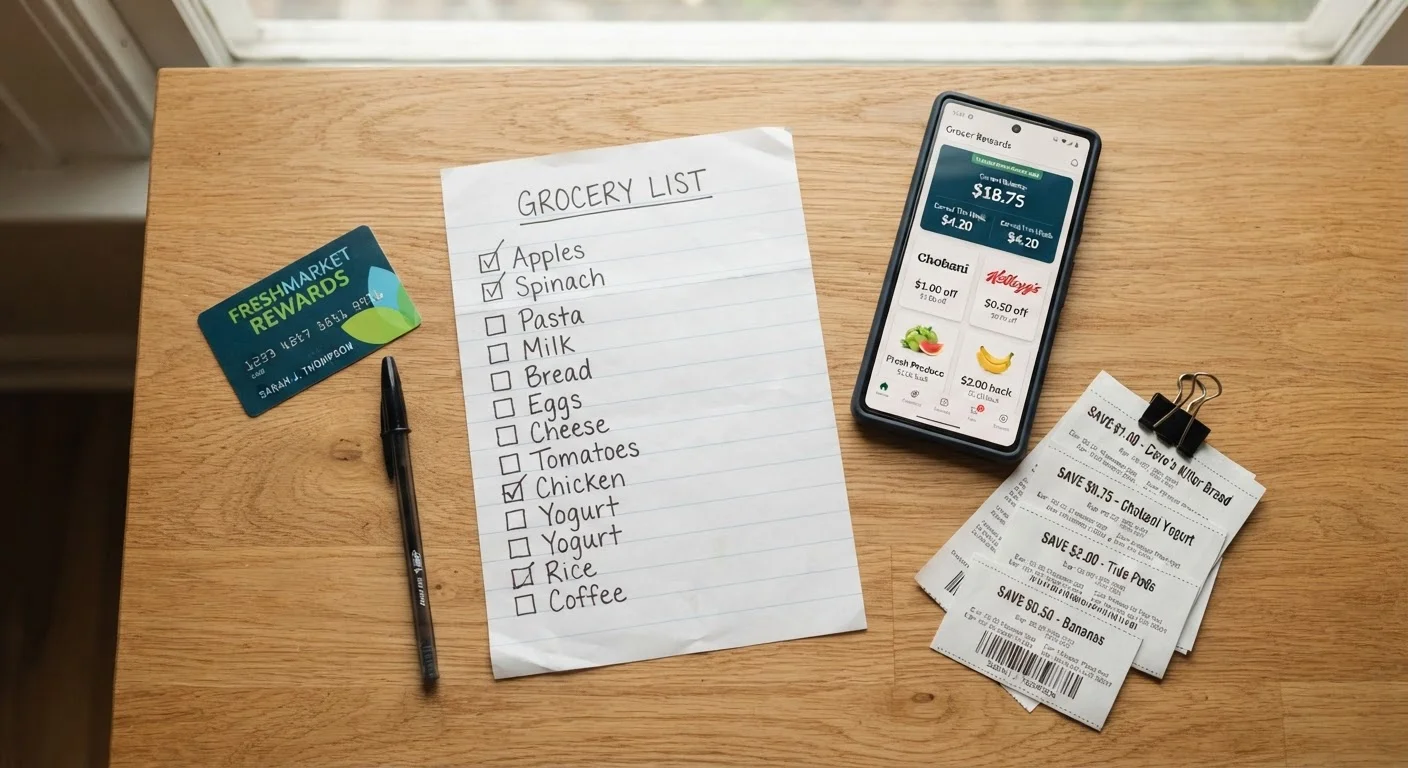
This five-step process turns a $4.99 item into a $0.50 item regularly at pharmacies and grocery chains when sales, manufacturer coupons, store coupons, and cashback align. It takes about ten minutes of prep per shopping trip once you've internalized the system.