

Key Takeaways
Option A
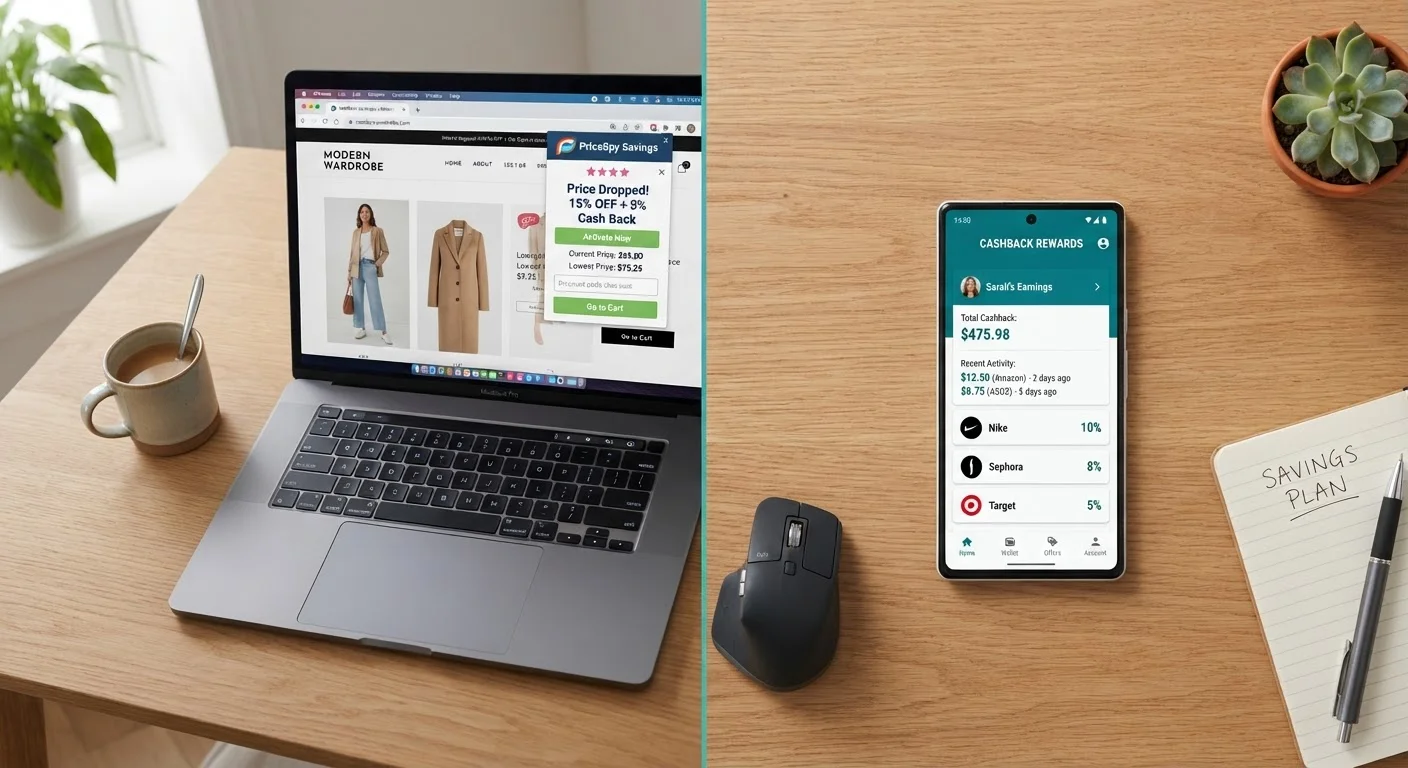
Browser Deal Extensions
The passive, desktop-first savings layer.
Best for: Shoppers who buy primarily on desktop and want automatic coupon application and price comparison without changing their routine.
Option B
Mobile Cashback Apps
The active, on-the-go earnings engine.
Best for: Shoppers who buy frequently on mobile or in physical stores and want percentage-back rewards on a wider range of everyday purchases.
If you do most shopping on a desktop browser
Browser Deal Extensions
Extensions are embedded directly in your checkout flow, so you get coupon testing and price comparison with zero extra effort on the platform where you already shop.
If you shop heavily on mobile or in physical stores
Mobile Cashback Apps
Apps like Ibotta and Fetch cover in-store purchases via receipt scanning - a category browser extensions simply cannot access.
If you want maximum cashback on large online orders
Mobile Cashback Apps
Apps such as Rakuten's mobile platform frequently offer higher cashback rates than extension-based rewards, especially during bonus events.
If you prioritize a completely hands-off savings experience
Browser Deal Extensions
Once installed, extensions like Capital One Shopping and Honey activate automatically at checkout - no manual browsing of offers required.
If you want the most savings overall and don't mind using two tools
Browser Deal Extensions
Use an extension for automatic coupon stacking on desktop and pair it with a cashback app for in-store and mobile purchases - the combination beats either tool alone.
How Each Tool Actually Makes You Money
Before comparing performance, it helps to understand the underlying mechanics - because the way each tool generates savings determines where it works and where it doesn't.
Browser extensions sit inside your web browser as a lightweight add-on. When you land on a supported retailer's checkout page, the extension either automatically tests coupon codes in sequence or flags that a cashback rate is available through its portal. Tools like Honey, Capital One Shopping, and Rakuten's browser button all operate as affiliate intermediaries: the retailer pays them a commission when you complete a purchase, and they share a portion of that commission with you as cashback or rewards. The coupon-testing piece is a separate value layer - extensions maintain databases of active codes and try them at checkout so you don't have to.
For a deeper look at what's actually happening during that auto-apply moment, see what happens when a coupon extension auto-applies at checkout.
Mobile cashback apps work through several different mechanisms depending on the app. Apps like Rakuten (mobile) and Swagbucks function similarly to their browser counterparts - you click through to a retailer and earn a percentage back. But apps like Ibotta and Fetch Rewards introduce a different model: you browse available offers before shopping, buy the qualifying products (in-store or online), then submit a receipt photo for verification. The retailer or brand funds these offers directly as a targeted promotional spend, which is why rates can be higher for specific SKUs.
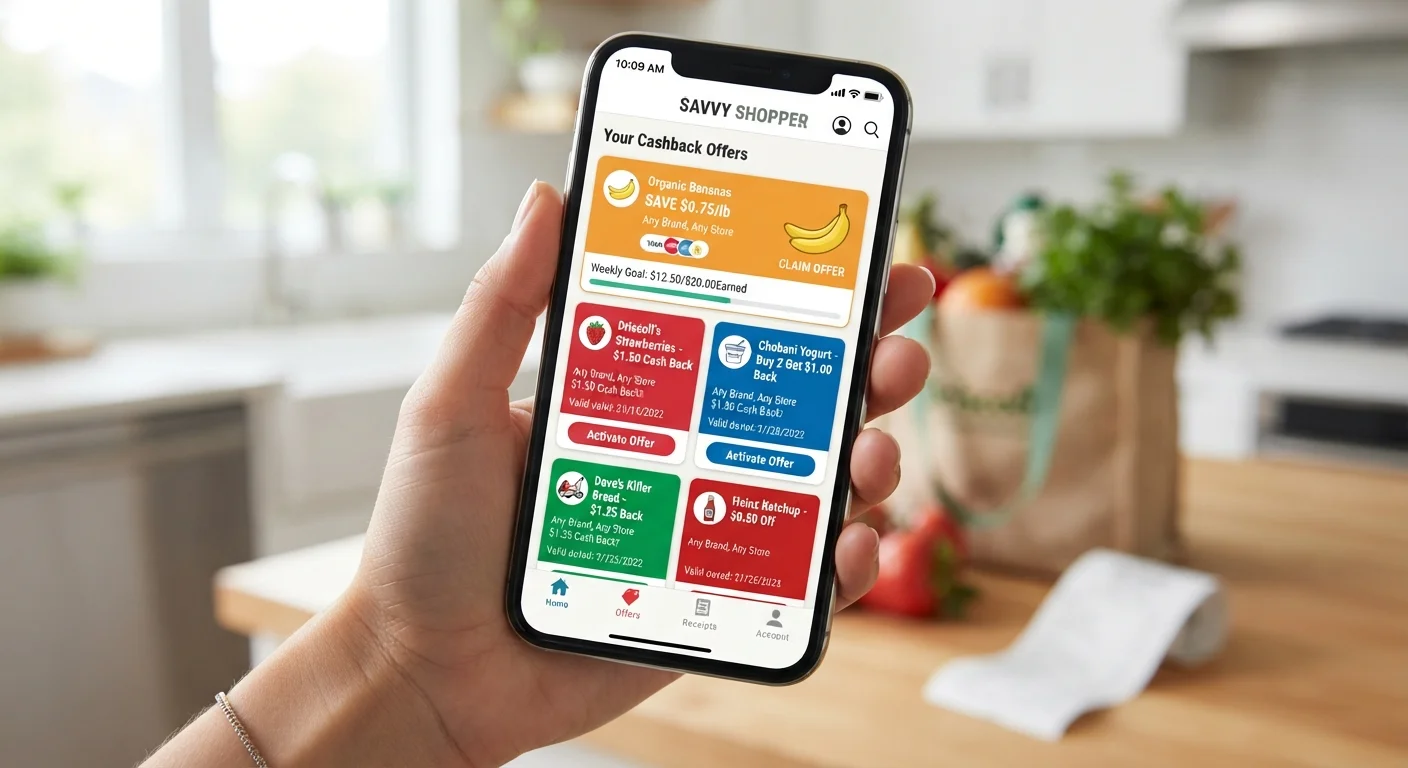
The structural difference matters: extensions react to where you are in a browser session, while many cashback apps require intentional engagement - you look up offers before you shop, not after. That friction is real, and it's why extensions feel more passive even when apps occasionally pay more.
Head-to-Head: Where the Numbers Stack Up
Comparing these tools requires looking beyond headline cashback percentages. Payout structure, retailer coverage, and the type of purchase all shift the real-world math.
| Criterion | Browser Deal Extensions | Mobile Cashback Apps |
|---|---|---|
| Primary platform | Desktop browser | Smartphone (iOS/Android) |
| In-store coverage | None | Yes (receipt scanning) |
| Grocery/CPG offers | Minimal | Extensive (Ibotta, Fetch) |
| Coupon auto-application | Yes - automatic at checkout | No |
| Typical online cashback rate | 1-15% (retailer dependent) | 1-40% (offer dependent) |
| Effort required | Very low - passive after install | Medium - browse offers before shopping |
| Payout frequency | Quarterly (Rakuten) or on demand | Varies; often monthly or on demand |
| Price comparison | Yes (Capital One Shopping) | Rarely |
| Data collection scope | Broad (browsing + purchase) | Narrower (purchase/receipt) |
| Stackable with credit card rewards | Yes | Yes |
88%
U.S. adults who shop online via desktop at least monthly
According to Statista's 2023 e-commerce behavior report, desktop remains a primary purchase channel despite mobile growth.
$150+
Average annual cashback earned by active Rakuten users
Rakuten's own published user data indicates active members earn over $150 per year in cashback on average.
35M+
Active Ibotta users scanning receipts monthly
Ibotta reported over 35 million active users as of its 2024 IPO prospectus, reflecting strong in-store cashback adoption.
3-5x
Higher CPG cashback rates on apps vs. extensions
Brand-funded item-level offers in grocery cashback apps routinely deliver 20-40% back on specific products versus the 5-8% typical of extension-based grocery portal cashback.
On retailer coverage, browser extensions have a clear breadth advantage for major online retailers. Honey, for instance, has code databases covering thousands of stores. Capital One Shopping actively compares prices across merchants while you browse. But coverage doesn't mean every visit triggers a deal - coupon databases go stale, and cashback rates at a given retailer can drop to zero during promotional blackout periods.
Mobile cashback apps often have narrower retailer lists for online cashback, but their in-store and grocery coverage is unmatched. Ibotta's CPG (consumer packaged goods) offers cover brands you'd find at Walmart, Target, Kroger, and Costco - none of which trigger extension rewards when you're standing in the aisle.
On cashback rates, apps edge out extensions for specific high-promotion categories. Ibotta regularly offers $1-$5 fixed rewards on individual grocery items, which translates to an effective rate of 20-40% on a $5-$10 product. Extensions rarely reach those percentages for general merchandise. However, for electronics, travel, and apparel, extension-based portals (especially Rakuten's) can hit 5-15% during promotional windows - competitive with most standalone apps.
Comparing Honey, Rakuten, and Capital One Shopping in detail shows how much cashback rates vary even within the extension category, which is worth knowing before you commit to one.
The Stacking Question: Can You Use Both?
In most cases, yes - and doing so is the highest-leverage move available to a systematic shopper. The key is understanding which combinations are allowed and which will void your cashback.
Here's the practical stacking framework:
- Desktop online purchases: Use a browser extension for automatic coupon application. If the extension also offers cashback (Rakuten's browser button, for example), activate that. Do not simultaneously be logged into a separate cashback portal for the same transaction - one affiliate cookie will overwrite the other.
- Mobile online purchases: Use a cashback app's in-app browser or click-through link before landing on the retailer. Extensions don't run inside app browsers, so there's no conflict.
- In-store purchases: Extensions are irrelevant. Use a cashback app's offer system and submit your receipt. Pair with a rewards credit card for an additional 1-5% back - this doesn't conflict with app cashback.
- Grocery and CPG: Ibotta or Fetch for item-level offers, plus your store's loyalty card, plus a cashback credit card. Three layers, no conflicts.
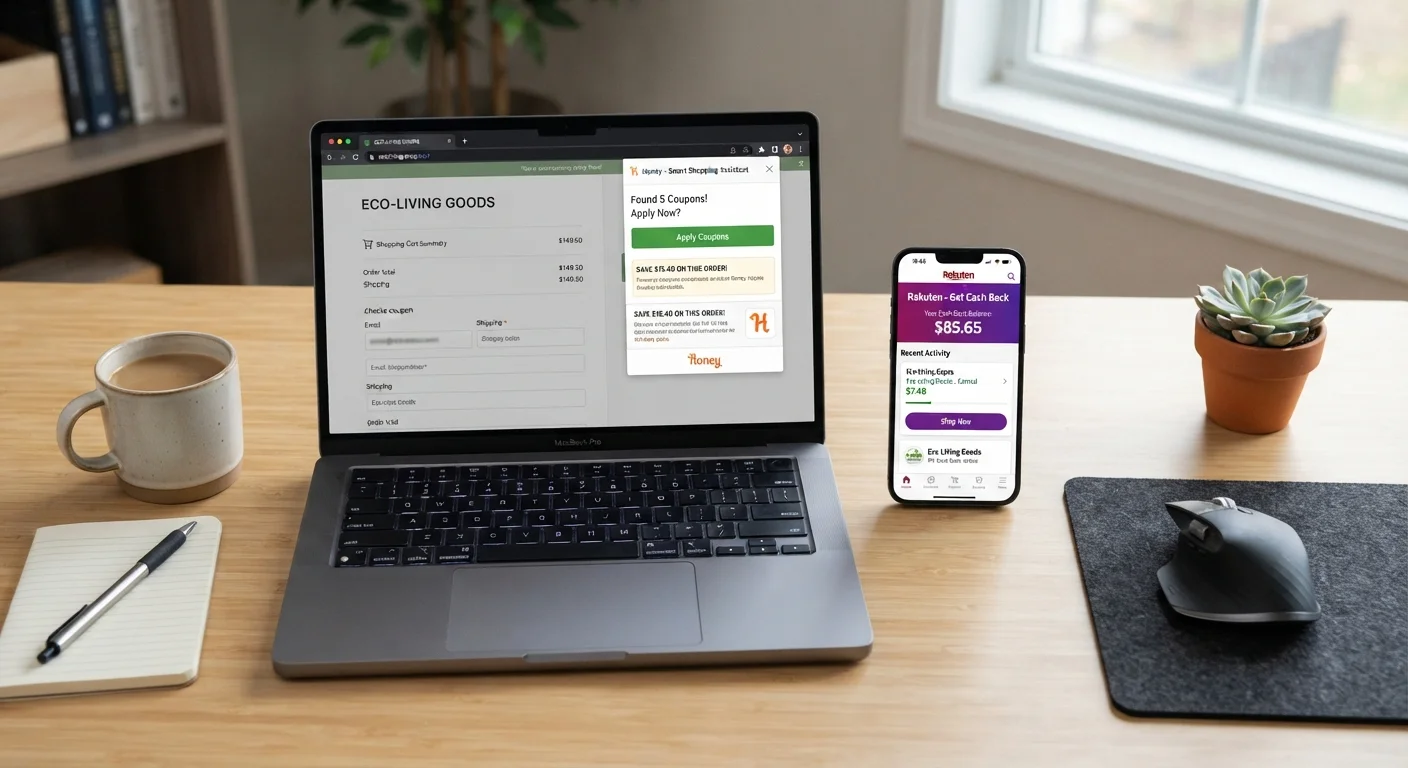
The one genuine conflict zone is trying to earn from two cashback portals on the same online transaction. Whichever affiliate link or cookie was set most recently typically gets the commission - and if both tools detect each other, one may suppress the other entirely. Why your cashback never adds up as expected covers this tracking conflict in more detail, including what to do when a transaction doesn't credit.
Cookie Conflicts and Lost Cashback
When two cashback tools are active during the same online session, only one affiliate cookie gets credited - and it's usually the last one set. If you click a cashback app's retailer link and then your browser extension also activates, one of those earnings claims will fail. The safest practice is to choose one cashback source per transaction and disable or ignore the other for that session. Coupon auto-application from extensions typically does not interfere with cashback attribution, but activating cashback from two sources simultaneously almost always causes one to drop.
Privacy and Hidden Costs You Should Factor In
Both tools are free to use, but neither is truly without cost. The currency you're paying with is behavioral data, and the terms vary significantly between extensions and apps.
Browser extensions sit at the browser level, which gives them a broad view of your activity. Most major extensions disclose that they collect purchase history, browsing patterns on retail sites, and search behavior to improve deal matching. Some share or sell aggregated data. The value exchange is real - you get automated savings, they get commercial intelligence about consumer behavior at scale.
For a full breakdown of what that trade-off looks like, the hidden costs of free coupon extensions is worth reading before installing anything new.
Mobile cashback apps typically collect purchase data through receipt scanning and transaction history, but their access is narrower than a browser extension - they see what you buy, not how you browse. That said, apps like Fetch are explicitly funded by CPG brands wanting purchase data, so your receipt scans are the product being monetized.
There are also payout mechanics to watch:
- Minimum withdrawal thresholds
- Rakuten pays out quarterly at $5 minimum. Ibotta requires $20 before you can cash out. If you're a low-frequency shopper, earnings can sit idle for months.
- Point expiration
- Some apps (Swagbucks, Fetch) expire points after 90-180 days of account inactivity. Miss a few months of shopping and you could lose accumulated rewards.
- Offer expiration
- Cashback app offers are time-limited. If you see a 15% offer on a retailer but don't shop within the window, you'll earn the standard rate (often 2-4%) instead.
Extensions generally don't have offer expiration issues in the same way - coupon codes either work or they don't at checkout - but their cashback rates fluctuate without notice based on the retailer's affiliate budget.
Which Tool Fits Which Shopping Pattern
The honest answer is that neither tool dominates universally. The right choice depends on where and how you spend most of your shopping dollars.
If your purchases are concentrated in online retail on a desktop - think apparel, electronics, home goods from major retailers - a browser extension is your highest-return, lowest-effort option. Install Rakuten or Capital One Shopping, forget about it, and collect rewards at checkout. The automation is the point. You're not changing your behavior at all.
If your spending is split between online and in-store grocery or drugstore runs, a mobile cashback app like Ibotta will unlock a savings category that extensions simply can't touch. The setup cost is higher - you need to browse offers before each shopping trip - but the per-item rewards on CPG products often exceed what any extension can offer on those same purchases online.
If you're an active deal-seeker who shops across multiple categories and doesn't mind managing a few tools, the optimal setup is an extension (for automated desktop checkout savings) plus one cashback app (for in-store and mobile coverage). See the cashback apps hub for a structured breakdown of the top platforms currently worth using, and the browser extensions hub for current extension comparisons.
For shoppers trying to decide between Rakuten's two access points - the browser extension versus the mobile app - Rakuten vs. Honey: which cashback tool fits your shopping style works through that specific comparison in depth.
The bottom line: treat these as complementary infrastructure, not competing options. Set both up, understand where each one applies, and you'll capture savings that most shoppers leave on the table simply because they defaulted to one tool and stopped there.