

Key Takeaways
Summary
22 items · 20-40 minutes
Why the Sticker Price Is Almost Never the Real Price
You found it. The tablet that's perfect for your morning routine, the earbuds that finally justify ditching your wired set, or the budget laptop your kid needs for school - and it's on sale. You screenshot it, you share it with your group chat, and then you hit buy. Exciting, right?
Here's the part nobody warns you about: that sale price is just the opening bid. By the time you've added a case, a compatible charger, a screen protector, cloud storage, and the optional but heavily nudged extended warranty, you've quietly spent 60-120% of the original device cost on top of the device itself. That $180 tablet? It's now a $340 tablet with a smile emoji on the box.
This isn't an accident. Device manufacturers and retailers have engineered entire ecosystems around the base hardware - ones that feel optional in the moment but become practically necessary within days of unboxing. And subscription services are the sneakiest move of all: they look like a freebie at checkout, then silently charge you every month after the trial expires.
The good news? Once you know what to look for, auditing a device purchase takes less than half an hour and can save you hundreds. This checklist walks you through every cost category worth interrogating before your card gets charged.

And if you've been burned by platform-level hidden charges before, you'll also want to read about marketplace fees and seller trust factors - because the platform you buy from adds its own layer of complexity to the true cost equation.
What You'll Need Before You Start
Before you run through the checklist, pull up a few things so you can do this properly rather than guessing. Having these ready turns this from a vague gut-check into an actual number you can stand behind.
Spreadsheet or Notes App
Track costs across all categories (device, accessories, warranties, subscriptions) to calculate a true total cost of ownership.
Google Shopping or CamelCamelCamel
Look up price history and compare current device prices across retailers to confirm you're actually getting a deal.
Your Credit Card's Benefits Portal
Verify whether your card offers purchase protection, extended warranty, or price-drop refund benefits that reduce the need for paid add-ons.
Reddit (r/buyitforlife, r/frugal, device-specific subreddits)
Quickly surface community knowledge about which accessories break early, which subscriptions are worth it, and what the real ownership experience looks like.
Rtings.com or GSMArena
Cross-check device specs and read long-term ownership data to identify hidden costs like poor battery longevity requiring early replacement.
Calendar App
Set reminders for every free trial end date identified during the subscription audit so no charges slip through unnoticed.
With those open, you're ready to systematically evaluate every cost layer. Let's go category by category.
The Full Hidden-Cost Audit Checklist
Work through each group in order. Items marked must are non-negotiable cost factors - skip them and you're flying blind. Items marked should are strongly worth investigating. Nice-to-have checks add precision if you have a few extra minutes.
Before You Research
Accessories Cost Audit
Warranty and Protection Plans
Subscription and Software Audit
Platform and Purchase Channel Checks
Retailer Extended Warranties Are Rarely the Best Deal
The extended warranty pushed at checkout - by the salesperson, the website's pop-up, or the confirmation email - is almost never the most cost-effective protection option available. Retailers earn significant margins on these plans. Before accepting, spend two minutes comparing the same coverage through Asurion or SquareTrade, or check whether your credit card already provides extended warranty coverage for free. You may find you're being charged $80 for protection you already have.
Free Trial ≠ Actually Free After 30 Days
Device bundles frequently include 30-90 day trials for cloud storage, antivirus software, streaming services, or productivity apps that auto-convert to paid monthly plans with no second confirmation. Manufacturers bet on you forgetting. Don't. Before you even connect the device to Wi-Fi, document every trial being activated and the exact date billing begins. Cancel immediately if you don't intend to pay - you can always re-subscribe if you change your mind.
Proprietary Ecosystems Get More Expensive Over Time
When you buy into a closed ecosystem, the initial accessory cost is just the start. Every future accessory, replacement cable, or compatible peripheral narrows to a premium-priced shortlist. If you're purchasing a device in a category you'll upgrade in 2-3 years, factor in that your current proprietary accessories may not transfer to the next generation - a cost manufacturers have historically been very comfortable imposing on loyal customers.
One thing that trips up even experienced shoppers: the assumption that spec sheets tell the whole financial story. They don't. Before you finalize your decision, check out what budget gadget numbers actually tell you - because overpaying for specs you'll never use is its own kind of hidden cost.
Your Real Budget Is Total Cost, Not Device Price
Every comparison you make during this process should be total-cost-of-ownership, not headline price. A $199 device with a closed ecosystem requiring $120 in proprietary accessories and $108/year in necessary subscriptions costs $427 in year one. A $249 device with open standards, third-party accessories, and no mandatory subscriptions might cost $310. The 'cheaper' device was not cheaper. Run the full numbers before any final decision, and you'll make entirely different choices.
Missing the Return Window Is a Costly Mistake
Electronics typically have the shortest return windows in retail - often 15 days, sometimes less for opened items. If you discover on day 17 that the device requires a $90 proprietary hub for your core use case, you have no recourse. Complete this checklist, including the subscription and accessory audit, within the first 48-72 hours of receiving the device. If the true cost is unacceptable, you'll still be inside your return window to send it back.
Subscriptions: The Costs That Keep Coming
Of all the hidden cost categories, recurring subscriptions are the most dangerous because they compound over time. A $9.99/month upsell at checkout feels trivial. Over three years - the average device lifespan - that's $360 in charges for a service you may have used twice.
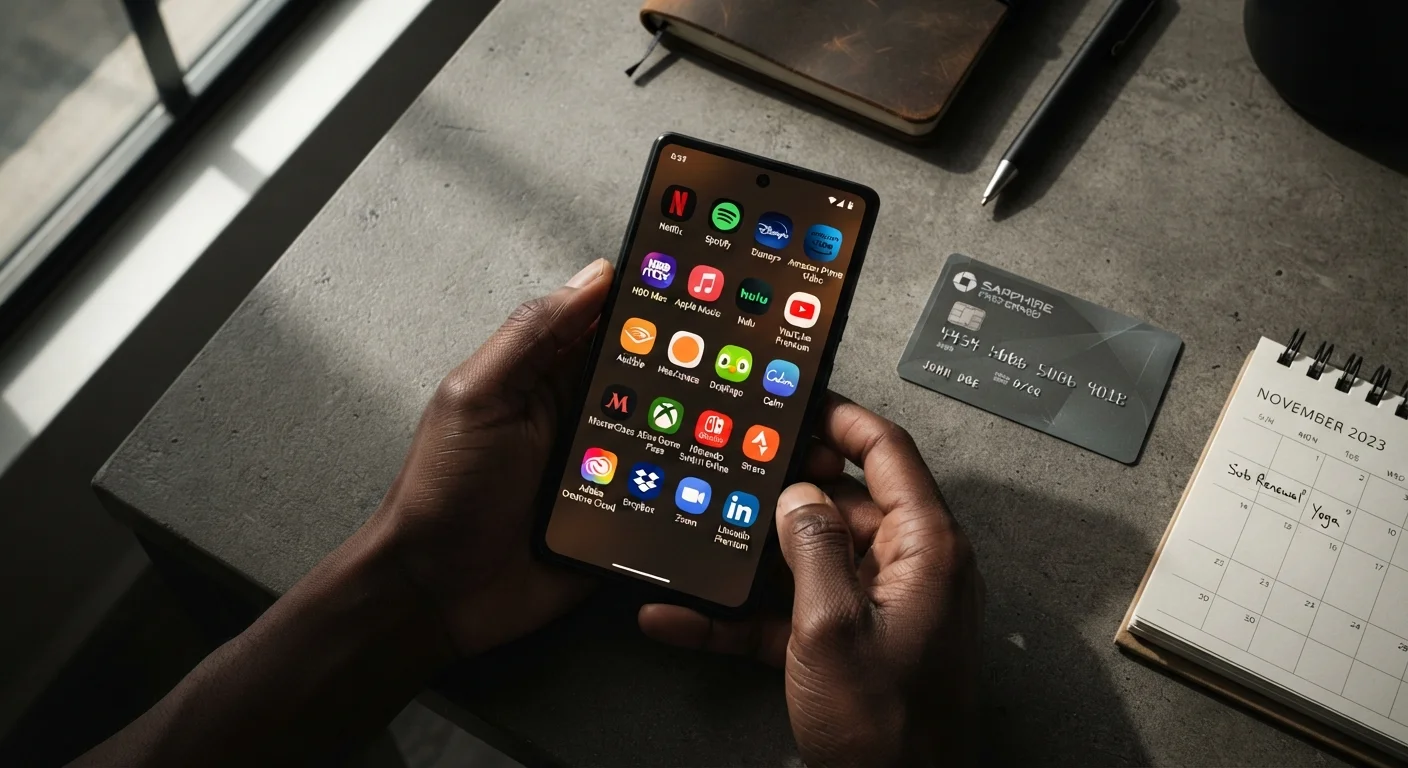
Device manufacturers have gotten extraordinarily good at making subscriptions feel like a natural extension of ownership. Cloud backup prompts appear the moment you run out of free storage. Premium tiers are dangled whenever you try to use a feature. Antivirus software pre-installed on budget laptops counts down to a paid renewal you never knowingly agreed to.
Here's how to think about it: before you accept any bundled trial, ask yourself - would I have sought this service out and paid for it independently? If the answer is no, decline it. If you genuinely need cloud storage, price it separately on Google One, iCloud, or Backblaze rather than defaulting to whatever the device pushes.
And if you use browser extensions to hunt deals during checkout - a smart habit in general - be aware they come with their own trade-offs. Our piece on the hidden costs of free coupon extensions breaks down exactly what data you exchange for those discount codes.
Accessories and Ecosystem Lock-In: The Proprietary Trap
This one stings the most, honestly, because it feels so avoidable until suddenly it isn't. Proprietary charging ports, brand-specific styluses, closed-ecosystem audio - these are deliberate design decisions that turn accessories into mandatory purchases rather than optional upgrades.
The math here is brutal. A mid-range Android tablet might list at $249. Add a brand-specific keyboard folio ($79), a proprietary stylus ($49), and a USB-C hub because the tablet only has one port ($35), and you're at $412 before you've bought a single app. The same device on a competing platform with universal accessories might land at $380 all-in - cheaper despite the higher base price.
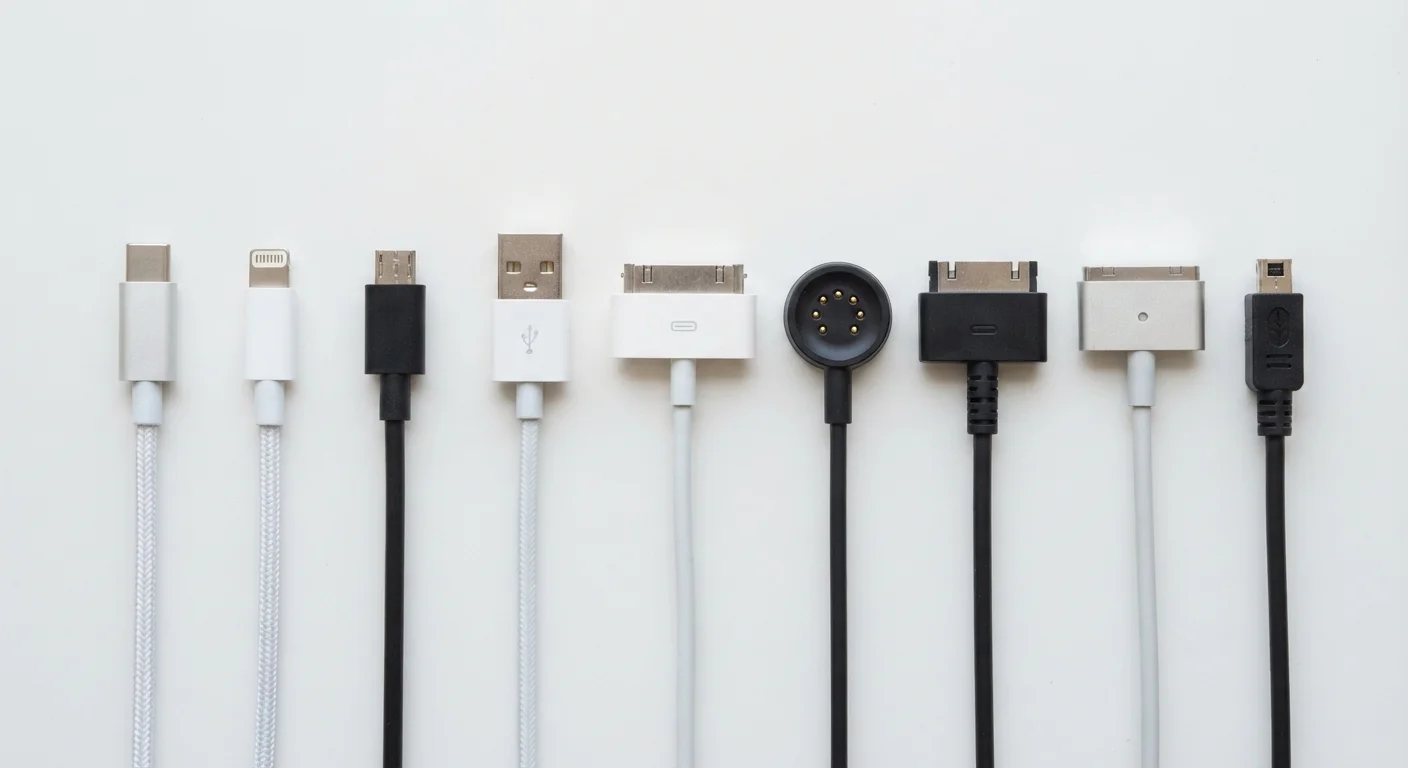
Third-party accessories are your best weapon here. MFi-certified iPhone cables, USB-IF certified USB-C accessories, and universal Qi chargers all work just as reliably as branded equivalents at a fraction of the cost. The key is verifying compatibility before you need the accessory - not in a panic when your charging brick dies at 11pm.
If you're considering a refurbished device to reduce upfront cost - which is genuinely a great strategy - the accessory question becomes even more important, because refurbished units sometimes ship without accessories. Our guide on what to verify before buying a refurbished device covers exactly what's included (and what's not) in typical refurbished listings.
Also worth noting: devices that draw heavy power - especially larger displays and gaming-adjacent hardware - can quietly push up your electricity bill. If you're buying multiple devices for a home setup, why your electricity bill stays high even when you try to cut back is worth a read before you commit.
How to Calculate Your Real Total Cost of Ownership
Once you've run through the checklist, you're ready to put an actual number on total cost of ownership (TCO). This is the figure that actually matters - not the sticker price, not the sale badge, not the 'starting from' claim in the ad.
Here's a simple framework:
| Cost Category | Estimated Range | Your Estimate |
|---|---|---|
| Device base price | $X | |
| Essential accessories | 10-40% of device price | |
| Extended warranty | 8-15% of device price | |
| Year-1 subscriptions | $0-$200+ | |
| Platform/marketplace fees | $0-$30 | |
| Repair/replacement risk buffer | 5-10% of device price |
Add those up and compare across two or three competing devices. You'll often find that the cheapest device becomes mid-range once accessories and subscriptions are factored in - and the mid-range option becomes the best value because its ecosystem is more open.
For devices purchased through Amazon specifically, it's worth checking Amazon deal hacks for features like price-drop alerts and Subscribe & Save adjustments that can shave meaningful amounts off accessories and consumables over time.
The goal isn't to make tech shopping feel like filing taxes. It's to take five minutes more than you normally would, ask the right questions, and walk away confident that the price you paid is actually the price you wanted to pay. Run this checklist once and you'll do it automatically from then on - because the savings are that satisfying.