

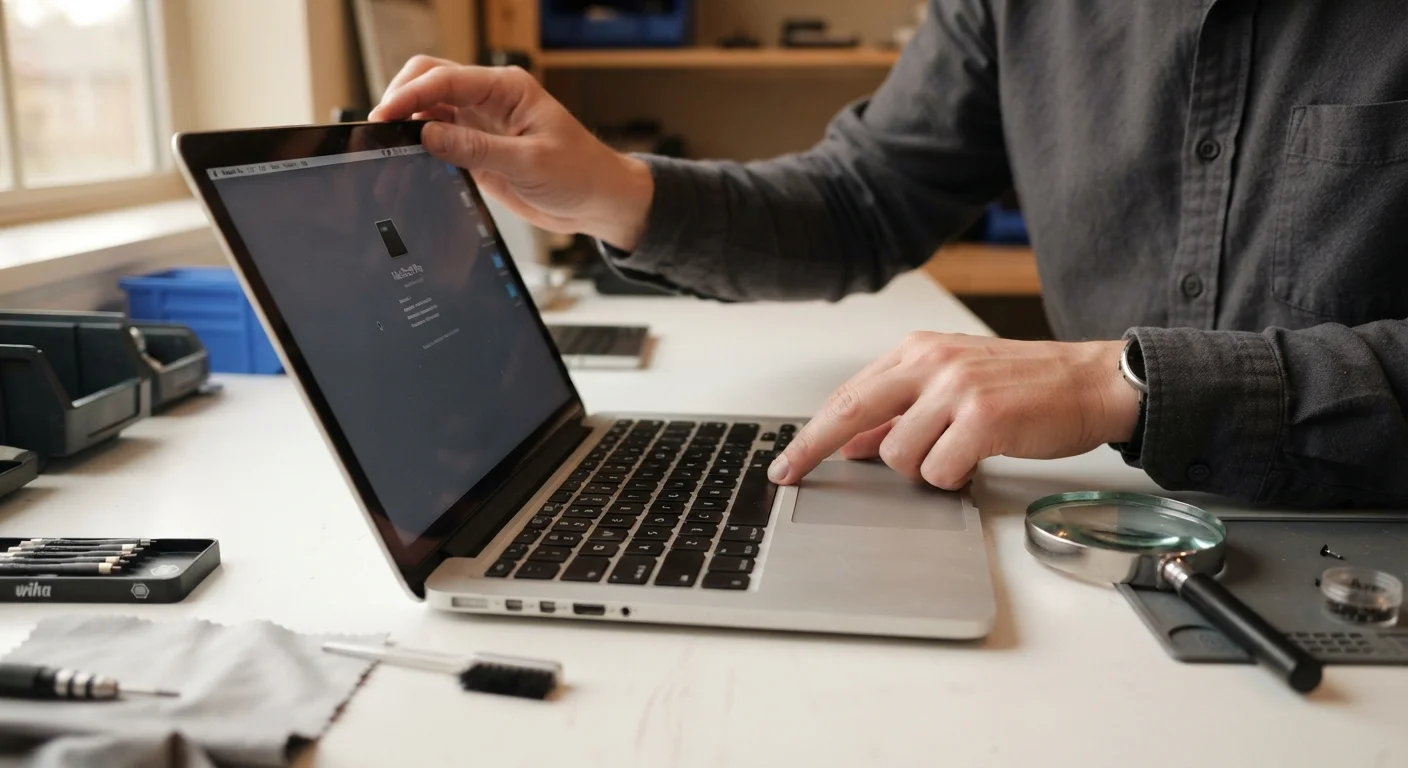
Key Takeaways
Summary
22 items · 20-45 minutes
Why Verification Is the Actual Work of Buying Refurbished
Buying refurbished makes hard financial sense - you can routinely save 20-50% on devices that still have years of useful life ahead of them. But that savings is conditional. It depends entirely on whether the device is actually what it claims to be and whether the seller's protections are real enough to back you up if it isn't.
The refurbished market is not monolithic. Understanding the difference between a manufacturer-certified unit and a seller-refurbished listing changes every part of the purchase decision. If you haven't already clarified what those labels actually guarantee, learn what certified, manufacturer, and seller refurbished grades actually mean before going further - it directly affects how much verification you need to do.
This checklist is organized to follow your actual buying sequence: research and seller vetting before purchase, device identity and condition checks at the listing stage, and a systematic on-receipt test once the device is in your hands. Work through it in order and you'll catch problems at the stage where they're cheapest to fix.
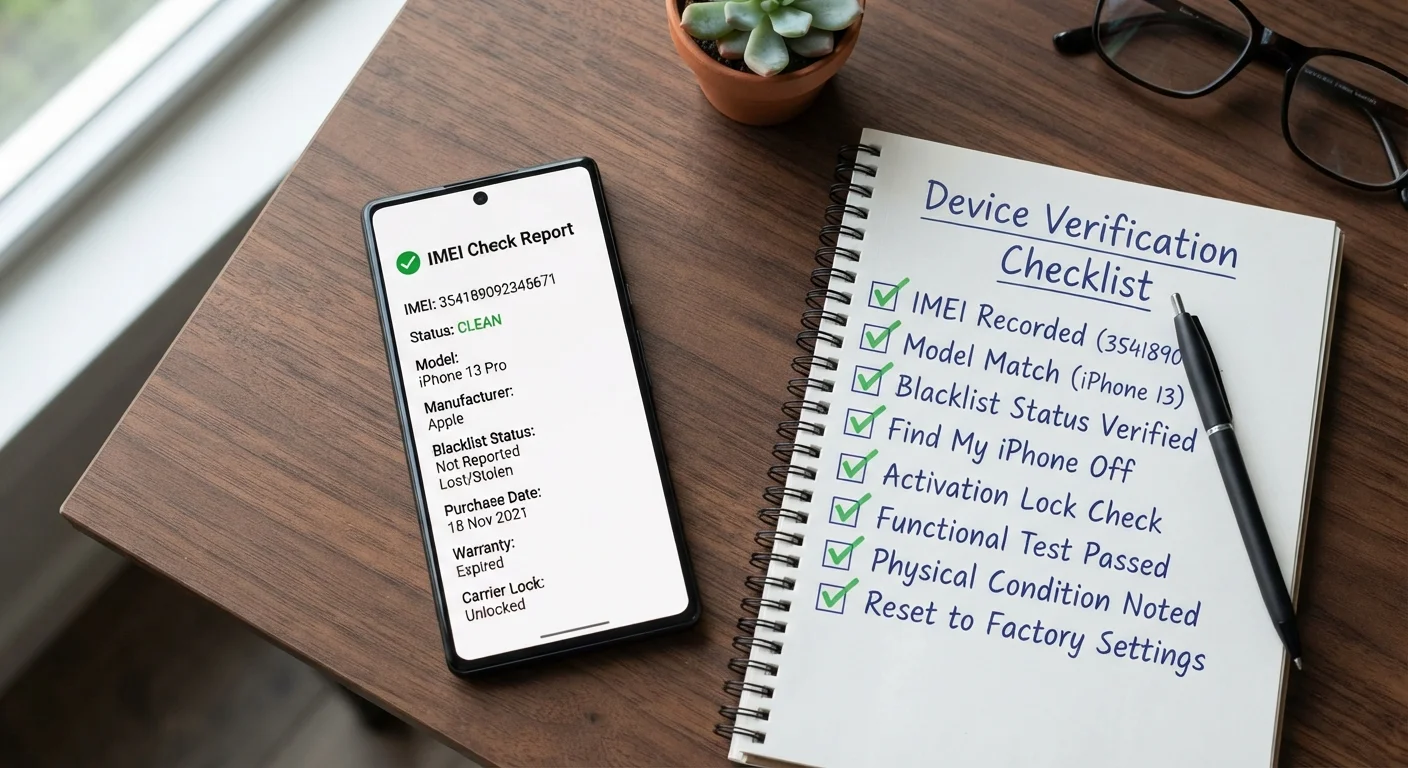
One more thing worth flagging upfront: refurbished devices come with hidden cost landmines - missing accessories, paid software replacements, and warranty gaps - that can quietly shrink your savings to nothing. For a full picture of what to audit, see the hidden costs that inflate an otherwise affordable device purchase.
What You Need Before You Start
Running this checklist efficiently requires a handful of free tools. None are complicated, and most take under a minute to use - but having them queued up before you start evaluating listings will save you time and prevent the mental friction of stopping mid-research.
IMEI Checker (IMEI.info or CheckMEND)
Verify a smartphone's IMEI to confirm it has a clean status, is carrier-unlocked, and has not been reported lost or stolen.
Apple System Report / Battery Health (macOS & iOS)
Check exact battery cycle count and maximum capacity on Apple devices to assess remaining battery life.
BatteryInfoView or HWiNFO (Windows)
Run a battery health diagnostic on Windows laptops to see designed vs. full charge capacity and estimated wear.
Dead Pixel Test (online browser tool)
Display solid-color screens across the full display to identify dead pixels, burn-in, or backlight bleed.
CamelCamelCamel or Google Shopping
Track price history and compare the refurbished price against new and competing listings to validate the deal.
Manufacturer Serial Number Checker
Verify device legitimacy, warranty status, and original purchase date directly through the brand's official portal.
Phone Diagnostics App (Phone Doctor Plus or similar)
Run a full hardware test on smartphones covering touch, sensors, camera, audio, and connectivity in one pass.
If you're evaluating a smartphone, the IMEI checker and the phone diagnostics app are your two highest-leverage tools. For laptops, prioritize the battery diagnostic software and the manufacturer's serial number portal. The dead pixel test tool is browser-based and requires no installation - bookmark it now so it's ready the moment your device arrives.
Cosmetic Grades Are Not Standardized
There is no industry-wide definition for 'Grade A' or 'Like New.' Every marketplace and seller defines these grades independently. Always read the seller's specific grading criteria rather than assuming a label means pristine condition. If no grading rubric is published, treat the listing with extra skepticism.
Return Windows Can Be Deceptively Short
Some sellers advertise returns but bury a 7-day or even 48-hour window in the fine print. By the time you've run a thorough battery diagnostic or noticed a connectivity issue, your window may have closed. Always confirm the exact return window before purchasing, not after the device arrives.
Marketplace Listings Can Mix Device Variants
A listing for a specific laptop model may include multiple variants with different RAM or storage configurations. The main listing image and title often reflect the best-spec variant while the unit shipped may be the base model. Always confirm exact specs - processor, RAM, storage size and type - in writing with the seller before payment.
The Full Verification Checklist
Work through each group in sequence. The first three groups - seller vetting, device identity, and physical condition - should be completed before you pay. The battery and performance group can be partially completed pre-purchase using seller-provided documentation, but the on-receipt testing group happens the day the device arrives, no exceptions.
Before You Buy: Research & Seller Vetting
Device Identity & History
Physical Condition Verification
Battery & Performance Health
On-Receipt Testing Checklist
The on-receipt tests are time-sensitive. Most return windows start from the delivery date, not the day you first power the device on. Don't wait until the weekend to run through them.
Battery Health: The Number That Changes Everything
Battery health deserves more than a single checklist item - it's the variable most likely to determine whether your refurbished purchase delivers real value or turns into an ongoing expense.
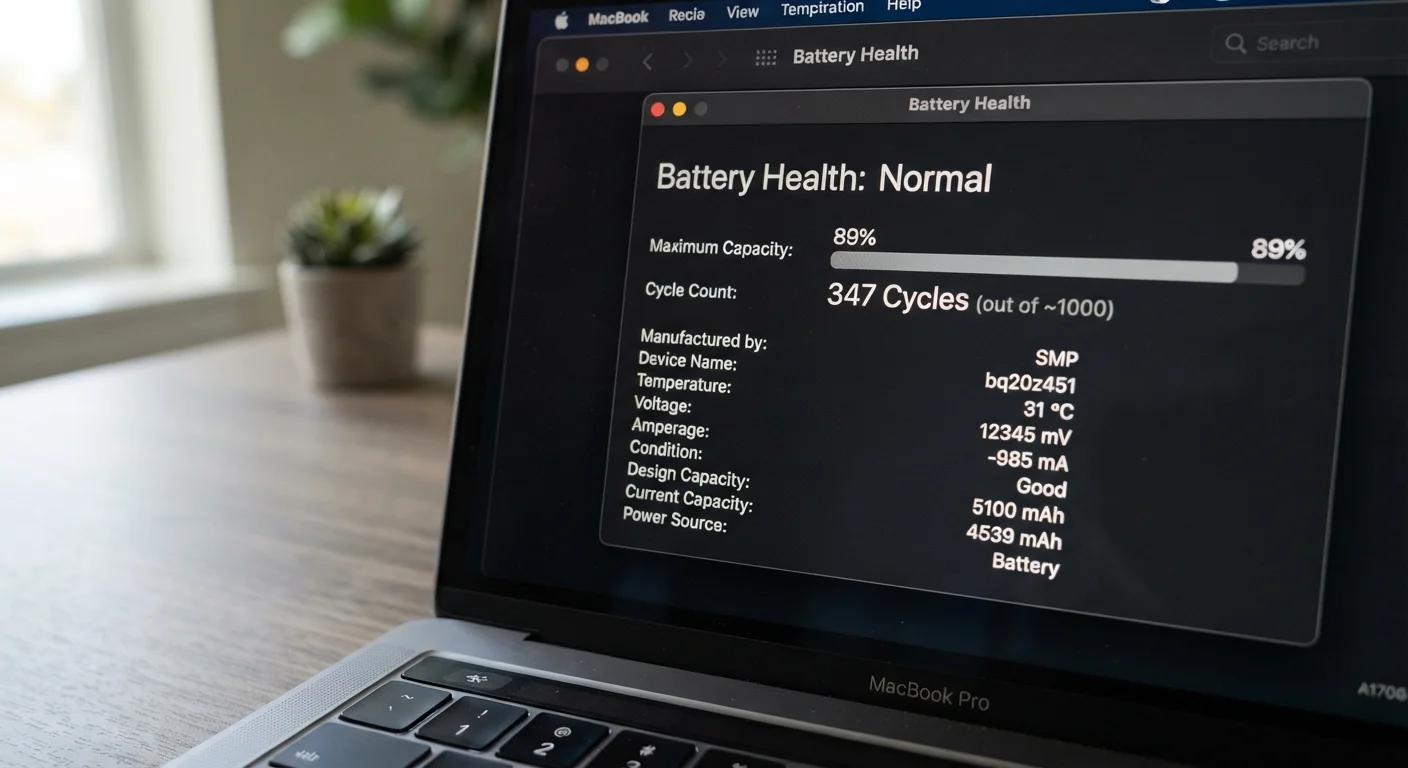
On iPhones, navigate to Settings → Battery → Battery Health & Charging. Anything at or above 85% is a solid result. At 80%, you're at Apple's own service threshold - the device is technically functional but already aging. Below 80%, factor in the cost of a replacement battery before deciding if the price is still a deal.
On Macs, hold Option and click the battery icon in the menu bar, or check System Information → Power for exact cycle count. Apple publishes maximum cycle counts by model - compare your device's count against the published limit to estimate remaining battery life.
On Windows laptops, open Command Prompt as administrator and run powercfg /batteryreport. The resulting HTML report shows designed vs. full charge capacity. A full charge capacity below 75% of designed capacity is a meaningful degradation flag worth negotiating on.
For Android devices, native battery health reporting varies by manufacturer. Samsung devices often display it in Settings → Device Care → Battery. For others, apps like AccuBattery or Phone Doctor Plus provide reliable estimates after a charge cycle.
A Clean IMEI Is Non-Negotiable for Phones
A smartphone with a blacklisted IMEI may work temporarily on some networks but can be deactivated at any time by the carrier - leaving you with an expensive Wi-Fi-only device. IMEI verification takes under two minutes using a free tool and should happen before you pay for any refurbished smartphone, regardless of the seller's reputation.
Battery Health Below 80% Changes the Math
On iPhones, Apple triggers a battery health warning at 80%, meaning the device is already a replacement candidate. Buying a refurbished phone at this threshold means you'll likely need a battery replacement within months, adding $50-$100 to your total cost. Factor this into your price negotiation or walk away if the seller won't discount accordingly.
On-Receipt Testing: Don't Skip a Single Step
This is where most buyers lose money - they do solid pre-purchase research, the device arrives, looks fine at a glance, and they assume everything checks out. Three weeks later they discover the headphone jack is intermittent or the front camera has a focus issue, and the return window closed ten days ago.
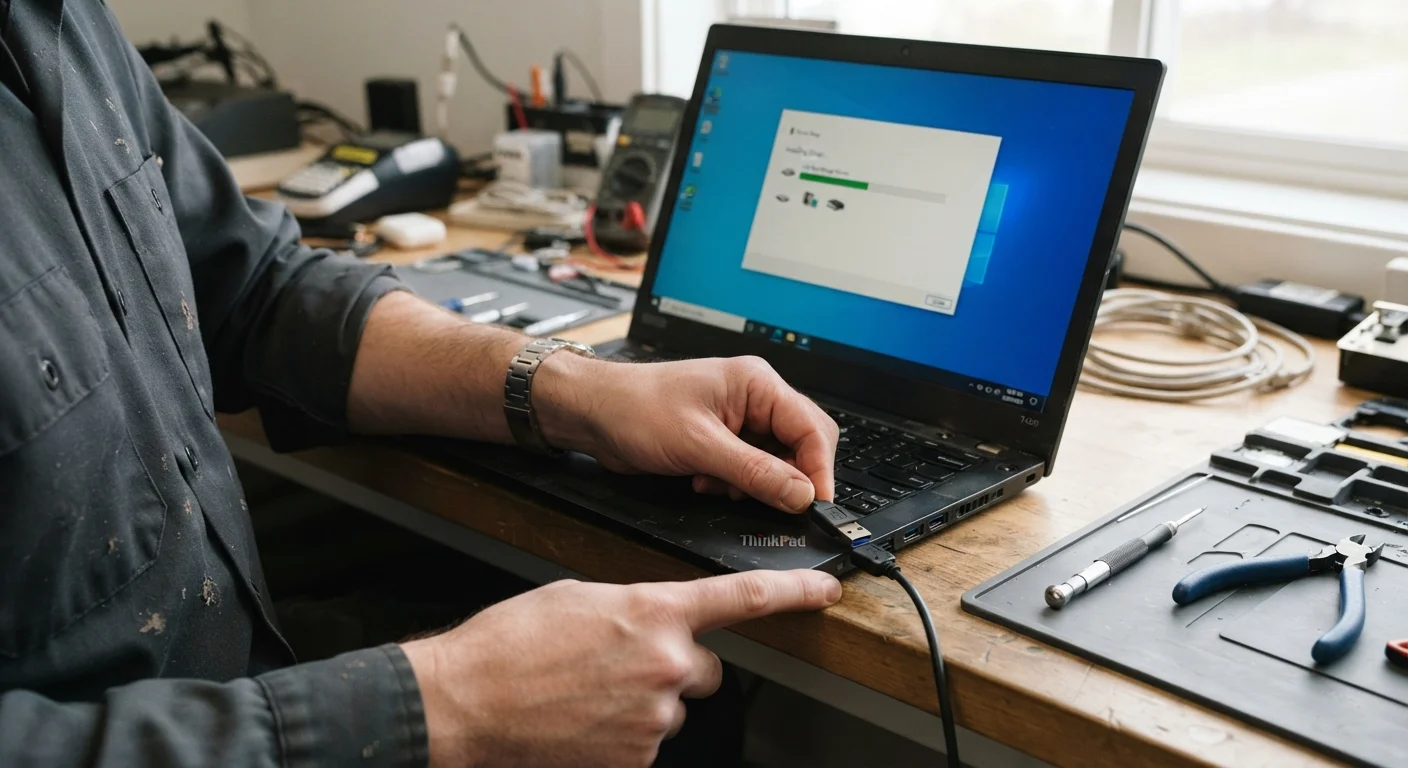
Run every test the same day the device arrives. Use the following sequence to be systematic rather than haphazard:
- Power and boot: Confirm clean boot with no error messages and normal startup time.
- Display: Run the dead pixel test immediately - view solid black, white, red, green, and blue full-screen images.
- Audio: Play audio through speakers and headphone jack; test microphone via a voice memo.
- Camera: Test all camera lenses (wide, ultrawide, telephoto if applicable), front camera, and flash.
- Ports: Plug a cable into every port and confirm recognition by the device.
- Connectivity: Connect to Wi-Fi, pair a Bluetooth device, and - for phones - confirm cellular signal across a call.
- Biometrics: Set up and test fingerprint and/or Face ID if applicable.
- Charging: Confirm the device charges normally with the included cable and adapter.
If you find any undisclosed defect, photograph it immediately with your phone's timestamp visible. This documentation is your leverage for initiating a return or filing a dispute with the payment processor. For a full accounting of what additional costs might still hit you even on a clean purchase, the Budget Gadgets hub covers accessories, software, and service costs worth building into your budget.
Treat every refurbished purchase as a 30-day probation period. Keep the original packaging until the return window closes. If something is going to fail, it usually does so early - and your job is to catch it while you still have options.