

Key Takeaways
Budget Gadget Specs
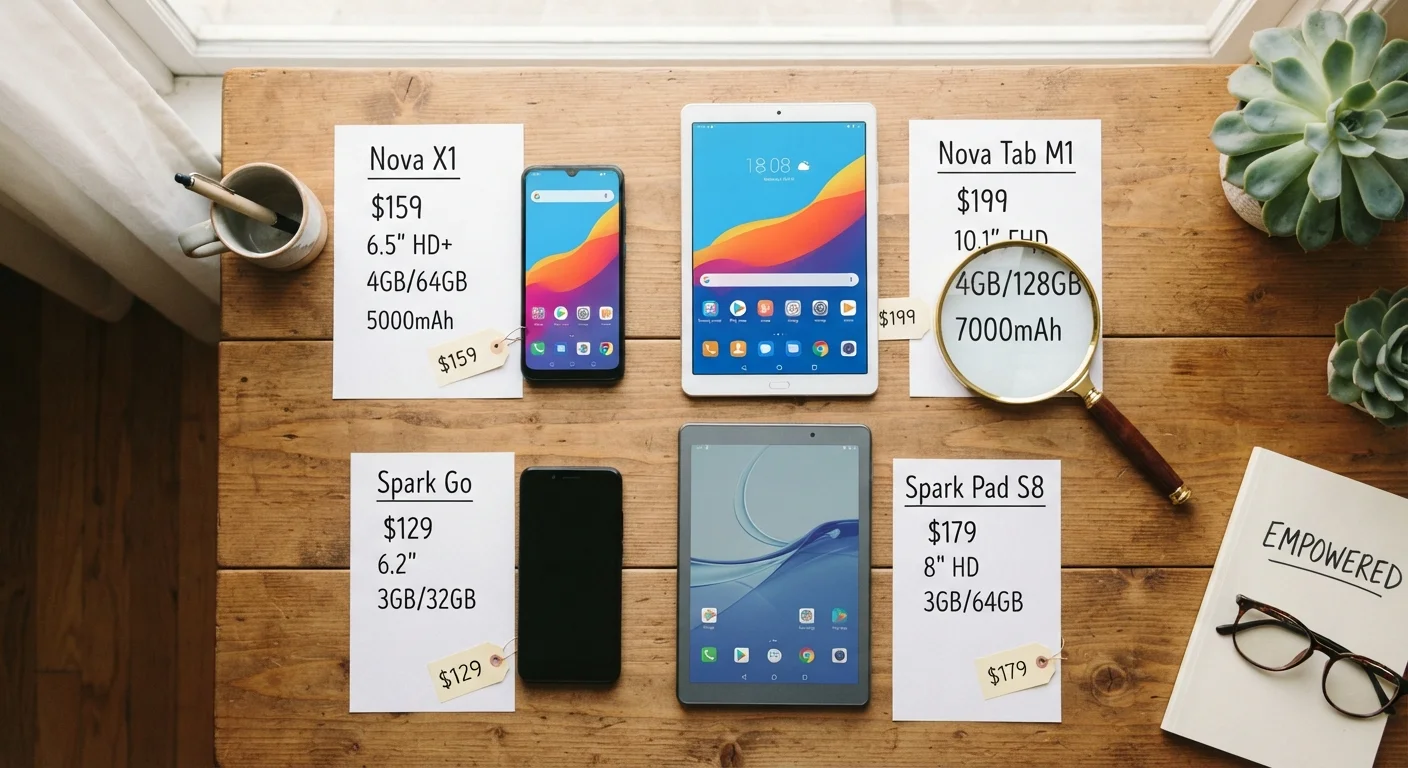
Spec numbers - like processor speed, RAM, and display resolution - are marketing shorthand for a device's technical capabilities. On budget gadgets, these numbers often look modest compared to flagship devices, but they rarely tell the whole story. What matters isn't the raw number on the box, but whether the hardware handles the tasks you actually do every day.
Benchmark scores (like Geekbench or AnTuTu) measure isolated tasks under controlled conditions and don't always reflect real-world, sustained performance under thermal constraints common in budget devices.
Why Spec Numbers Feel More Important Than They Are
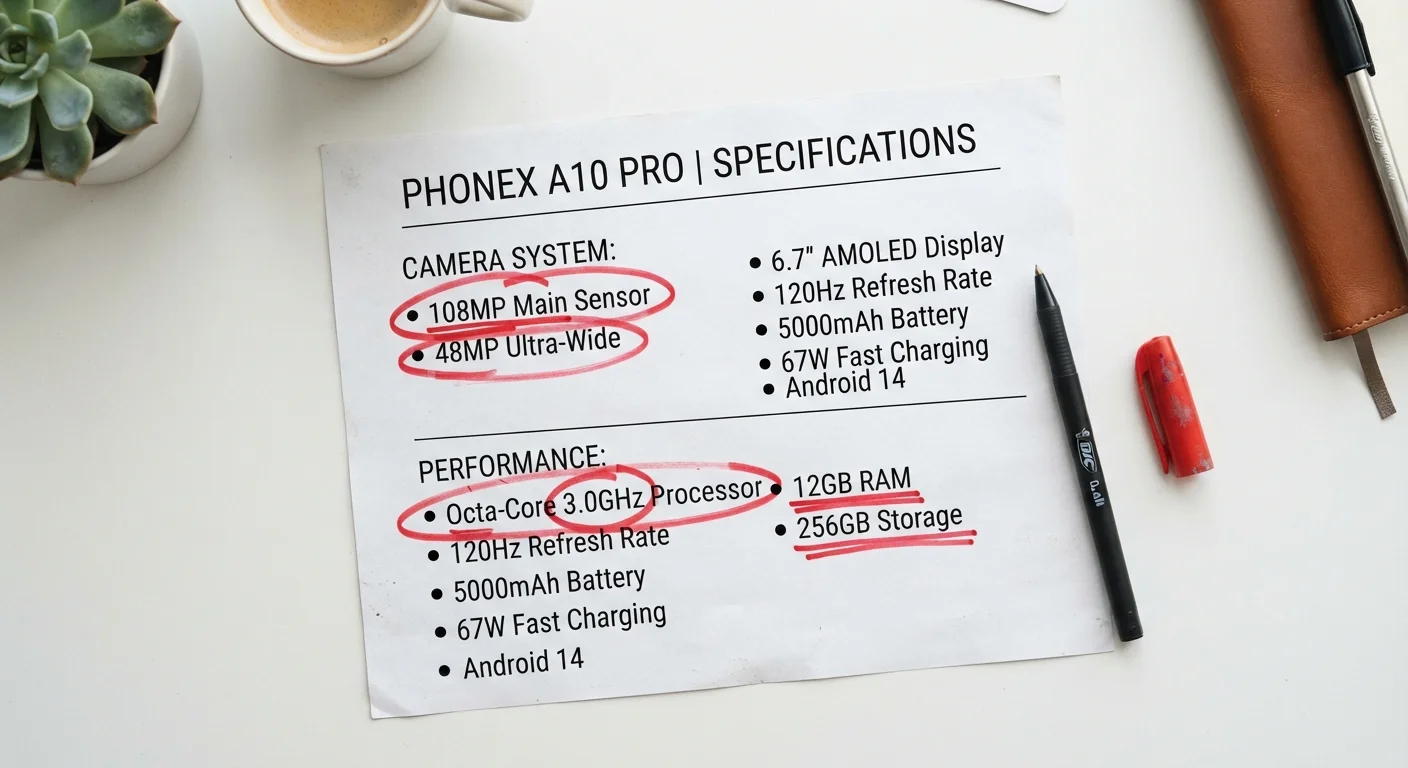
Walk into any electronics aisle - or scroll through Amazon listings - and you'll be bombarded by numbers. 2.4 GHz octa-core processor. 8 GB RAM. 108 MP camera. 5000 mAh battery. It feels like a math test you didn't study for. And here's the uncomfortable truth the electronics industry doesn't advertise: most of those numbers are chosen because they look impressive, not because they predict how the device will actually perform in your hands.
Manufacturers have mastered the art of spec-sheet theater. A "108 MP" camera on a $150 phone uses a tiny image sensor with pixel-binning that combines multiple pixels into one - meaning the effective quality is often closer to 12-27 MP. A "2.4 GHz" processor sounds fast, but if it throttles down within seconds of a demanding task due to poor heat management, that clock speed is irrelevant for anything beyond idle browsing.
This doesn't mean cheap gadgets are bad. It means the spec sheet is written to win the shelf war, not to give you an honest picture of daily performance. Once you know which numbers actually translate to lived experience - and which are just marketing fluff - you can shop with serious confidence at serious savings.
Think of it this way: a car with a 500-horsepower engine sounds extraordinary until you learn it can only sustain that output for 30 seconds before overheating. Real-world performance is always a system, not a single number. The same logic applies to every gadget on the market.
Processors: Speed vs. Sustained Performance
The processor (or SoC) is the brain of your device, and its spec number is perhaps the most misunderstood figure on any gadget's box. Here's what actually matters:
Clock Speed (GHz)
Higher GHz means more instruction cycles per second - in theory. But modern chips use multiple cores running at different speeds for different task types. A chip advertising "2.4 GHz" likely has two or four performance cores running at that speed and four efficiency cores running at 1.6-1.8 GHz for lighter tasks. The efficiency cores handle most of your daily activity to preserve battery life. So that blazing top speed is reserved for occasional heavy lifting.
Core Count
"Octa-core" (8 cores) sounds like double the power of "quad-core," but this is rarely meaningful for smartphone workloads. Most apps are designed to use one to four cores at a time. Eight mediocre cores perform worse than four well-designed cores. Core architecture and generation matter far more than count.
Chip Generation Is Everything
Here's the spec hack most people miss: look up the chip's release year, not just its model number. The MediaTek Helio G99 (2022) outperforms many 2019 flagship chips in both speed and efficiency. A Snapdragon 6 Gen 1 (2022) runs circles around a Snapdragon 835 (2017) - yet phones with that older chip were once considered premium. Today's budget SoCs are yesterday's flagships. That's genuine value.
3-4×
Performance gain per dollar over 5 years
Analysis of chip benchmark data from AnTuTu shows budget SoCs deliver roughly 3-4x more performance per dollar spent compared to 2019 flagship chips.
108 MP → 12 MP
Effective resolution after pixel-binning
Many budget phones using 108 MP sensors apply 9-in-1 pixel-binning, producing a final image equivalent to approximately 12 megapixels.
~300 PPI
Human eye resolution limit at arm's length
Vision research consistently shows that pixel density above ~300 PPI at standard viewing distances (12-18 inches) is imperceptible to the human eye.
40%
Battery life improvement from AMOLED vs. LCD
Independent reviewer testing on comparable devices shows AMOLED displays can extend screen-on time by up to 40% compared to IPS LCD panels with identical battery capacities.
2-4×
Storage speed difference: UFS vs. eMMC
UFS 2.1 offers sequential read speeds of 600-900 MB/s compared to eMMC 5.1's 250-300 MB/s, a difference users notice in app load times and multitasking responsiveness.
The bottom line: check which generation a processor belongs to before you assume a budget chip is slow. Sites like Nanoreview and GSMArena let you compare any two chips side-by-side in seconds.
Use Nanoreview Before You Buy
Nanoreview.net lets you search any smartphone chip by model number and instantly see its benchmark scores, release year, and how it compares to other chips. Spending two minutes here before buying a budget phone can save you from ending up with a chip that's three generations behind. It's completely free and doesn't require a login.
Search '[Phone Model] Long-Term Review'
Short reviews test devices fresh out of the box. Long-term reviews reveal how performance holds up after six to twelve months of real use - whether the battery degrades quickly, whether software updates slow the device, and whether the camera quality holds up. This search filter is one of the most underused tricks in smart gadget shopping.
RAM: The Multitasking Myth
RAM (Random Access Memory) determines how many apps can stay active in the background without needing to reload. Marketers love to put big RAM numbers on boxes because consumers have been trained - mostly from PC culture - to equate more RAM with better performance.
On smartphones and budget tablets, the reality is more nuanced:
- 4 GB RAM handles email, social media, messaging, music, maps, and light browsing with no issues on a well-optimized Android system.
- 6 GB RAM is the comfortable sweet spot for most users who switch between a dozen apps regularly.
- 8 GB+ RAM benefits power users running video editors, multiple browser tabs with heavy pages, or games with large asset loads.
What matters alongside RAM is how the operating system manages it. Stock Android and near-stock builds (like Motorola's My UX or Nokia's Android One) are lean and efficient. Heavily skinned Android versions from some brands can consume 2-3 GB of RAM just running background processes before you open a single app. A phone with 6 GB of well-managed RAM will outperform a phone with 8 GB running bloated software every single time.
RAM Varies by Region and Retailer
Many budget phone models ship in multiple configurations (4 GB/64 GB, 6 GB/128 GB) that look identical on the shelf or in thumbnails. Always scroll to the full specifications section of a product listing to confirm the exact RAM and storage variant you're purchasing. Refurbished listings in particular sometimes list the higher-spec configuration but ship the lower one.
microSD Cards Have Speed Limits Too
If you're expanding storage with a microSD card, the card's speed class matters. A Class 10 / A1-rated card handles app storage adequately. For recording 4K video directly to the card, you'll need a V30 or A2-rated card. Using a slow card in a fast phone can create the same bottleneck as eMMC storage, so match the card speed to your use case.
For laptops and Chromebooks, RAM recommendations shift slightly. Chromebooks with 8 GB RAM handle most productivity tasks smoothly. Windows laptops need at least 8 GB (ideally 16 GB) because Windows itself is more memory-hungry than Android or ChromeOS.
Display Resolution: When Sharper Stops Mattering
Display resolution is one of the easiest specs to over-prioritize. Here's a simple rule that saves you from paying a premium for pixels you literally cannot see:
At normal viewing distances, the human eye cannot distinguish individual pixels above roughly 300 pixels per inch (PPI). Anything beyond that is marketing.
A 6.1-inch screen at 1080p (Full HD) lands at around 400 PPI. A 6.1-inch screen at 1440p (QHD) lands at around 540 PPI. Your eyes cannot tell the difference. What they can tell the difference in:
- Refresh rate: A 90 Hz or 120 Hz display feels dramatically smoother than 60 Hz, regardless of resolution. Budget phones increasingly offer 90 Hz - prioritize this over resolution jumps.
- Panel type: An AMOLED display at 1080p has richer blacks and more vivid colors than an IPS LCD at 1440p. Panel type matters more than resolution for visual quality.
- Brightness: Outdoor legibility requires 500+ nits peak brightness. A dim 1440p screen is harder to read in sunlight than a bright 1080p screen.
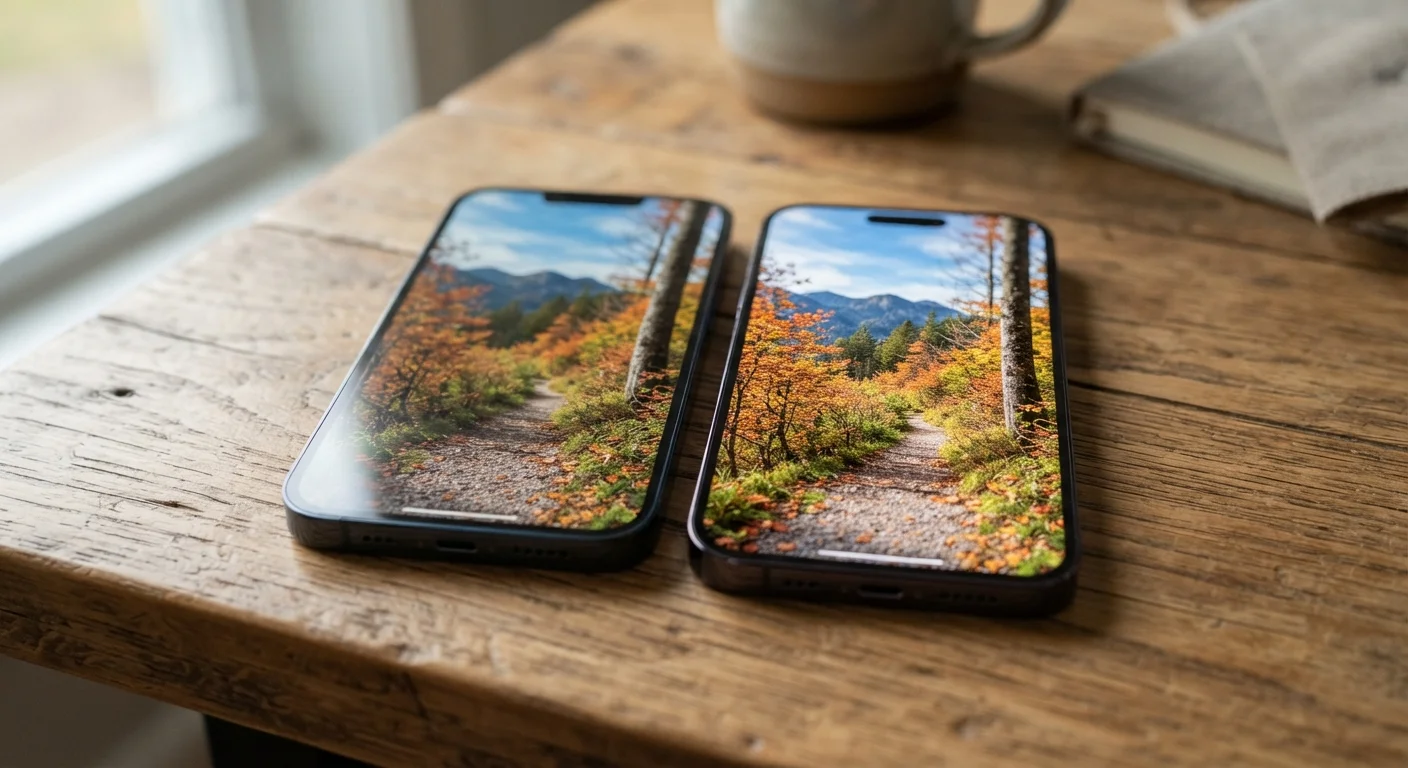
Where resolution does matter: if you're using a tablet or laptop as a primary work monitor at close range, or if you're consuming VR or near-eye content. For a phone you hold 12-18 inches from your face, 1080p is indistinguishable from anything higher.
This principle applies beyond screens too - cheap doesn't have to look cheap when you know which quality signals to actually look for. Resolution is one of those signals that frequently misleads.
Storage: Speed Is What You Actually Feel
Storage specs show up as two numbers: capacity (how much you can store) and sometimes type (eMMC vs. UFS). Most people notice the capacity and ignore the type entirely. Big mistake.
eMMC vs. UFS
eMMC (embedded MultiMediaCard) is older, slower flash storage found in budget devices. UFS (Universal Flash Storage) is faster and found in midrange-to-flagship devices. The difference in daily use is real:
| Storage Type | Sequential Read Speed | Feel in Daily Use |
|---|---|---|
| eMMC 5.1 | ~250-300 MB/s | Apps take 1-2 seconds longer to open; slight lag when multitasking |
| UFS 2.1 | ~600-900 MB/s | Apps open quickly; smooth multitasking feel |
| UFS 3.1 | ~1200+ MB/s | Near-instant app launches; flagship-tier smoothness |
Many budget phones in the $150-$250 range now ship with UFS 2.1 or even UFS 2.2 storage, which is a genuine quality-of-life upgrade over eMMC. Always check the storage spec sheet - it's usually buried in the fine print on product listings, but it's worth hunting for.
How Much Capacity?
128 GB is the practical minimum recommendation for most users in 2024. If the phone has a microSD card slot (increasingly rare), 64 GB with a cheap 128 GB microSD card is a perfectly valid budget play. Be aware that apps cannot always run from external storage, so internal capacity still matters for performance.
Before committing to any device, it's also worth checking the hidden costs that can inflate a gadget's real price - accessories like additional storage or proprietary charging cables can quietly add up.
RAM Varies by Region and Retailer
Many budget phone models ship in multiple configurations (4 GB/64 GB, 6 GB/128 GB) that look identical on the shelf or in thumbnails. Always scroll to the full specifications section of a product listing to confirm the exact RAM and storage variant you're purchasing. Refurbished listings in particular sometimes list the higher-spec configuration but ship the lower one.
microSD Cards Have Speed Limits Too
If you're expanding storage with a microSD card, the card's speed class matters. A Class 10 / A1-rated card handles app storage adequately. For recording 4K video directly to the card, you'll need a V30 or A2-rated card. Using a slow card in a fast phone can create the same bottleneck as eMMC storage, so match the card speed to your use case.
Battery: mAh Is Only Half the Story
A 5000 mAh battery sounds like it should last forever. And sometimes it does. But battery life is the product of three interacting factors, and capacity is just one of them:
- Screen efficiency: An AMOLED display that dims unused pixels uses dramatically less power than a full-brightness IPS LCD. A device with a 4000 mAh battery and an AMOLED screen can outlast a device with 5000 mAh and a power-hungry LCD.
- Chip efficiency: Newer processor nodes (7nm, 6nm, 4nm) are far more power-efficient than older 12nm or 14nm chips running at similar speeds. This is why a modern budget chip often gets better battery life than an older flagship chip with the same capacity battery.
- Software optimization: Background app management, push notification frequency, and bloatware all drain battery without you even touching the screen. A clean software experience on a 4000 mAh phone can outlast a bloated-software phone with 5500 mAh.
The practical takeaway: look for real-world battery test results from reviewers who run standardized playback or browsing loops - sites like GSMArena publish these consistently. A phone scoring 12+ hours on their web browsing test will serve most users for a full day easily, regardless of what the mAh number on the box says.
Camera Megapixels: The Great Gadget Illusion
Nowhere in budget gadget marketing is the gap between spec and reality wider than in cameras. A 50 MP or 108 MP count looks extraordinary on a $150 device. Here's what it actually means:
Budget phones use small image sensors - measured in fractions of an inch (e.g., 1/2.76"). A tiny sensor crammed with 108 million photosites means each photosite is microscopic. Microscopic photosites capture less light, producing noisy, soft images in anything but bright outdoor conditions. The phone then uses pixel-binning to combine four or nine pixels into one larger effective pixel - delivering a 12-27 MP final image that's no better than a well-made 12 MP sensor.
What actually predicts camera quality on a budget phone:
- Aperture: f/1.8 or wider gathers more light and generally outperforms f/2.2 in low light, regardless of megapixel count.
- Sensor size: Larger sensor fractions (1/1.5" is larger than 1/2.8") mean better light gathering.
- Computational photography: Software processing (night mode, HDR, portrait mode) has a huge impact. Google's Pixel devices consistently punch above their hardware weight because of software algorithms.
- Optical Image Stabilization (OIS): OIS produces sharper handheld photos and smoother video than EIS (Electronic Image Stabilization) at any megapixel count.
“The camera in your phone is not just a lens - it's a computer. The software processing an image after the shutter fires often matters more than the hardware that captured it.”
— Marc Levoy, Computational photography pioneer, former lead of Google's camera software team
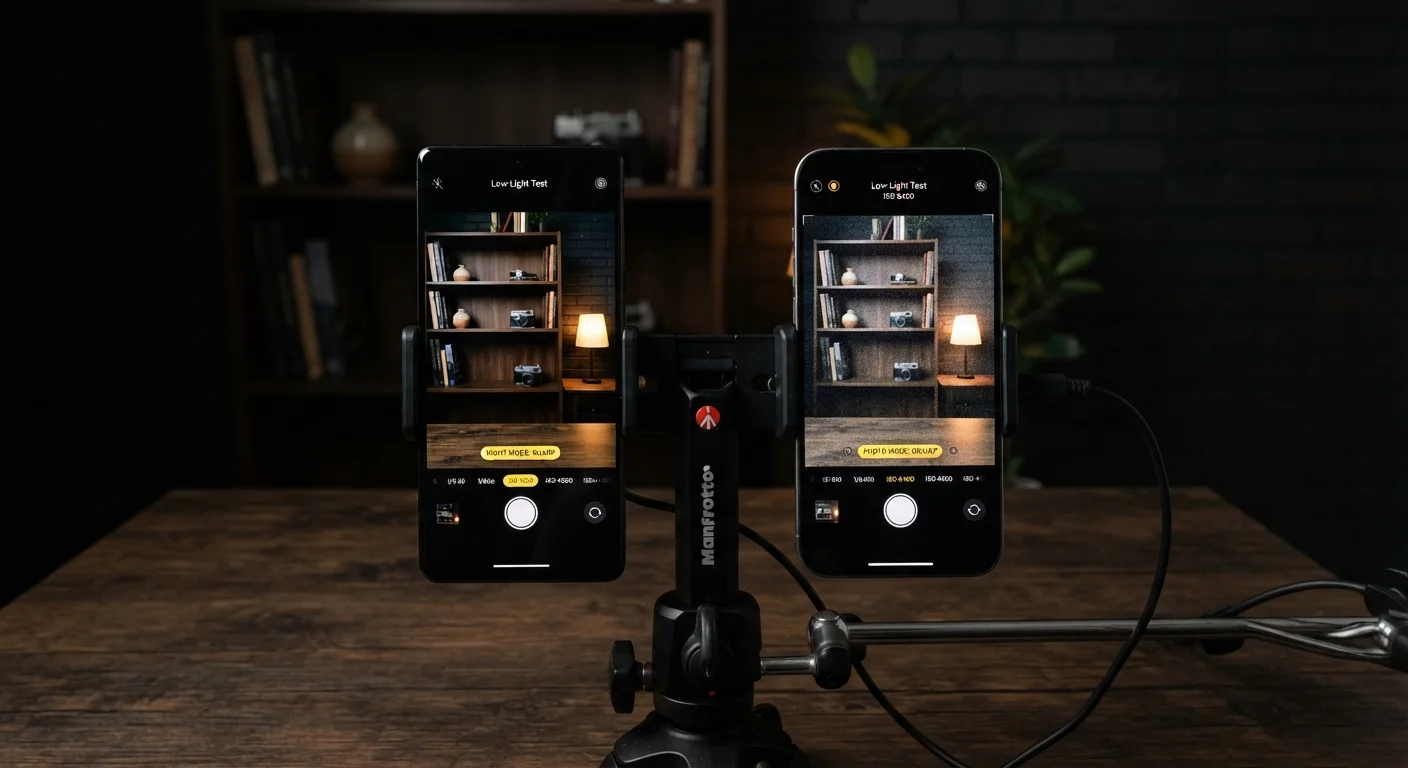
When evaluating budget phones, search for sample camera shots in reviews rather than trusting megapixel counts. A 12 MP phone with a good sensor, wide aperture, and strong computational photography will outshoot a 108 MP phone with a tiny sensor in nearly every real-world scenario.
Putting It All Together: How to Shop Smart for Budget Tech
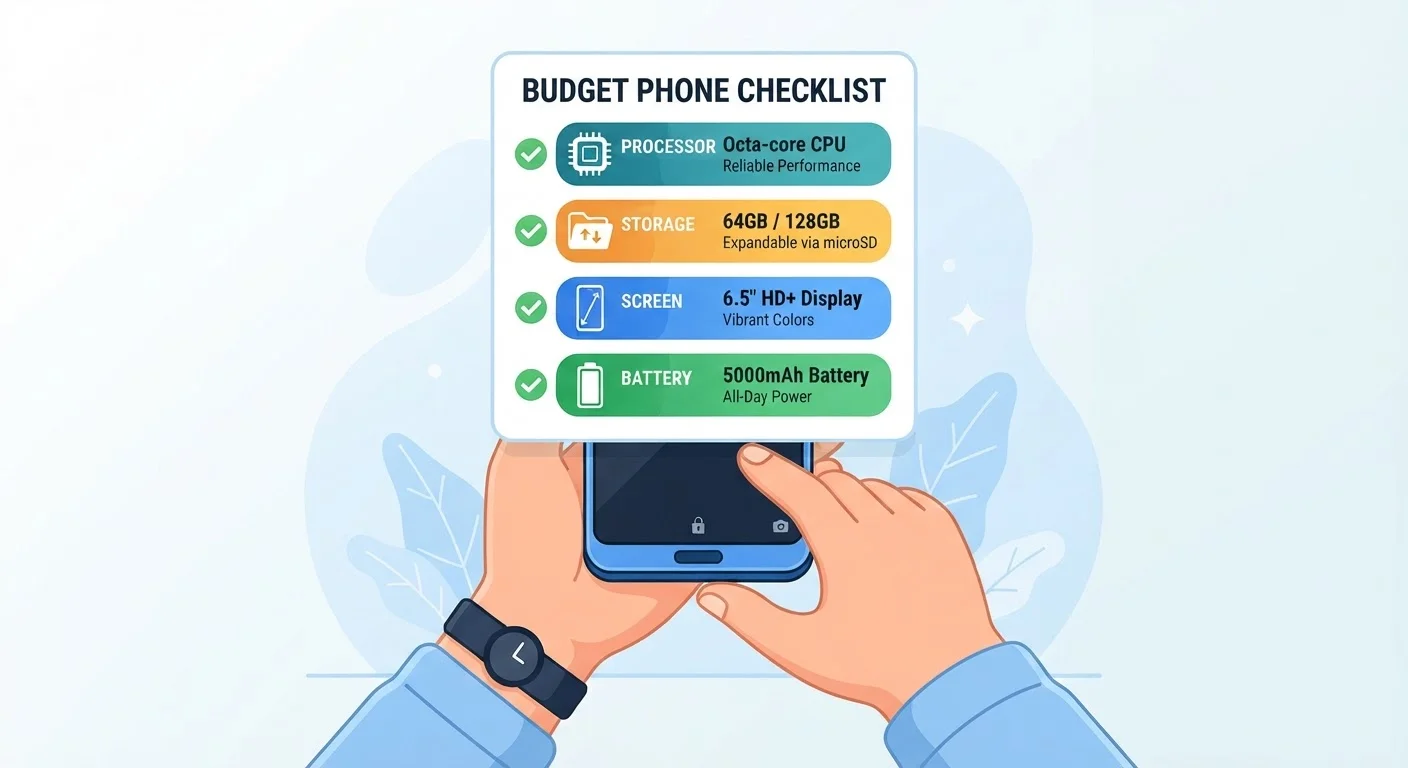
Now that you know which numbers matter and which are decoration, here's a practical framework for evaluating any budget gadget before you buy:
- Look up the chip generation first. Find the processor model name, search " release date" and check how it ranks on Nanoreview or AnTuTu. Anything released within the past two years at mid-tier or above is likely more than capable.
- Check storage type. Aim for UFS 2.1 or better. If the listing doesn't specify and you can't find it in reviews, assume eMMC.
- Prioritize display refresh rate over resolution. 90 Hz at 1080p beats 60 Hz at 1440p for everyday smoothness.
- Read real-world battery tests. Hours of screen-on time from a reviewer is worth infinitely more than the mAh number on the box.
- Check sample camera photos from tech reviewers, not manufacturer demos.
- Factor in software. Clean, lightweight software extends performance and battery life. Check what Android version ships on the device and whether the brand commits to updates.
And before you click buy, take two minutes to check the price history on that device - knowing whether you're getting a genuine deal or a manufactured discount is half the battle. Our guide to reading price history charts walks you through exactly how to do that.
If you're applying the same value-detective mindset to other categories, the same principle holds: specs and price tags rarely tell the whole story. Whether you're shopping for fitness equipment or kitchen tools, learning to separate meaningful quality signals from marketing noise is the skill that pays for itself every single time you shop.
Use Nanoreview Before You Buy
Nanoreview.net lets you search any smartphone chip by model number and instantly see its benchmark scores, release year, and how it compares to other chips. Spending two minutes here before buying a budget phone can save you from ending up with a chip that's three generations behind. It's completely free and doesn't require a login.
Search '[Phone Model] Long-Term Review'
Short reviews test devices fresh out of the box. Long-term reviews reveal how performance holds up after six to twelve months of real use - whether the battery degrades quickly, whether software updates slow the device, and whether the camera quality holds up. This search filter is one of the most underused tricks in smart gadget shopping.