

Key Takeaways
Why Price Alerts Fail Most Shoppers
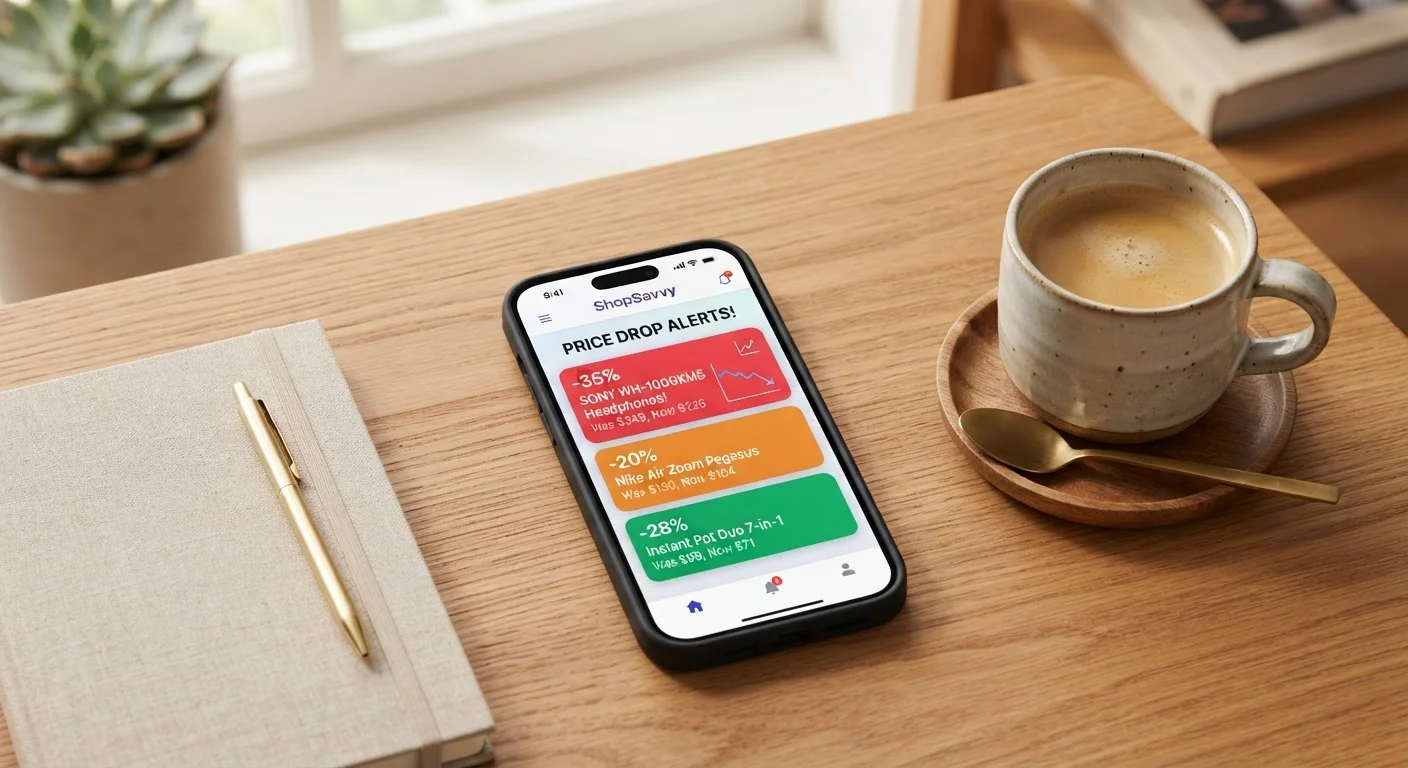
Price drop alerts sound like a guaranteed win - set it, forget it, save money. In practice, most people configure them once, get flooded with notifications for items they barely care about, and either mute everything or delete the app entirely. That's not a technology problem; it's a setup problem.
The core issue is that shoppers treat price alerts as passive tools. They add everything they've browsed to a tracker, accept every default threshold, and then wonder why their inbox looks like a Black Friday spam folder by Tuesday morning. The alerts aren't wrong - the strategy behind them is.
Price-tracking tools work best as an active system you configure deliberately, not a background app you install and ignore. Understanding where the setup goes wrong is the first step toward making alerts work for you rather than against you.
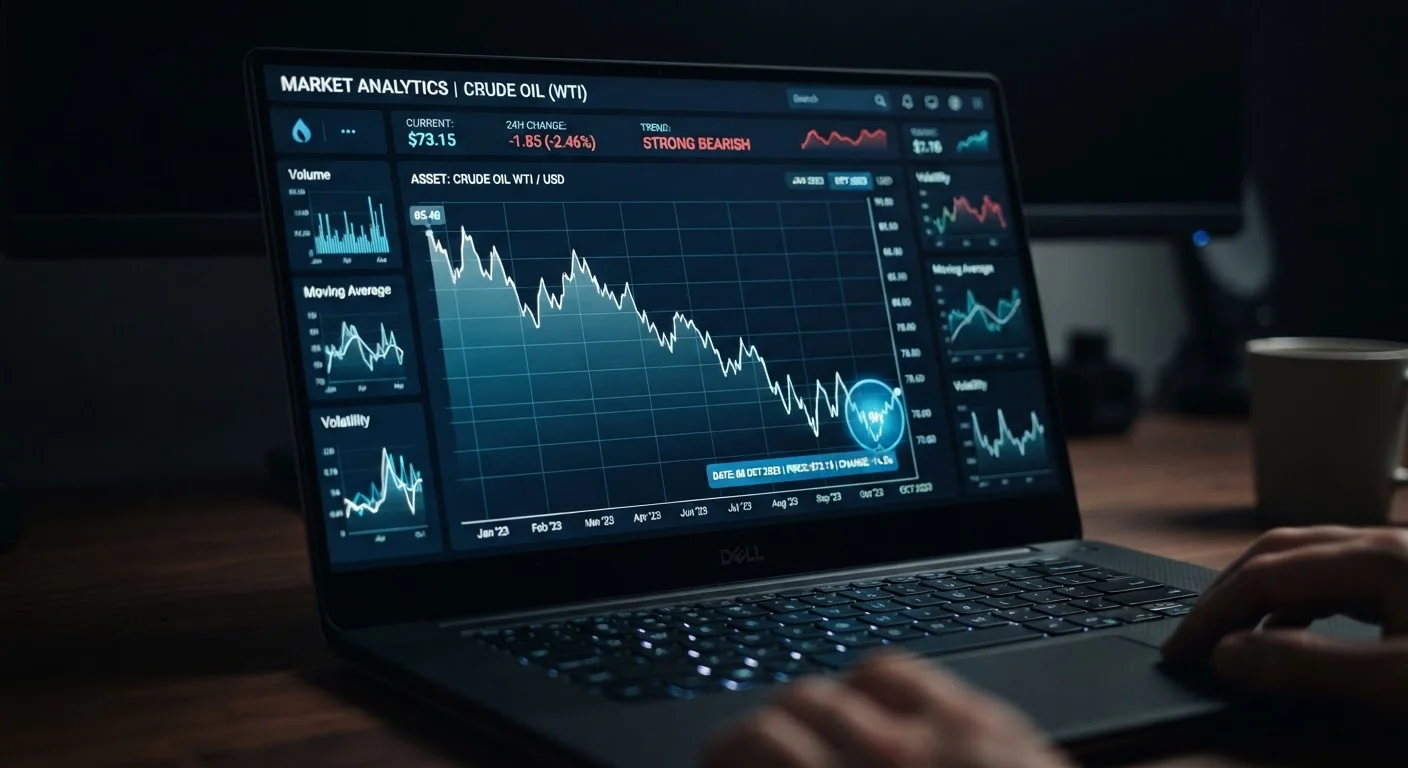
If you're evaluating which tool to use before optimizing your alert strategy, see our comparison of CamelCamelCamel, Honey, and Keepa to find the best fit for your habits. And for a broader look at available tools, the Price Tracking Tools hub is a solid starting point.
Setting Thresholds That Actually Mean Something
The single most powerful lever in your alert setup is the price threshold - the percentage or dollar amount a price must drop before you get notified. Most tools default to notifying you of any price decrease, which is nearly useless. A $0.50 drop on a $300 appliance is noise, not signal.
Set a minimum percentage threshold, not just any price drop, for every alert you create.
Default alerts trigger on any price decrease, including penny-level fluctuations that have no practical value. A meaningful threshold - typically 10-20% depending on the item category - ensures you're only notified when the discount is worth acting on. This alone eliminates the majority of low-value notifications.
Anchor your target price to the item's historical low, not the current list price.
Retailers frequently inflate list prices before sales, making a 20% discount look generous when the item regularly sells for less. Using price history data - available free on CamelCamelCamel or Keepa - gives you a realistic floor price to target. Without this anchor, you risk celebrating a deal that isn't one.
Only activate price alerts on items you've committed to buying - not items you're still researching.
Alerts on undecided purchases add noise without adding value. You can't act confidently on a notification for something you haven't decided to buy, and the pressure of a 'deal' often leads to purchases you'd regret. Reserve alerts for your buy-ready list only.
Switch to daily digest mode for all but your highest-priority alerts.
Real-time push notifications for every price movement train your brain to ignore alerts entirely. Batching notifications into a single daily email lets you review them in one focused session rather than being interrupted throughout the day. You won't miss real deals - prices rarely require a response within hours.
Schedule a monthly five-minute alert audit to remove stale, purchased, or irrelevant tracked items.
Alert lists accumulate clutter fast. Items you've already bought, products you've lost interest in, and alerts with thresholds that will never realistically trigger all dilute the signal quality of your tracker. Regular pruning keeps the system lean and the notifications meaningful.
Layer cashback portal rates on top of price alert timing to find the true optimal purchase window.
A price alert captures the sticker price low, but cashback rates on portals like Rakuten or TopCashback fluctuate independently. The intersection of a price low and an elevated cashback rate is your best possible purchase moment - and it doesn't require much extra effort to check both simultaneously.
Use price history data - available on tools like CamelCamelCamel and Keepa - to find the item's historical low before you set your target. If a blender regularly sells for $79 but hit $54 twice in the past year, set your alert at $58, not at "any drop." You're anchoring to real data rather than guessing.
71%
Shoppers who experience notification fatigue
According to a 2023 consumer survey by Klaviyo, 71% of shoppers have muted or unsubscribed from a brand due to excessive notifications.
22%
Average Amazon price fluctuation per month
Pricing analytics firm Boomerang Commerce found that Amazon changes prices on millions of items multiple times daily, with average monthly swings of roughly 22%.
15-35%
Savings on manufacturer-refurbished items
Consumer Reports and retailer data consistently show certified refurbished electronics sell 15-35% below new prices with equivalent warranty coverage.
For high-ticket items like electronics or appliances, a threshold of 15-20% off the current list price is a reasonable starting floor. For commodity items like phone cases or kitchen supplies, you might tighten that to 10%. For anything under $20, ask whether the alert is worth the cognitive overhead at all - you might just be better off buying it now.
Price History Isn't Always Complete
Price tracking tools only capture data from the date you - or the wider user base - began tracking an item. Newly launched products may have limited history, making their 'lows' less statistically reliable. For items under six months old, use the threshold as a rough guide rather than a firm data point. Checking multiple trackers simultaneously gives a fuller picture.
Seller Changes Can Affect Alert Accuracy
On Amazon, the same product listing can be fulfilled by multiple sellers, and a price drop may reflect a switch to a lower-rated third-party seller rather than a genuine discount from Amazon or the brand. Always verify the seller name and rating before acting on an alert for high-value purchases. Tools like Keepa display seller-specific pricing, which helps flag this situation.
Prioritize by Purchase Intent, Not by Wishlist Size
Most people's price-alert lists are really just digital wishlists - full of items they might buy someday. That ambiguity is expensive in terms of attention. Every notification for an item you're not actually ready to purchase is a small tax on your focus.
The fix is a simple filter: only set alerts on items you've already decided to buy and are waiting for the right price. If you haven't committed to buying something, you don't need a price alert - you need more research time. Conflating the two stages creates the chaos most shoppers experience.
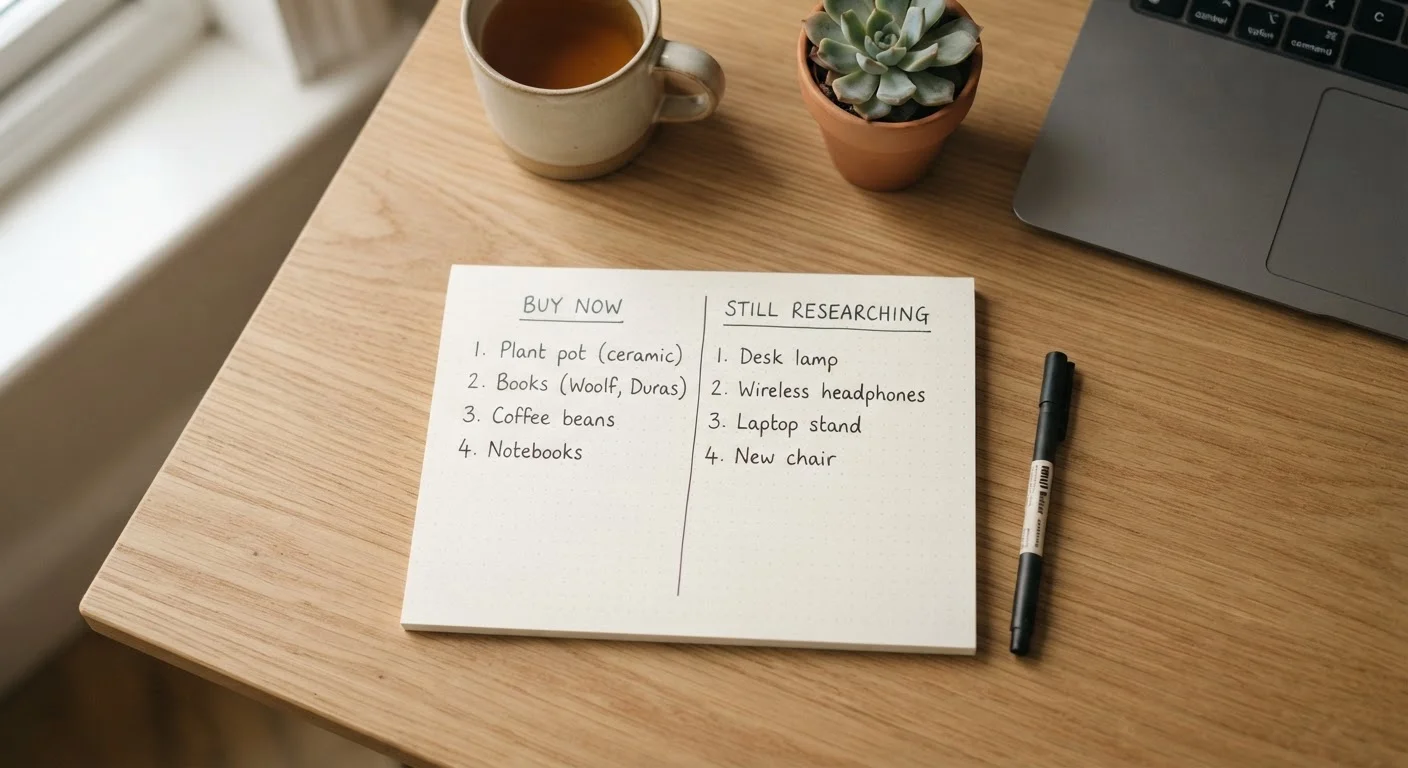
Divide your tracked items into two buckets:
- Buy-ready: Items where the only remaining question is price. Set aggressive alerts with specific thresholds.
- Research phase: Items you're still evaluating. Use price history to understand value - but skip the active alert until you've made a purchase decision.
This approach keeps your active alert queue lean. Ten well-configured alerts will outperform a hundred vague ones every time. If you're building out a prioritized list for a specific sale season, the framework in Building a Black Friday Shopping List That Actually Works maps directly to this principle.
Use a Dedicated Email Folder for Alerts
Create a dedicated inbox folder or label - 'Price Alerts' - and route all tracker emails there automatically using a filter. This separates deal notifications from your main inbox clutter and makes your daily review session faster. You can scan, act, and archive in under two minutes when everything is in one place.
Check Alerts Before Major Sale Events
In the week before Black Friday, Prime Day, or other major sale windows, review your active alerts and temporarily lower thresholds by 5%. Retailers sometimes hit prices just above your alert threshold during these events. A slight adjustment can catch deals that would otherwise slip through without triggering your notification.
Managing Notification Volume Without Missing Real Deals
Alert fatigue is a documented behavioral phenomenon: when a stimulus occurs too frequently, the brain stops processing it as meaningful. Apply that to price alerts and you get a situation where you've trained yourself to ignore the one notification that would have saved you $80 on a laptop.
“The problem with most deal alerts is not that they don't work - it's that people set them up in a moment of optimism and never revisit them. A stale alert list is just organized procrastination.”
— Julie Ramhold, Consumer Analyst at DealNews.com
The practical solution isn't to track fewer items across the board - it's to restructure how and when you receive notifications. Most tracking tools offer options that most users never explore:
- Daily digest emails: Batch all alerts into a single daily summary instead of real-time pushes. You review them on your schedule, not the retailer's.
- App notifications vs. email: Route high-priority alerts (items over $100, thresholds over 20% off) to push notifications. Route everything else to email.
- Alert expiration: Set a time limit on alerts. If an item hasn't hit your threshold in 90 days, either lower your expectations or remove the alert. Stale alerts clutter the queue.
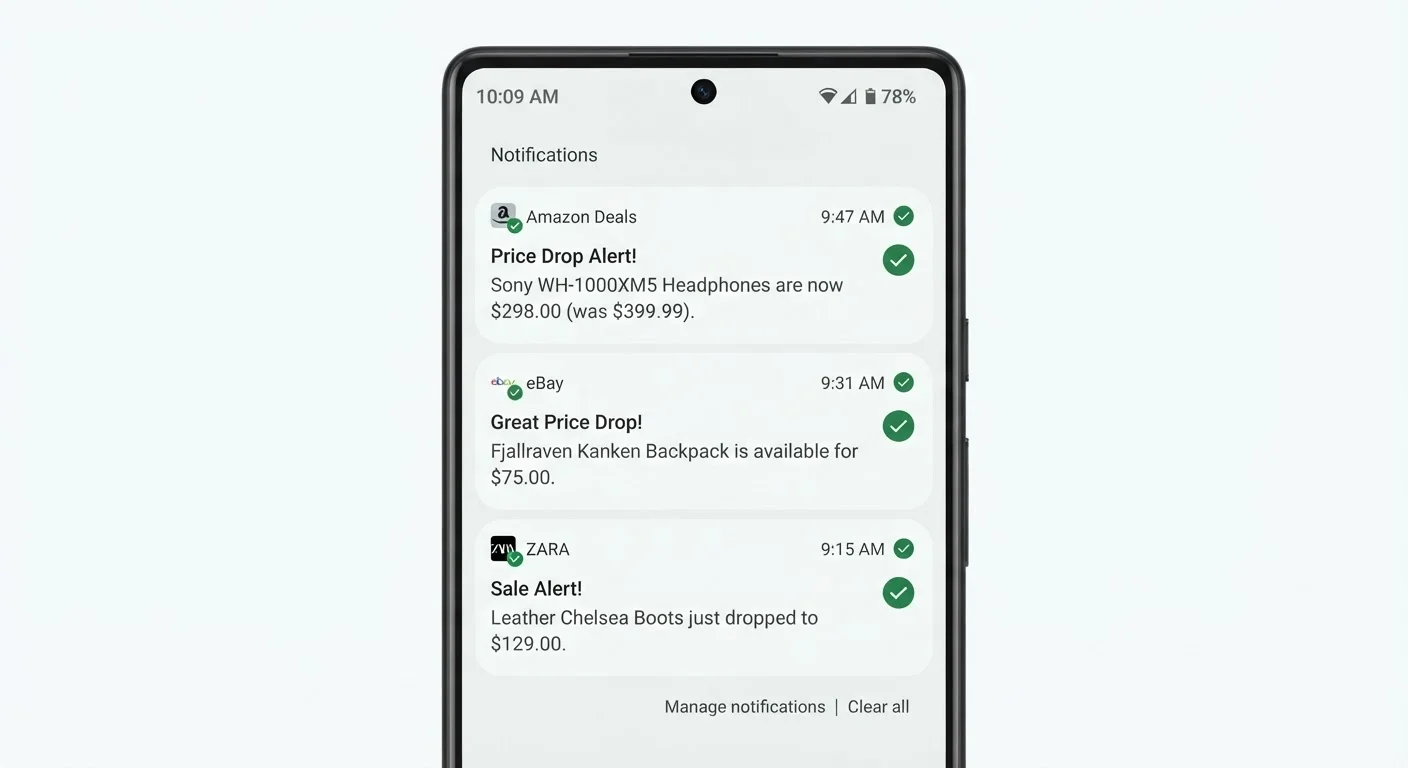
Check your notification settings at least once a month. Remove alerts on items you've already purchased (obvious, but commonly overlooked) and prune anything that no longer fits your current needs. A five-minute monthly audit keeps the system honest.
Timing Alerts Around Retail Calendars
Price-tracking tools give you historical data, but that data becomes more valuable when you understand the retail calendar behind it. Prices don't drop randomly - they follow predictable patterns tied to inventory cycles, promotional windows, and seasonal demand shifts.
Electronics tend to see their lowest prices in January (post-holiday clearance), October (before new models launch), and around major sale events. Clothing clearance follows end-of-season schedules. Furniture dips in January and July. Knowing these windows means you can set your alert thresholds tighter and wait with more confidence rather than anxiously checking daily.
For seasonal purchases, set your alerts 6-8 weeks before the historical low period so you have context if a pre-sale spike occurs. This is especially relevant for winter clearance shopping, where markdown timing varies by retailer but follows a general pattern you can anticipate.
Before major sale events like Black Friday, set alerts early and use price history to verify whether a "sale" price is actually lower than the item's recent average. Many advertised discounts inflate the reference price - your alert history will flag this immediately. The Black Friday prep checklist covers how to use price trackers as part of your pre-sale research workflow.
If you buy specific categories outside peak demand windows, the Off-Season Deals hub provides category-specific timing guidance that pairs well with a well-tuned alert setup.
Advanced Configurations Most Shoppers Overlook
Once you've got the basics dialed in - meaningful thresholds, intentional item selection, batched notifications - there are a few more configurations that separate competent alert users from expert ones.
Track multiple sellers for the same item. On platforms like Amazon, prices vary by seller even for the same ASIN. Tools like Keepa let you track third-party seller prices separately from Amazon's own price. You'll sometimes find a 15% gap between the two for identical items.
Use deal-condition filters. If you're open to refurbished or warehouse-deal items, configure your tracker to include those listings. Manufacturer refurbished items with full warranties frequently appear 20-35% below new price and never generate their own alerts unless you set them up explicitly.
Set a "ceiling" alert as well as a floor alert. Some tools allow you to track when a price goes above a threshold - useful if you're reselling or if you want to buy before a price increase following a supply disruption or tariff change.
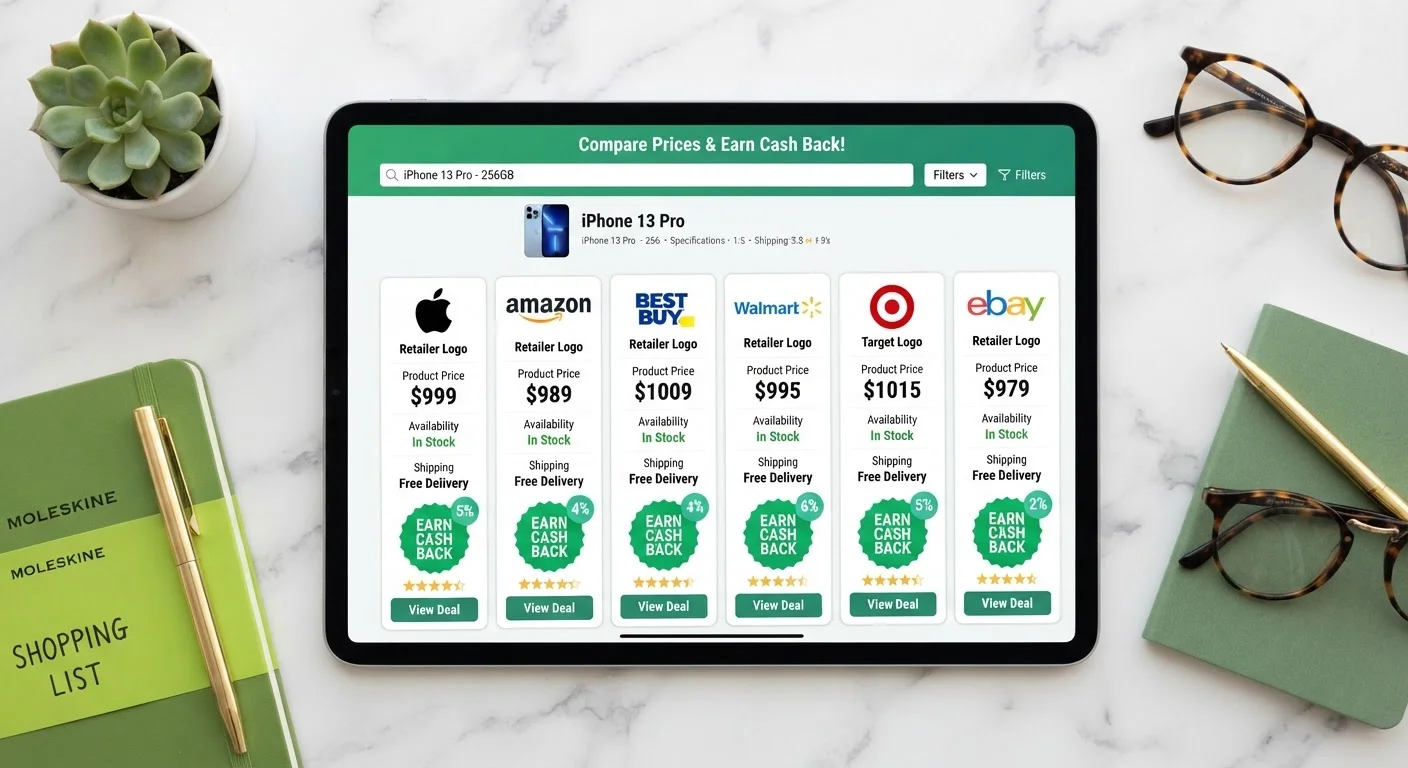
Cross-reference with cashback portals. A price alert tells you when the sticker price drops. Layering in cashback portal rates (which also fluctuate) can add another 3-10% on top. The combination of a true price low plus a high cashback rate is the optimal purchase window - but it requires checking both signals simultaneously. For a walkthrough on initial alert configuration, Setting Up Price-Drop Alerts That Actually Work covers the technical setup step by step.
Building a System That Stays Useful Over Time
The difference between a price alert system that helps you save money and one that becomes background clutter is maintenance. This doesn't mean hours of work - it means building in a few deliberate habits.
Do a monthly five-minute audit: remove purchased items, prune stale alerts, and reassess thresholds on anything that hasn't triggered in two months. Is the threshold too ambitious? Has the product been discontinued? Did you lose interest? Answer these questions and act on them.
Keep a simple log - even a note in your phone - of the times an alert saved you meaningful money. This does two things: it reinforces the habit and gives you data on which types of items and thresholds are producing results for your specific shopping patterns. Over three to six months, you'll have a clear picture of where the system earns its keep.
Finally, don't over-engineer it. The goal is to buy things you were already going to buy, at better prices, without the mental overhead of obsessive deal-checking. A lean, well-maintained alert setup with ten to fifteen items beats a bloated tracker with a hundred stale items every single time.