
OverDrive, Libby, and Hoopla: How the Major Library Apps Actually Work
Three apps dominate digital library lending in the US. Here's what each one does, how they differ, and which suits your reading habits.
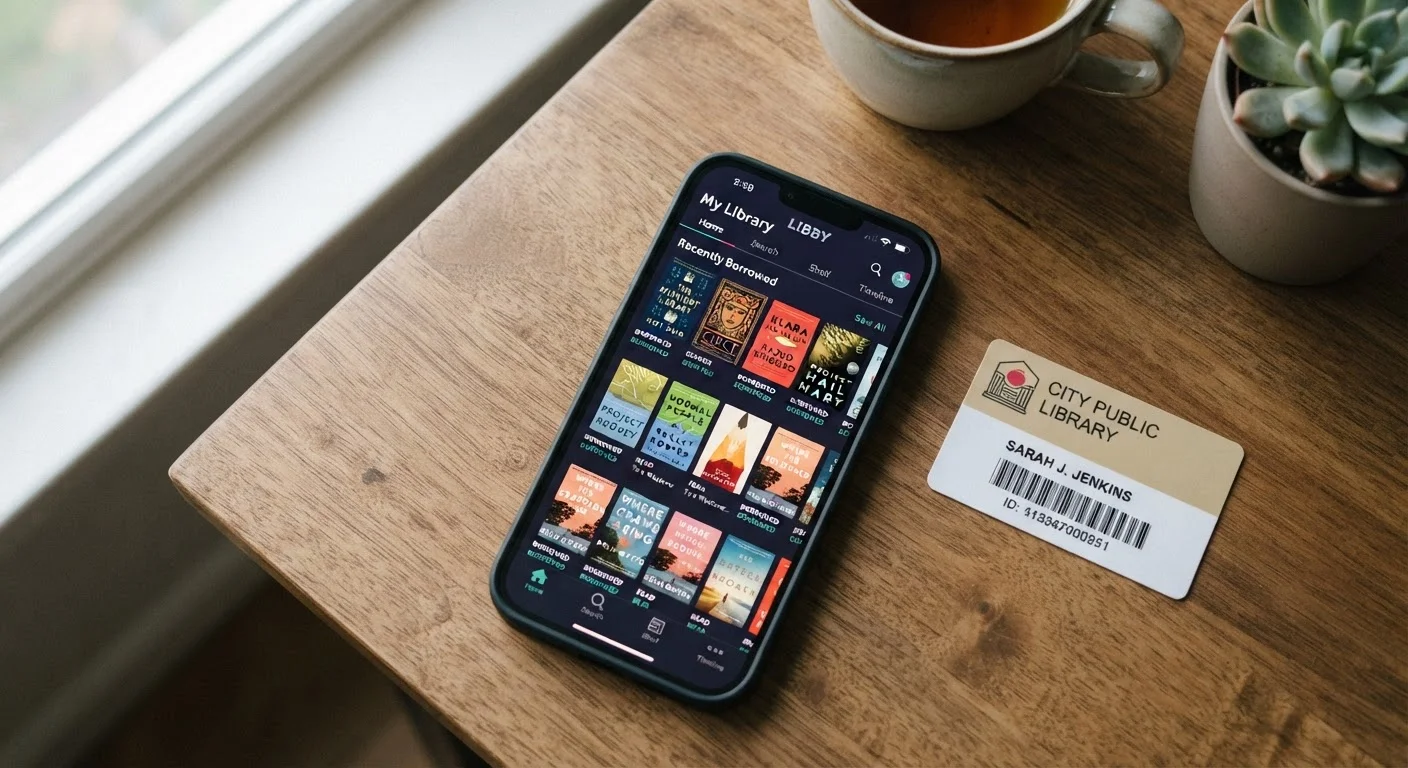
Photo: SaverSteals.com | Explore More. Shop Smarter. editorial
—— In This Article
Key Takeaways
- OverDrive is the underlying platform that powers Libby - most users today interact with OverDrive's catalog through the Libby app.
- Libby operates on a traditional checkout model with limited copies and potential waitlists, mirroring how physical libraries work.
- Hoopla uses a simultaneous-use model with no holds, but libraries set a monthly borrow cap - typically 5 to 15 items.
- All three services require a valid library card from a participating institution to access content.
- The right app depends on your patience for waitlists, preferred formats, and how your local library funds each service.
OverDrive and Libby: One Platform, Two Interfaces
OverDrive is a digital content distribution platform that libraries license to provide ebooks, audiobooks, and other digital media to their patrons. It has operated in this space for over two decades and is used by tens of thousands of public libraries worldwide. The catalog and borrowing logic are OverDrive's - what libraries actually license is access to this infrastructure.
Libby is OverDrive's consumer-facing app, introduced to replace an older, clunkier interface. When you borrow a title through Libby, you are borrowing from your library's OverDrive collection. The two names refer to the same underlying service - Libby is simply the front door. OverDrive has been phasing out its older app in favor of Libby, so for most readers, Libby is what matters in practice.
To use Libby, you sign in with a library card from a participating system. Your library pays OverDrive for catalog licenses, and those licenses determine which titles are available and how many simultaneous borrowers are allowed. Popular titles often have wait times because each digital copy is licensed individually - the same model used for physical books. Loan periods are typically 14 or 21 days, after which titles return automatically.
Your library card unlocks far more than physical books - Libby is one of the most valuable services most cardholders never use.
Check Your Library's Hoopla Cap Before Borrowing
Monthly borrow limits on Hoopla are set by individual libraries, not by the app itself. Log into Hoopla and navigate to your account details to see your specific cap before you use up your allowance on lower-priority titles. Reserving your Hoopla borrows for titles unavailable on Libby is a simple strategy that stretches your monthly limit further.
How Hoopla Works Differently
Hoopla is a separate platform, operated by Midwest Tape, and it operates on a fundamentally different lending model. Instead of limited copies and waitlists, Hoopla offers simultaneous access - any number of patrons can borrow the same title at the same time. There are no holds queues.
The tradeoff is that libraries pay per checkout rather than per license. To manage costs, most participating libraries cap how many items a cardholder can borrow per month - commonly between 5 and 15. The specific limit is set by your library, not Hoopla.
Hoopla's catalog skews differently from OverDrive's. It tends to be stronger for audiobooks, comics, graphic novels, and indie titles. You may find that a title unavailable on Libby is available on Hoopla, or vice versa. Hoopla also includes films and music, though its core audience uses it primarily for reading material.
Loan periods on Hoopla vary by format - ebooks are typically available for 21 days, audiobooks for 21 days as well, and comics for 7 days. Like Libby, items return automatically.
| OverDrive / Libby | Hoopla | |
|---|---|---|
| Consumer app name | Libby | Hoopla |
| Lending model | Limited copies, holds queue | Simultaneous access, no holds |
| Wait times | Yes, for popular titles | None |
| Borrow limits | Typically 10 checkouts at once | Monthly cap set by library (often 5-15) |
| Catalog strength | New releases, mainstream fiction/nonfiction | Audiobooks, comics, indie and small press |
| Loan period | 14 or 21 days (library dependent) | 21 days ebooks/audio, 7 days comics |
| Cost model for libraries | Per-title licensing fees | Per-checkout fees |
| Kindle compatibility | Yes | No |
Catalog, Formats, and What Each App Actually Offers
Libby's catalog depth for mainstream fiction and nonfiction - particularly new releases from major publishers - is generally stronger than Hoopla's. This is a direct result of how OverDrive licenses content: libraries can purchase access to specific titles their patrons request. The downside is those waitlists, which for popular books can stretch weeks or months.
Hoopla's catalog, while smaller for mainstream titles, includes content that OverDrive often doesn't carry: self-published works, small press titles, backlist nonfiction, and a robust graphic novel section. For genre readers and those with eclectic tastes, Hoopla can be surprisingly well-stocked.
Both platforms support reading on mobile devices and tablets. Libby also integrates with Kindle devices via Amazon's ecosystem, which some readers find useful. Hoopla works within its own app or through a web browser. Neither requires a separate device purchase - any smartphone or tablet will do.
For a closer look at how these two apps stack up across specific use cases, see our detailed Libby vs. Hoopla comparison.
Getting the Most From Both Services
The most practical approach for most readers is to treat Libby and Hoopla as complementary tools. Use Libby for bestsellers and new releases - place holds early and let the queue work for you. Use Hoopla for immediate reads when you want something now, or when you're exploring genres where its catalog is stronger.
Some library systems participate in reciprocal borrowing programs, meaning a card from one system may unlock a larger digital catalog than your home branch alone offers. Many US readers can access more than one library system with a single card or a low-cost reciprocal membership - worth checking before assuming your options are limited.
If you're newer to digital borrowing and want a step-by-step walkthrough of setting up an account and borrowing your first title, see our beginner's guide to free library ebooks. And if you're weighing whether borrowing makes more financial sense than buying outright, our borrowing vs. buying cost breakdown breaks it down clearly.

Books Editorial Team
Books Editorial Team is the collective byline for our editorial team and contributor network. Articles published under this byline or an editorial pen name are researched, written, and reviewed according to our editorial standards for clarity, consistency, and independence before publication.
View author profile