
Libby vs. Hoopla: Borrowing Limits, Wait Times, and What Each Does Better
Libby has a deep catalog but waitlists. Hoopla has no holds but fewer titles. A clear-eyed look at the tradeoffs between both apps.
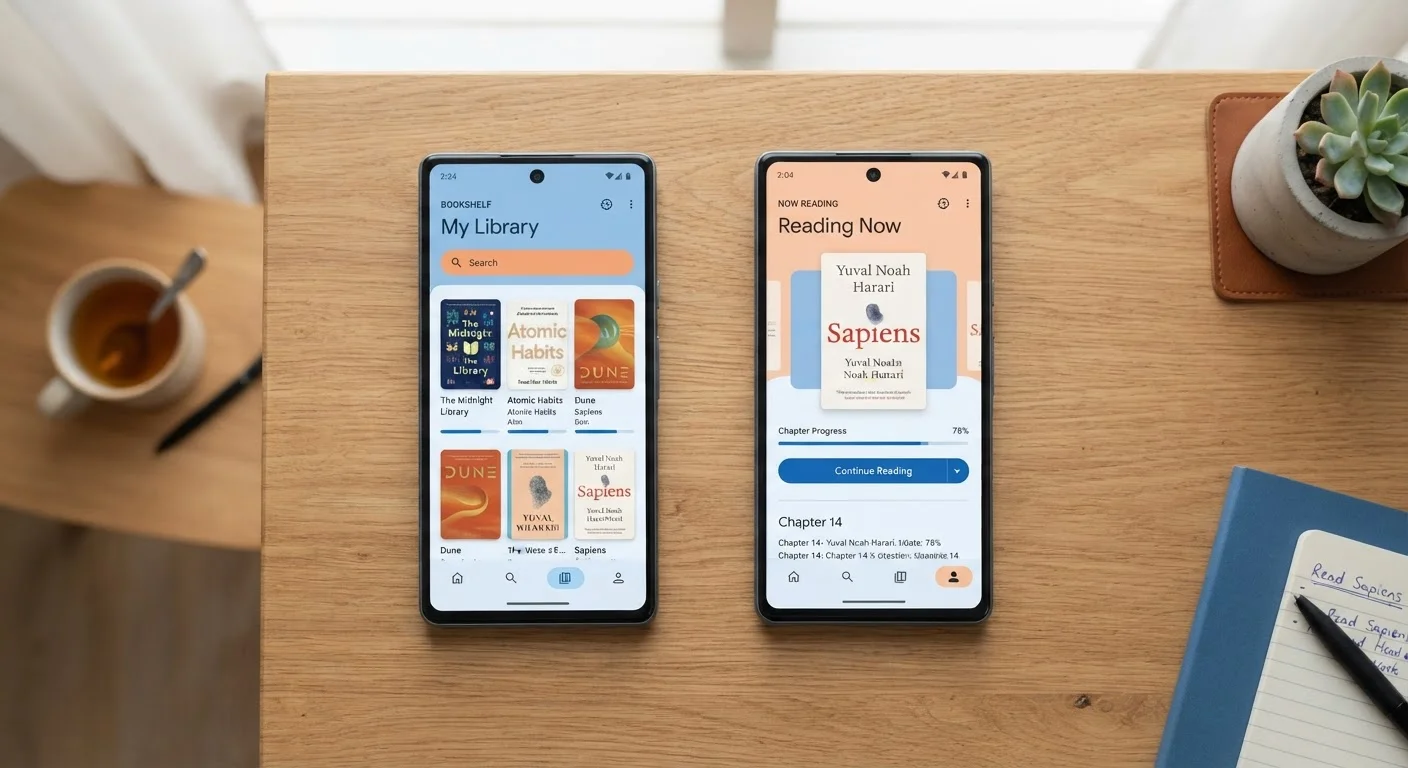
Photo: SaverSteals.com | Explore More. Shop Smarter. editorial
—— In This Article
Key Takeaways
- Libby offers a larger catalog of popular and new titles but popular books often have significant waitlists.
- Hoopla provides instant access with no holds, but most libraries cap borrows at 5-15 titles per month.
- Libby loans typically last 7-21 days; Hoopla loans expire in 3-21 days depending on format.
- Both apps require a valid library card - access depends on your library system's participation.
- Using both apps together maximizes your free reading options without any overlap in cost.
How Each App Actually Works
Both Libby and Hoopla are free to use with a library card, but they operate on fundamentally different lending models. Understanding that difference saves you frustration before you ever open the apps.
Libby is the consumer-facing app built on OverDrive's library licensing infrastructure. When your library licenses a title, it purchases a set number of digital copies. If all copies are checked out, you join a waitlist - just like with a physical book. Loan periods are typically 7, 14, or 21 days depending on your library's settings, and you can return early to free up your holds queue.
Hoopla works differently. Libraries pay per-borrow rather than licensing a fixed number of copies, which means every title in Hoopla's catalog is available instantly with no holds. The trade-off is that most participating libraries set a monthly borrowing cap - commonly between 5 and 15 checkouts - to manage costs. Loan periods vary: ebooks and audiobooks are typically 21 days, comics 7 days, and streaming content can be shorter.
For a broader look at how these platforms fit into the digital library ecosystem, see how the major library apps actually work.
| Criterion | Libby | Hoopla |
|---|---|---|
| Holds / Waitlists | Yes - queues for popular titles | No holds - always instant access |
| Monthly Borrow Cap | None (varies by library licenses) | Typically 5-15 per month |
| Loan Period (Ebooks) | 7-21 days (library-set) | 21 days |
| Catalog Size | Larger - major publishers included | Smaller - skews indie/backlist |
| New Releases | Strong - most major titles available | Limited - fewer major publisher deals |
| Audiobooks | Yes - with waitlists | Yes - always instant |
| Comics / Graphic Novels | Not supported | Supported |
| Kindle Delivery | Yes (via Amazon account) | No |
| Cost to Reader | Free with library card | Free with library card |
Catalog Depth and Waitlist Reality
Libby's catalog is substantially larger than Hoopla's for mainstream fiction and nonfiction. Because OverDrive has licensing agreements with all of the major US publishers, new releases from household-name authors almost always appear on Libby. The catch: popular new titles can have waitlists measured in weeks or months at busy library systems.
Hoopla's catalog skews toward independent publishers, backlist titles, and content from smaller imprints. If you're chasing a debut novel that debuted on a major bestseller list, Hoopla may not carry it yet - or ever. Where Hoopla shines is audiobooks from mid-sized publishers, comics, graphic novels, and older catalog titles that are available without any wait.
5-15
Hoopla monthly borrow limit at most libraries
The per-borrow cost model means libraries set caps to control spending; the exact limit varies by system.
7-21 days
Typical Libby loan period
Libraries configure loan lengths individually; shorter periods increase copy turnover for other patrons.
4M+
Titles in OverDrive/Libby catalog
OverDrive has reported catalog figures exceeding four million titles across its global library network.
The practical workaround most heavy readers land on: place Libby holds on the titles you're most excited about, then use Hoopla to fill your reading time while you wait. This is a low-effort system that costs nothing extra. For more strategies on reducing wait times, see why waitlists exist and how to work around them.
Format Support and Reading Experience
Libby supports ebooks (including EPUB and some PDF formats) and audiobooks. Ebooks can be sent to a Kindle device through an Amazon account connection, which is a meaningful convenience for Kindle owners. The in-app reading experience is clean, with adjustable fonts, themes, and a built-in dictionary.
Hoopla supports ebooks, audiobooks, comics, graphic novels, manga, movies, TV episodes, and music. If you read comics or manga regularly, Hoopla is the clear choice - Libby has no equivalent format support. Hoopla does not offer Kindle delivery; you read or listen within the Hoopla app or a compatible browser.
Both apps work on iOS, Android, and standard web browsers. Neither requires any hardware purchase beyond a device you likely already own.
If you're building a broader free reading strategy across multiple platforms, the guide on free reading on a tight budget covers how to layer these apps with open-access archives for maximum coverage.
Which Should You Use - Or Do You Need Both?
For most readers, the honest answer is: use both. They're free, they don't conflict, and they serve different situations. Libby handles your intentional reading list - books you're willing to wait for. Hoopla handles spontaneous reading, genre exploration, and formats Libby doesn't carry.
Your access to each depends entirely on your library system participating in each service. Not every library uses both. Check your library's website or app store listings to confirm which services your card unlocks. Some readers can also access additional library systems through reciprocal borrowing programs - worth checking if your local library's Hoopla cap feels too restrictive. See how to maximize a single library card across multiple systems for guidance on that.
If you only use one: choose Libby for fiction and nonfiction bestsellers, and Hoopla if instant access and format variety matter more than catalog depth. Either way, both represent genuinely useful no-cost reading infrastructure that most US library cardholders already have access to and don't fully use.
Access and features for both Libby and Hoopla vary by library system. Check with your local library for current availability, borrowing limits, and supported formats.

Books Editorial Team
Books Editorial Team is the collective byline for our editorial team and contributor network. Articles published under this byline or an editorial pen name are researched, written, and reviewed according to our editorial standards for clarity, consistency, and independence before publication.
View author profile